

AION 2 has two maintenance windows: check your region
NC confirms NAE reopened; NAW starts at 11:30 Moscow. Why 14:00 is only an estimate and how to distinguish PDT from PST on 1 November.
Published · Updated

AION 2’s North American servers have two separate maintenance windows on 1 November. NC’s official NAW explanation cites the daylight-to-standard-time change, temporary login unavailability and a duration of 2 hours 30 minutes. NAE reopening does not mean NAW is available: check region and status separately.
NAE reopened; NAW has its own schedule
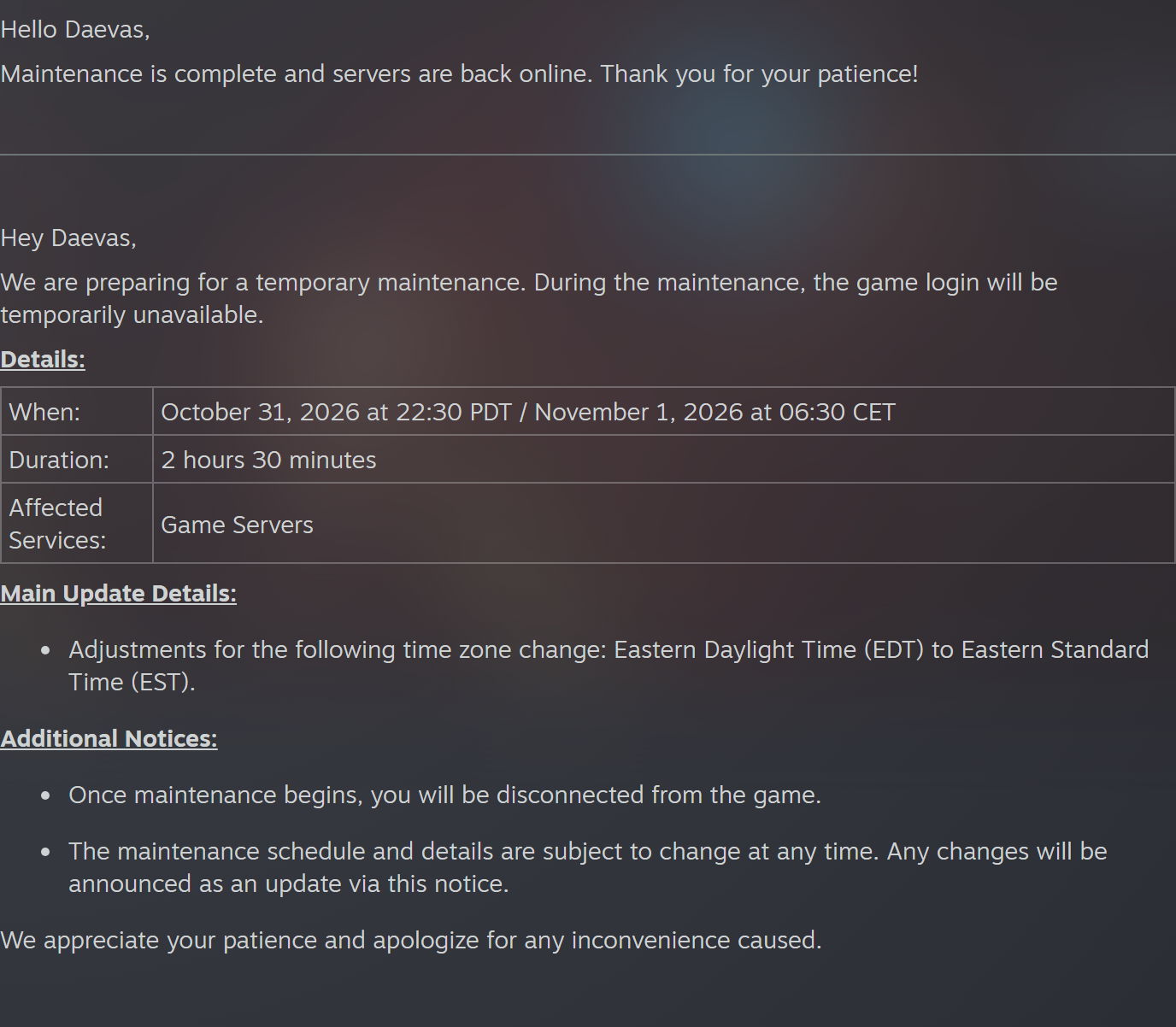
NAE means North America East. Its maintenance was scheduled for 1 November, 08:30 Moscow: originally 31 October 22:30 PDT / 1 November 06:30 CET, lasting 2 hours 30 minutes. NC has marked NAE’s notice Completed, explicitly confirming servers are back. That is developer confirmation, not an inference from an expired timer.
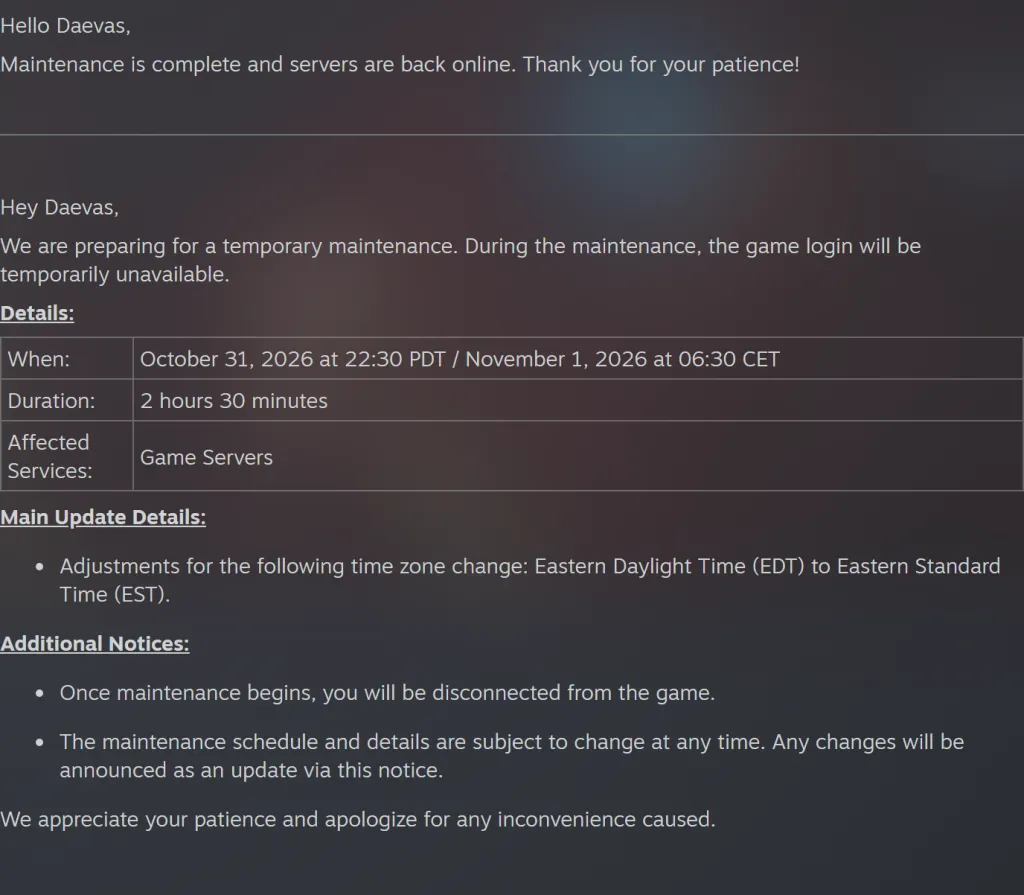
Open the original NAE reopening confirmation. The top line reports completion; the initial schedule remains below. Old table times do not override the new message.
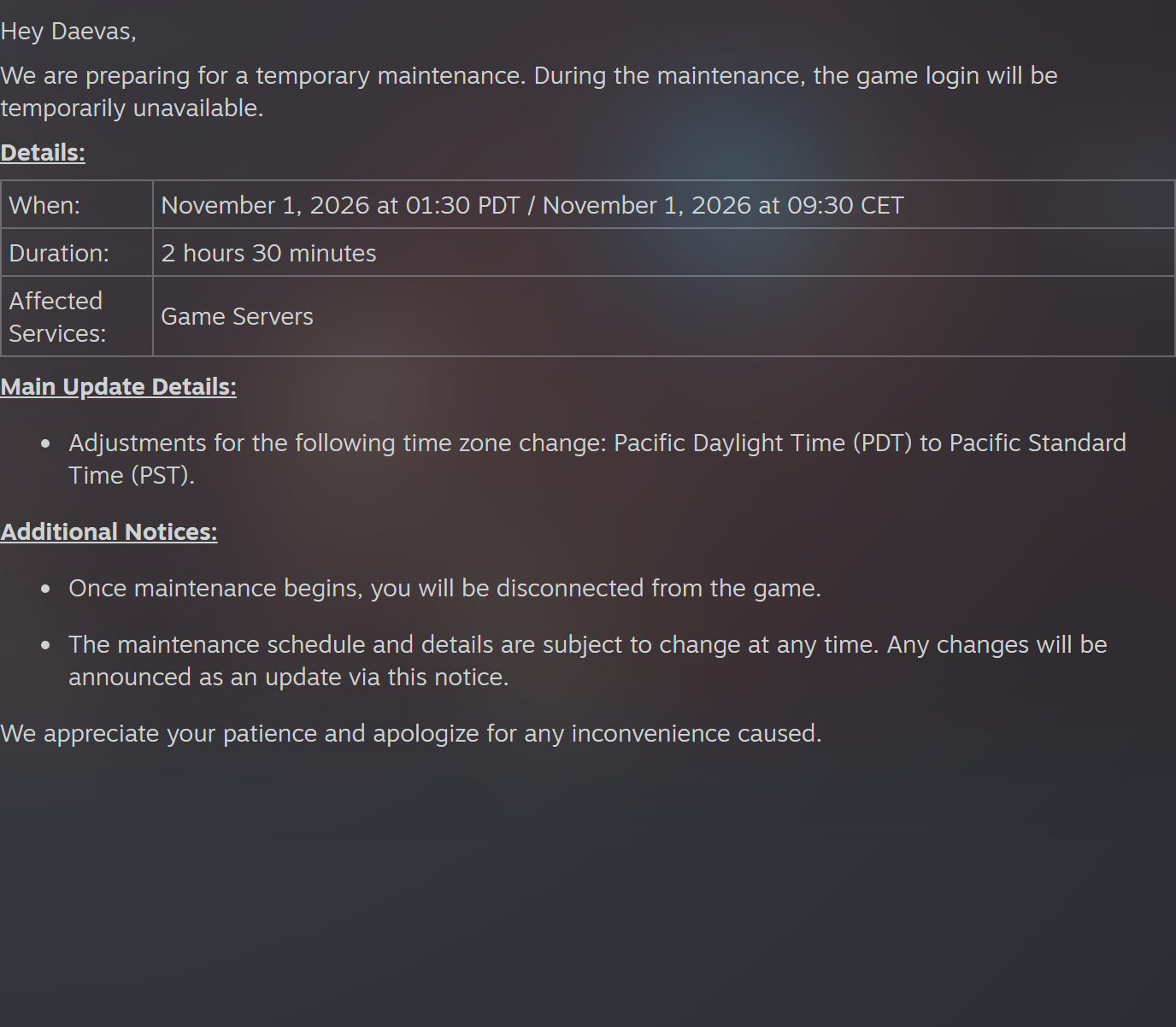
NAW means North America West. Its start is 1 November, 11:30 Moscow: 01:30 PDT / 09:30 CET. Adding the announced 2 hours 30 minutes gives 14:00 Moscow. This is a scheduled estimate, not a promise of reopening at 14:00. At the source check, NAW had no Completed label; NC warns schedules may change.
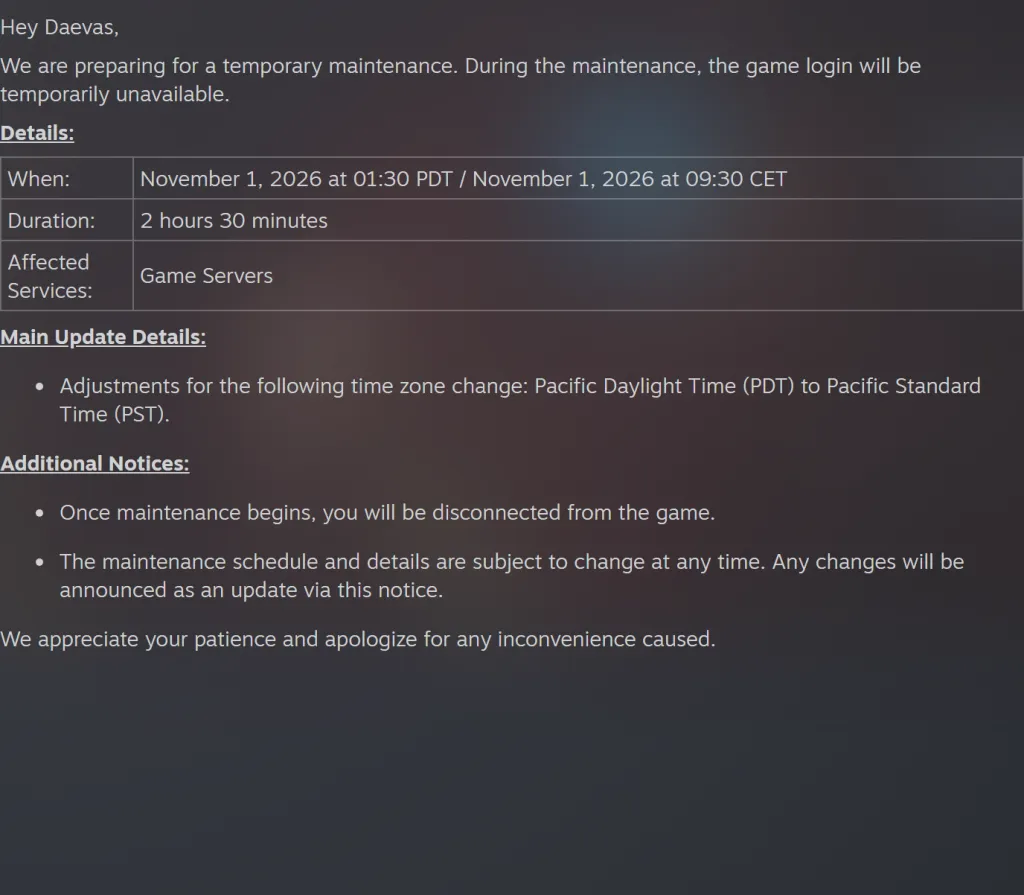
Open NAW’s original time, duration and reason. NC also warns players will be disconnected when maintenance begins. Login failure during the window alone does not explain an individual account’s status.
The clock trap: even NAE’s start uses PDT
NAE cites EDT → EST, the eastern daylight-to-standard transition. NAW cites PDT → PST, its Pacific equivalent. Yet NAE’s start line is still expressed in PDT. Read the region from the heading and convert using the abbreviation immediately beside the time.
PDT = UTC−7, PST = UTC−8, CET = UTC+1; Moscow = UTC+3. The two announced starts convert from PDT to Moscow by adding 10 hours: 31 October 22:30 → 1 November 08:30; 1 November 01:30 → 11:30. Replacing explicit PDT with PST adds an erroneous hour. The NAW end estimate above adds 150 real minutes to its Moscow start; the repeated local hour is not added twice.
If login is still unavailable
Check your region first: NAE and NAW are different windows. Open its NC notice and look for Completed and a server-return message, then try your own login. A calculated end, someone else’s successful login and another region’s completion are different evidence, not equivalent confirmation.
If NC confirms reopening but you see an account restriction message, preserve its exact wording. Our AION 2 sanctions and temporary security lock guide explains the difference and where to seek help. General maintenance does not justify calling every personal error a ban or promising it expires with a timer.
Check server access and resource replenishment separately too. After Europe’s 25 October clock change, NC reported a missed reset; our promised EU entry restoration guide distinguishes login, reset and delivery. The current NAE/NAW notices confirm no new compensation, EU item return or full daily-counter timetable.
Notice status was checked against both NC posts on 1 November 2026 at 11:26 Moscow. The developer confirmed NAE reopened; NAW’s 14:00 Moscow end remains an estimate pending an update. We did not test the game client, personal login or item delivery.