

RF4 Halloween tournaments: check eligibility before registering
Who can enter the Halloween Tournaments on 30 October? RU is excluded and a standalone client is required. Check levels, Moscow times and the registration route.
Published · Updated

The official RF4 forum tournament guide explains how to open a competition in your account and check its conditions. Do this before preparing your tackle: the two Halloween Tournaments starting on 30 October 2026 exclude the RU region. We use them to show where to check restrictions, times and registration without confusing similar announcements.
Check your client and account region first
Your client is the program you use to launch the game. These events require standalone, the separate official RF4 client; the Steam version does not qualify. The client alone is not enough. Your account region is the regional designation of your game account. Check it separately from the page language and installed program: neither a Russian announcement nor an English interface proves eligibility.
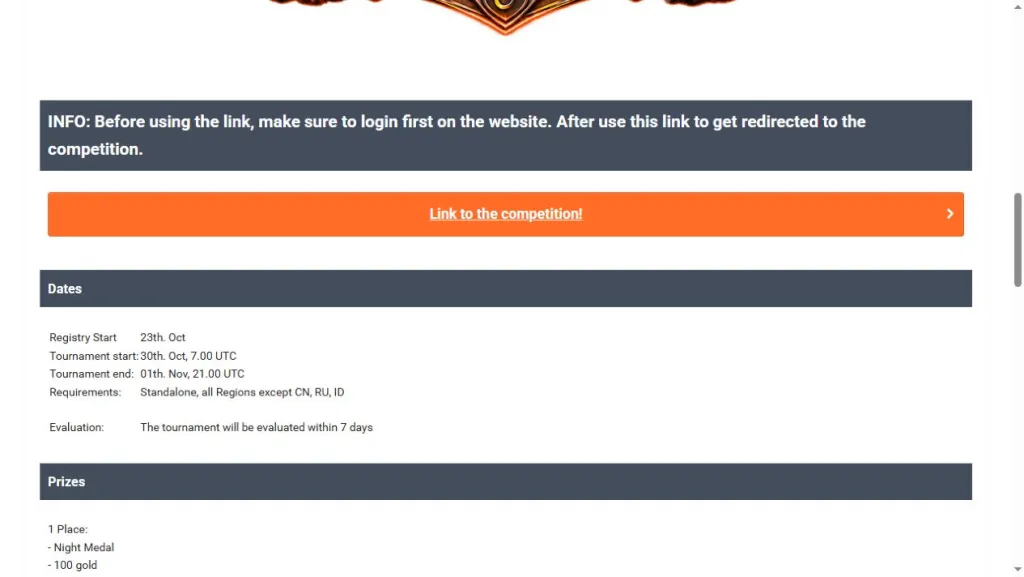
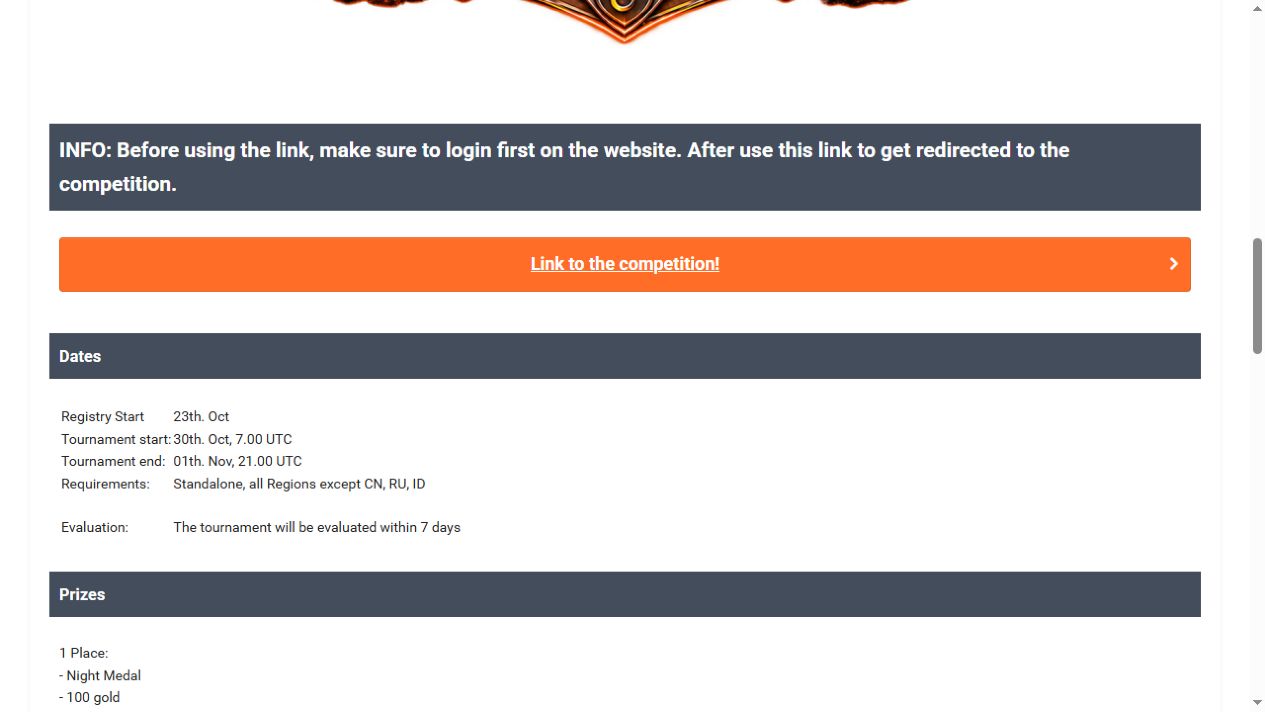
Both Halloween Tournament 1–29 and Halloween Tournament 30+ have the same Requirements line: Standalone, all Regions except CN, RU, ID. Regions other than those three are eligible. Changing client does not promise a change of region. For an RU account, look in the official Russian calendar: exclusion from these two EN tournaments does not mean Russian players are excluded from every competition.
Next check the category: 1–29 or 30+. This uses character level, not skill progress percentage. Character level is your overall development tier; a skill is a separate discipline with its own progress. Our RF4 progression guide explains percentages, abilities and points. If you are about to enter another category, ask the organisers how this event handles it: the public announcement does not say when that check occurs.
An end date of 1 November can mean 2 November in Moscow
The official tables use UTC, Coordinated Universal Time. Moscow is three hours ahead on these dates. Thus 30 October, 07:00 UTC is 30 October, 10:00 Moscow time, while 1 November, 21:00 UTC is already 2 November, 00:00 Moscow time. These are real-world event dates and times; do not substitute the in-game clock.
Use the full original table to check the time zone and eligibility line. The calendar date at the top of your browser may already use local time. Establish whether you are reading an explicit UTC entry or a localised display. Save the start and end with their time zone; “until 1 November” alone is ambiguous.
Signing in is not the same as registering
Registration opens on 23 October according to the announcements. Registration means entering a specific competition, not signing in to your account. The Registry section gives this route: official website → My Russian Fishing → Standalone Tournaments. The organisers ask you to sign in before following the competition link. Opening the forum post and viewing its prizes is not enough to participate.
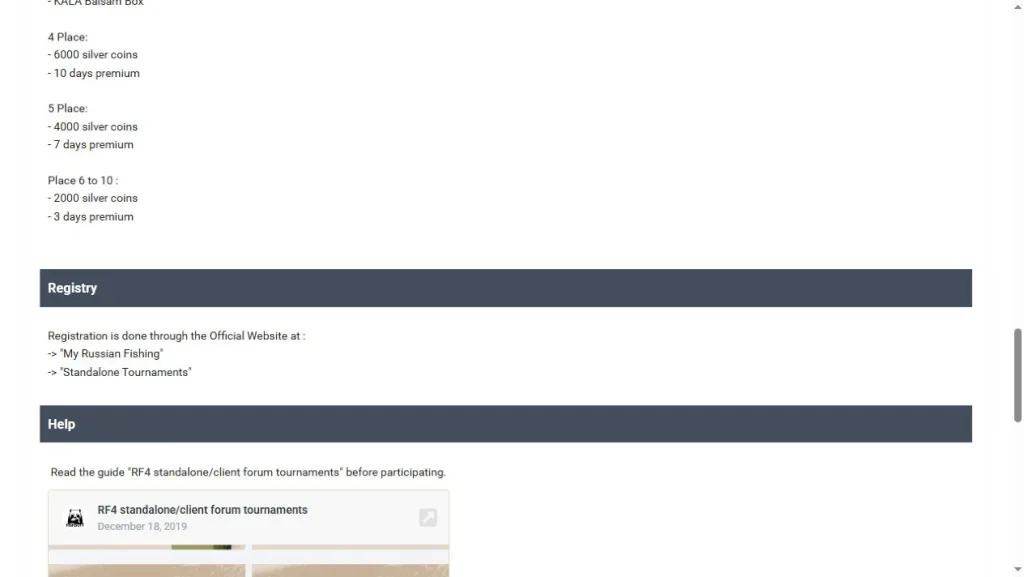
Open the original registration instructions if the section names are unclear. Then check your event’s conditions, description and registration status. A forum tournament here is a competition announced on the official forum and opened through the account’s tournament section. Read that event’s target fish, tackle restrictions and scoring method. General instructions do not replace its page; “Registry Start” alone does not give the registration closing time either.
100 gold is for first place, not for entering
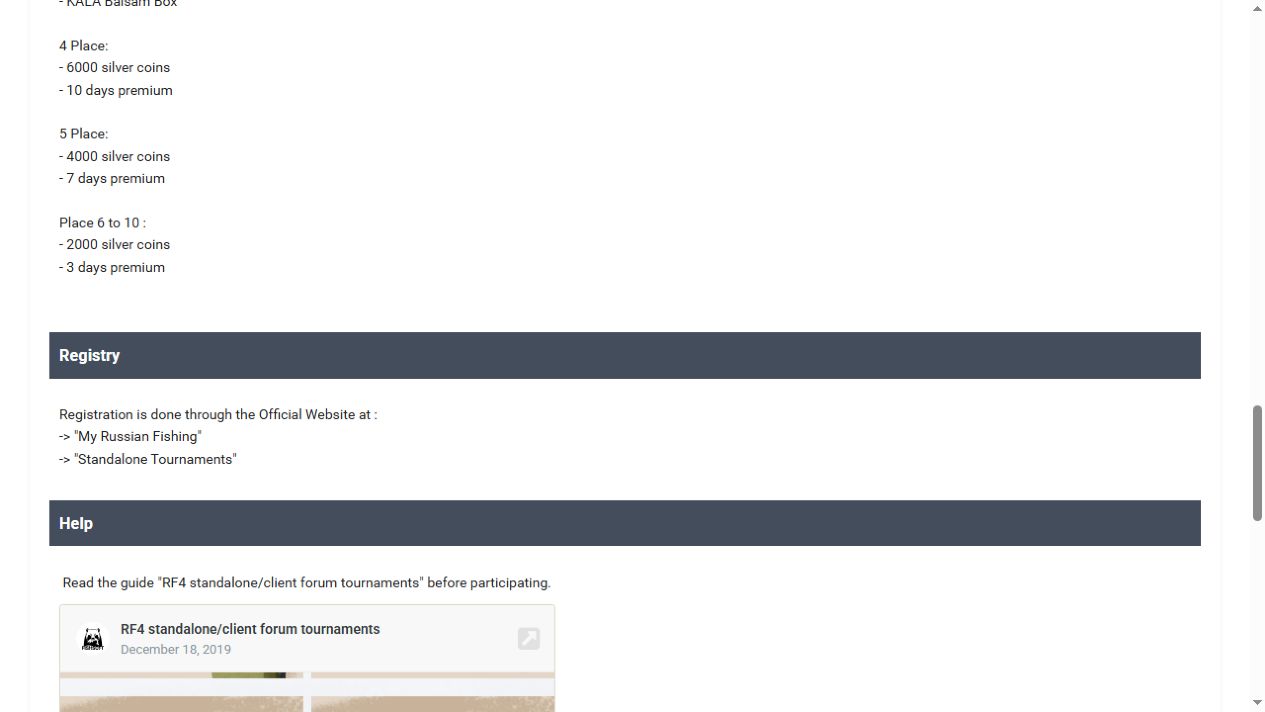
First place in 30+ includes 100 gold and 30 days of Premium. First place in 1–29 includes 15 gold and 7 days of Premium. These are only part of two separate prize lists. Compare your category and placing: neither registration nor an eligible level makes the top prize a guaranteed reward for every participant.
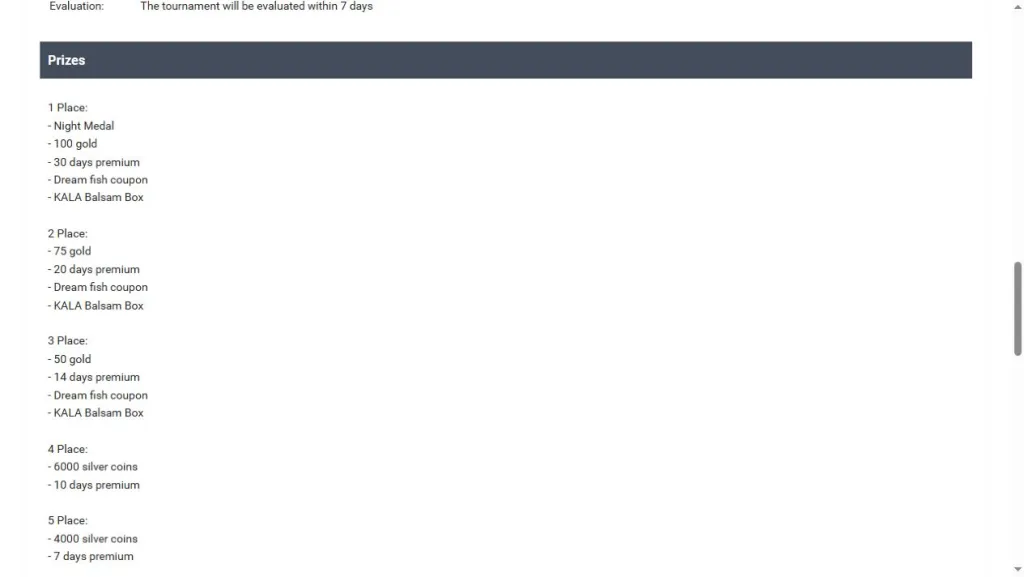
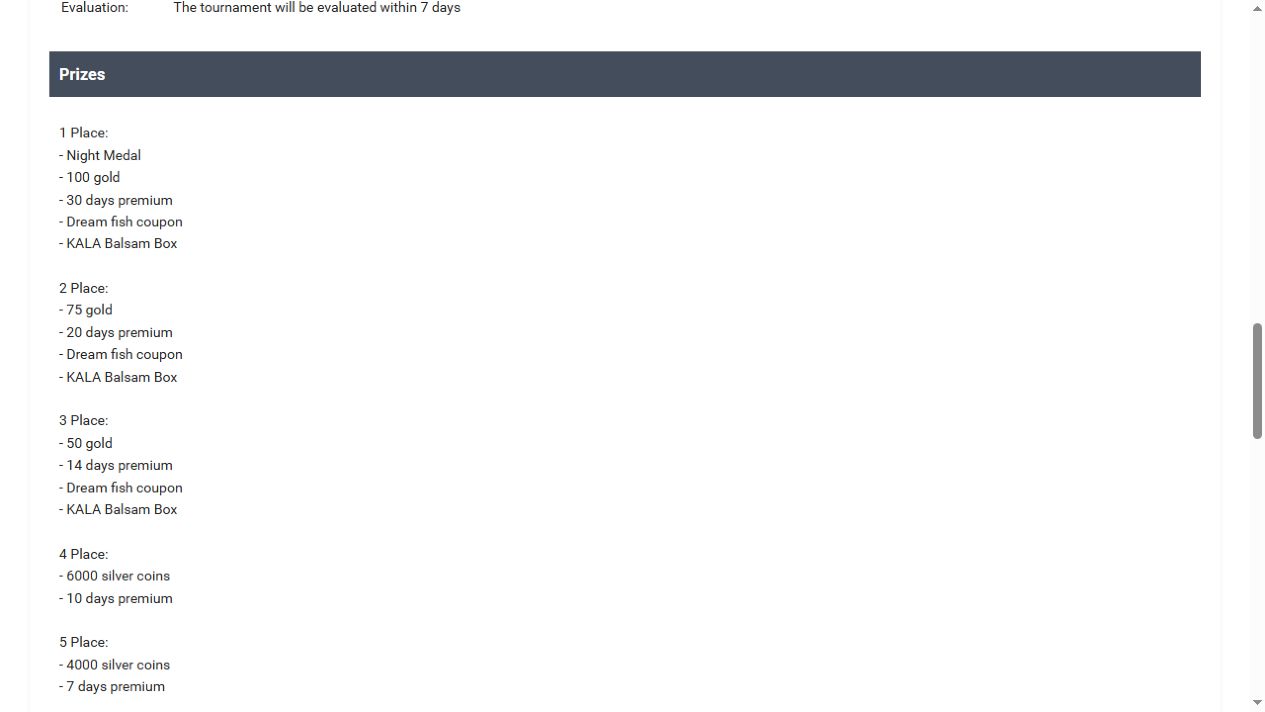
The full original 30+ prize list separates first place from the following positions. Organisers allow up to 7 days to verify results and up to 3 days after verification to deliver rewards. Do not apply old deadlines from the general 2019 guide: these event pages state their own conditions.
Before preparing for another tournament, repeat these checks: client and region, level, dates with a time zone, registration and detailed conditions. Save the chosen event’s link and check your account status. If something does not match, you will have a specific question for the organisers. An unavailable event page will not become a reason to buy tackle or expect a prize from an attractive announcement alone.