

Viking Rise mount skins: why unlock one you will not equip?
Universal stat bonuses do not require the skin to be equipped, but owning shards does not mean it is unlocked. Infernal Beast shows the difference between Unlock, Equip and an upgrade preview.
Published · Updated
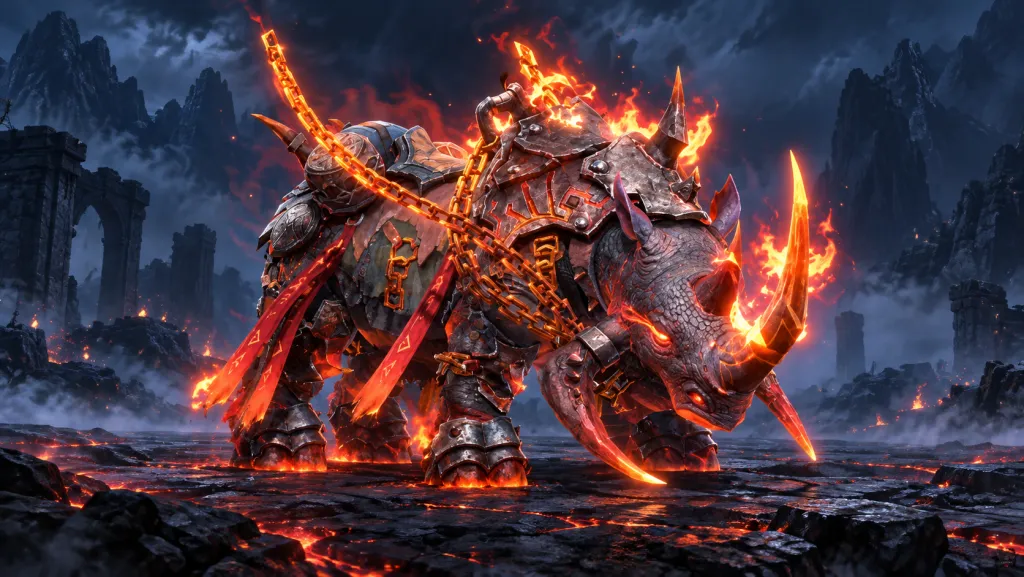
An unlocked mount skin can be useful even if you do not intend to equip it. The official IGG description of Mount Skins says that universal attribute bonuses apply whether or not the skin is equipped. But shards in your bag, an unlocked skin and a future upgrade are three different states.
What the shards unlock
A Mount Skin changes a mount’s appearance and has the bonuses listed on its card. The Mount system itself must be unlocked first. Those conditions come from IGG’s version 1.5.120 notes of 24 June 2026, not a new October patch. Later, version 1.5.150 on 16 September announced Calamity among Time Journal rewards; check event timing and availability in your own kingdom separately.
A shard belongs to a particular skin. In Flóki918’s video published on 5 October, the item is Infernal Beast Shard, described as being used to fuse and ascend Infernal Beast. Own: 120 shows the player’s stock. It does not prove that the skin is already unlocked or give the cost of every operation. Open the game frame at full size.


120 shards in the bag do not mean an unlocked skin
On the next screen, Infernal Beast still has a lock and the button says Unlock. The bar reads 120/100: enough shards for this operation. Unlock Attributes shows Infantry Defense Increase 0.8%. That is this skin’s specific stat at the shown step, not a bonus for every skin or a percentage reduction of all incoming damage. Open the game frame at full size.


After unlocking, the card has one star, the remaining stock is 20/100, and separate Equip and Ascend buttons appear. Equip applies the appearance; Ascend opens its progression. The recording shows 100 shards spent on this unlock: 120 − 100 = 20. Do not assume the same cost for later steps without reading their requirements.
Do not add an active bonus to Ascension Preview
On the unlocked card, the 0.8% Infantry Defense bonus is under Unlock Attributes. Below it, Ascension Preview: Pikemen Defense Increase 0.8% is a separate future effect. That row describes the next result, so this screen alone does not establish that both bonuses have already been obtained. Open the game frame at full size.


A similar mistake happens with heroes. Our SP talent and preview guide shows why future stats cannot be assigned to the current state. Use the same reading method: find the section name and level before the number. Hero development costs do not thereby become mount development rules.
What to check before spending
Open the required skin and check the shard name, lock state, current step and next operation’s requirement. For an unlock bonus, read Unlock Attributes. For an upgrade, check Ascension Preview and the required stock separately. Save before-and-after screens to see the actual change. For the mount itself rather than its skin, read how to check Viking Horn points and chest access.
Choose the equipped appearance as you prefer: IGG’s description does not require that specific unlocked skin to be equipped for its universal bonus. It does not mean every locked card already strengthens troops. This example explains the interface; it neither compares every mount’s combat performance nor proves that buying shards is worthwhile. Checked on 10 October 2026 against the official description and dated gameplay.