

T3 needs gold: checks before training porters
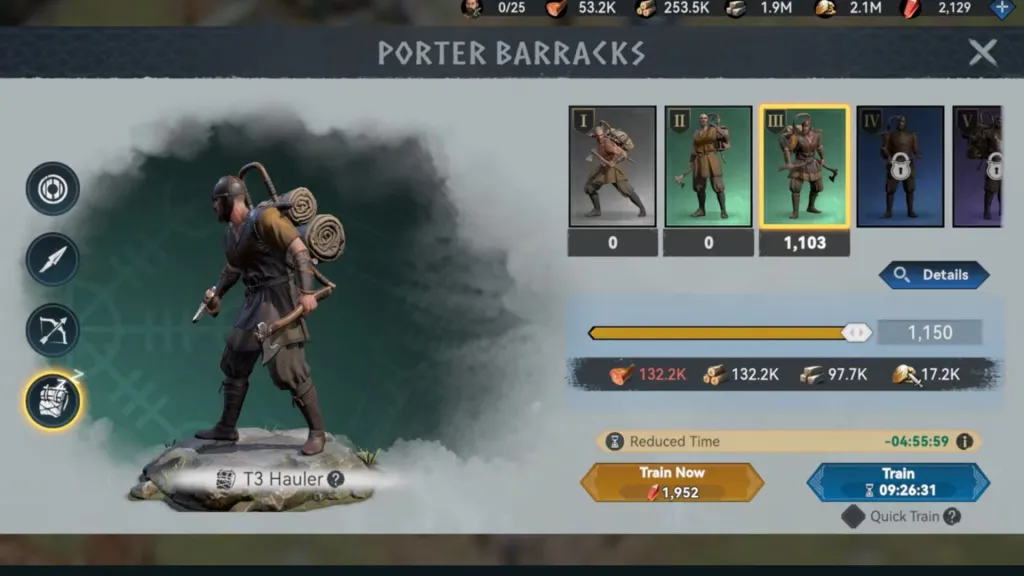
The same 1150 T1 and T3 porters have different costs. Read resource requirements, Load and March speed before preparing a gathering troop.
Published · Updated
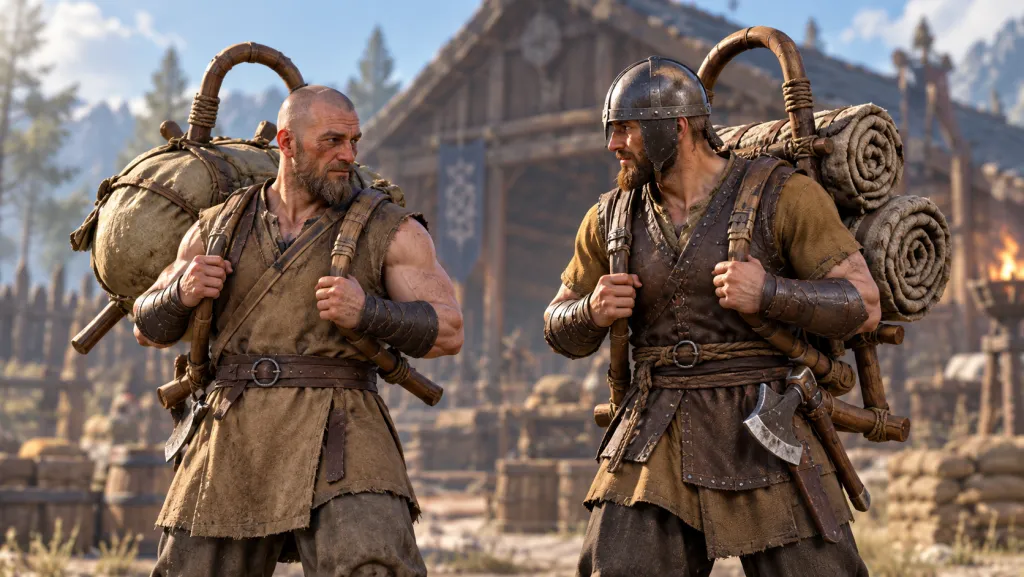
Preparing porters to gather? Our first-KvK Chronicles guide includes fully depleting ten resource points. Troop capacity matters, but higher tiers also change preparation costs: the shown T3 screen requires gold absent from T1’s row. Before training, compare costs, load and travel.
Compare costs at equal troop counts
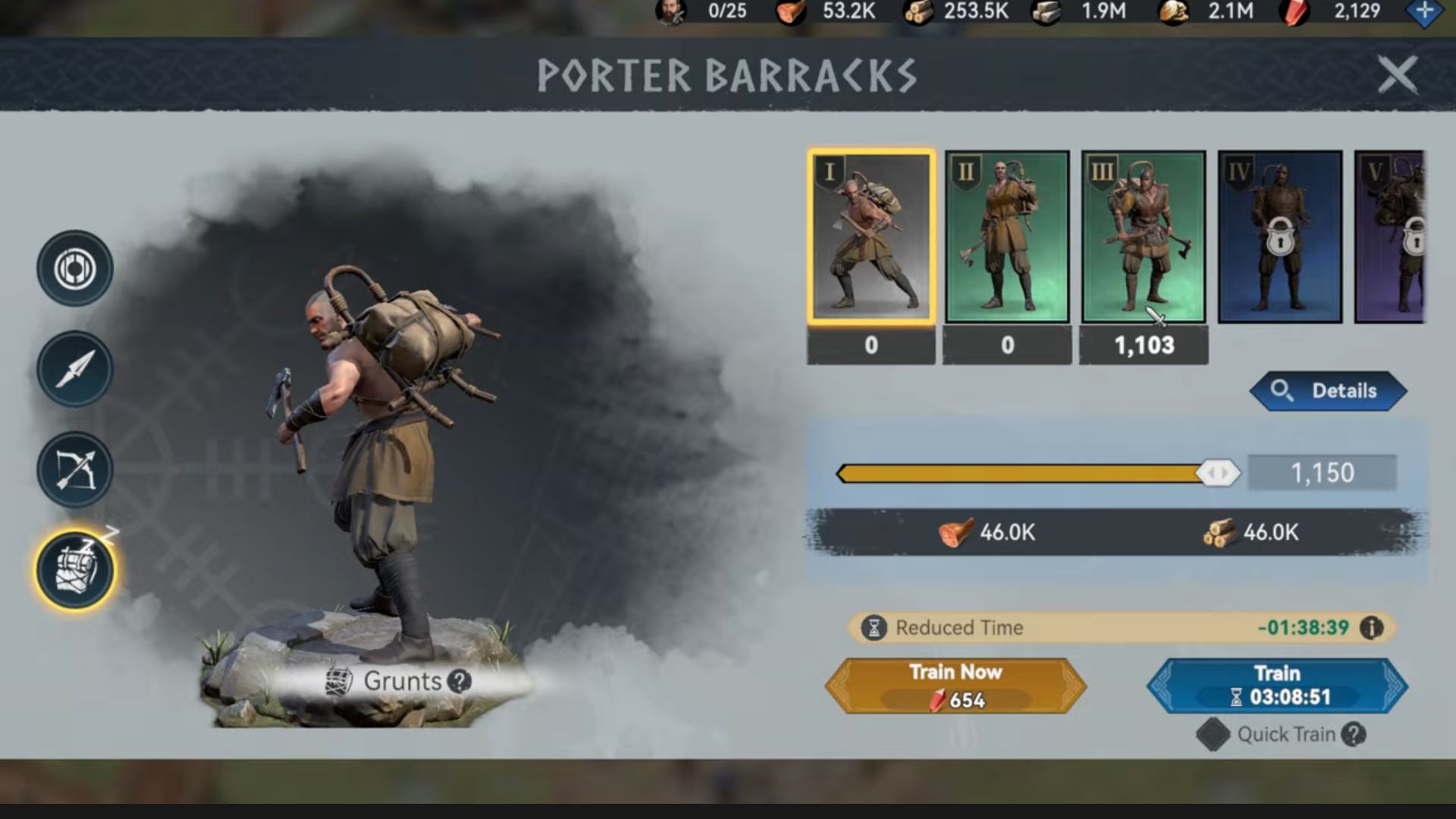
Consider Orexyn’s gameplay recording of 30 August 2026: a dated Viking Rise interface example, not a new patch. The creator recommends T1 only, but that advice alone cannot decide for your account. Open Porter Barracks and choose a tier. T1 and T3 mean first and third tiers, not batch sizes.
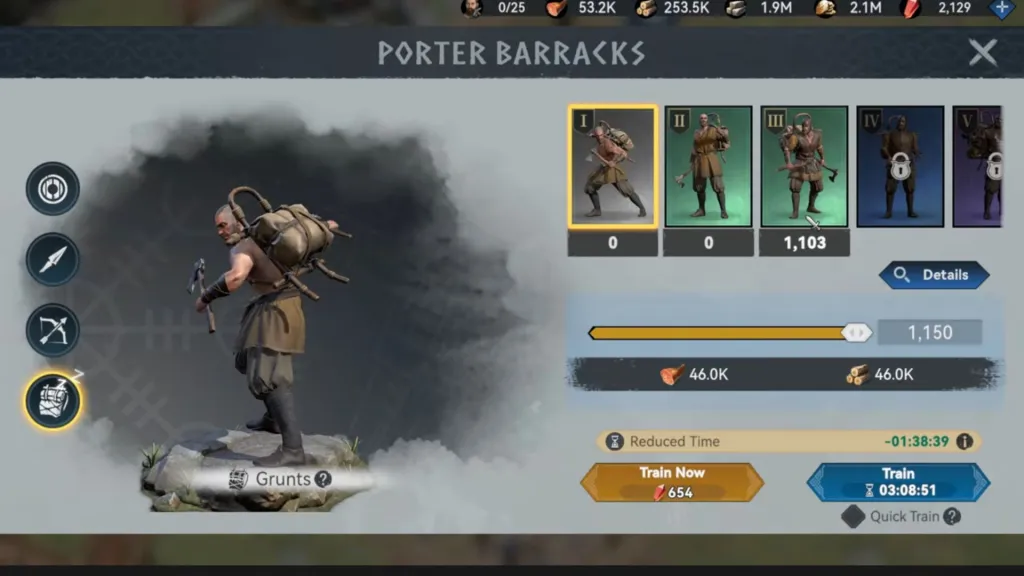
On T1 Grunts, the slider selects 1150 troops. Costs are 46.0K each of food and wood; K means thousands. The blue Train button shows 03:08:51 for this recorded batch. Reduced Time above it is a separate reduction indicator, not a replacement for the button’s time.
The training quantity is beside the slider. Numbers beneath tier cards are elsewhere: T3 shows 1103 while the slider shows 1150. Do not divide the selected batch price by 1103. Equalise the slider quantity first. Open the full T1 screen.
T3 adds stone and gold
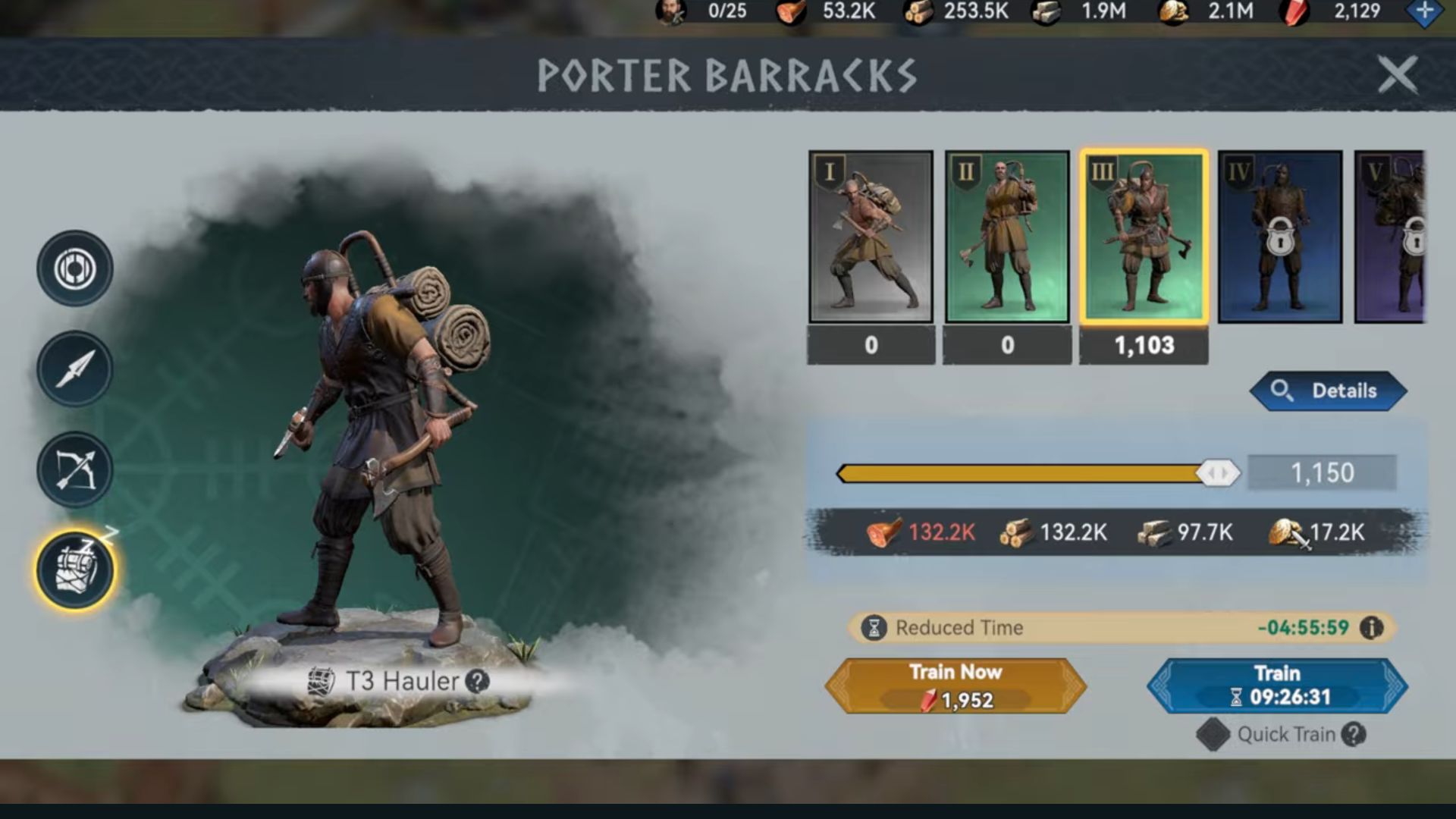
Selecting T3 Hauler leaves the slider at 1150. Costs become 132.2K food, 132.2K wood, 97.7K stone and 17.2K gold; Train shows 09:26:31. At equal headcount, this batch needs more time and resources on the shown account. Reread your own costs before confirming: another account’s numbers are not universal.
The visible food difference is 86.2K: 132.2K minus 46.0K, and the same for wood. This subtracts rounded interface labels, not an exact per-porter formula. It shows a batch budget change, not which tier is cheaper for an equal cargo volume.
Read buttons separately. Gold-coloured Train Now shows red crystals; blue Train shows time. The 654 on T1 and 1952 on T3 belong to Train Now, not gold in the resource row. Check the action and icon before pressing. Open T3 costs and both buttons.
More load does not mean faster travel
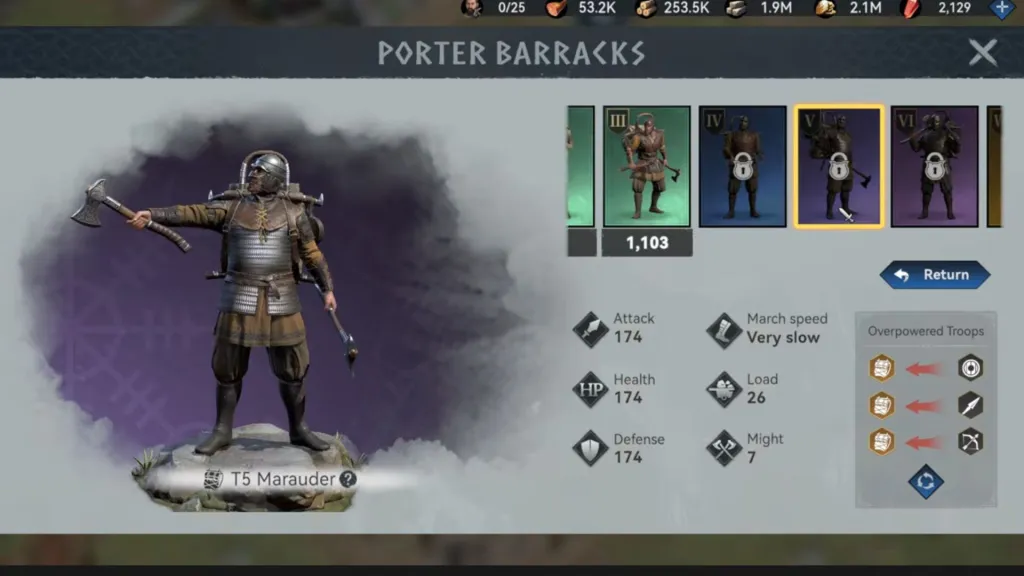
Open Details for tier stats. Load means carrying capacity; March speed is travel speed. T1 Grunts shows Load 18 and Fast. The shown T5 Marauder has Load 26 and Very slow. These are independent stats: increasing one does not confirm an increase in the other.
T5 is selected in this frame, but its V card still has a lock. Viewing stats does not confirm training is unlocked. Purple colour or selection is not evidence of availability. Open locked T5 Details.
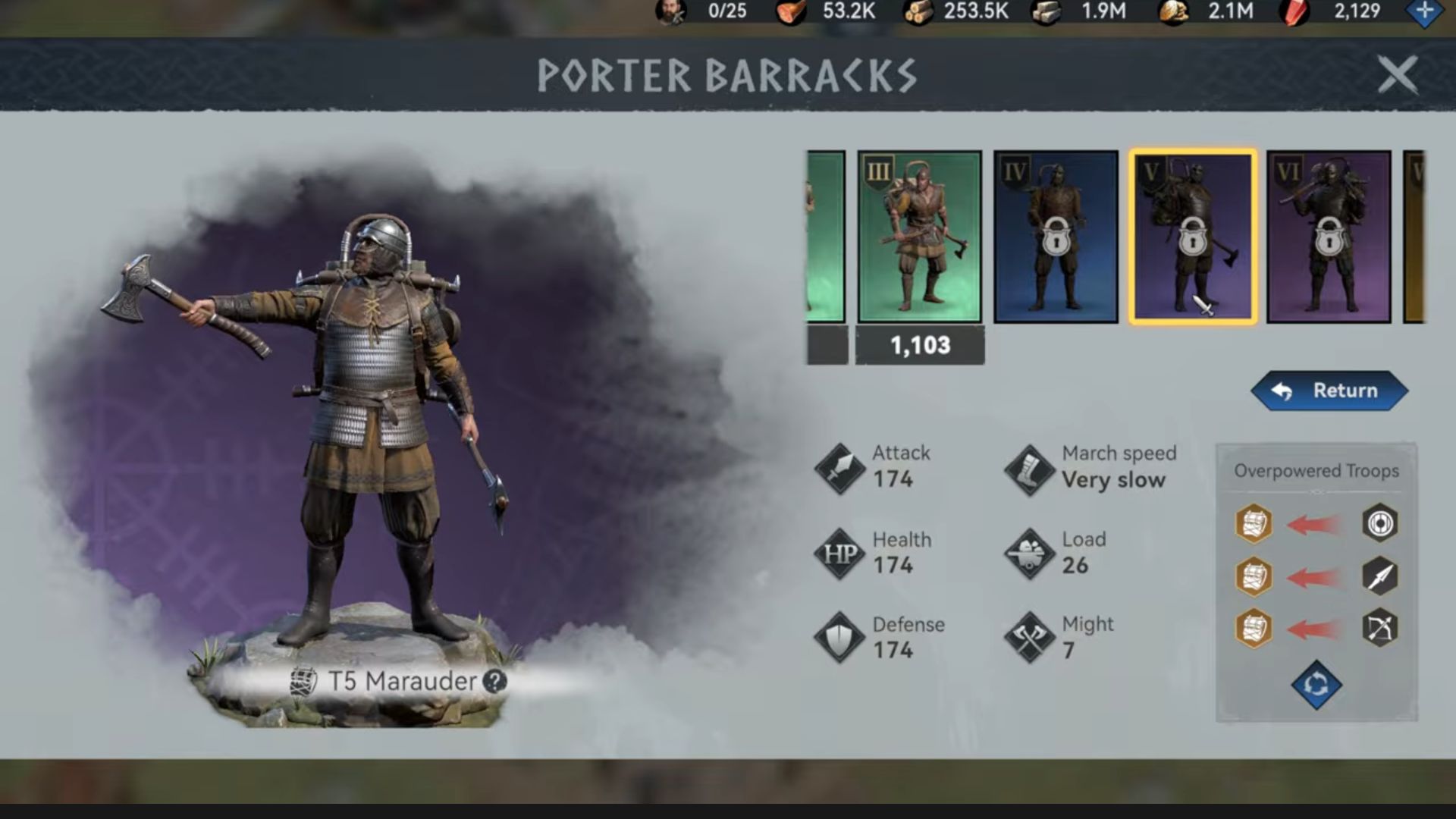
Equal 1150 troops compare cost by headcount, not equal cargo. For your resource point, check its stock, your selected troop’s capacity and displayed travel time. Fast and Very slow provide no numerical speed multiplier or promised minutes saved.
Before preparing gatherers
Read the gathering objective and stage status, estimate required cargo and compare suitable compositions with available troops. If training is needed, compare slider quantity, every resource and Train time. Reserve resources for other tasks too. This bases the choice on your gathering needs, not card colour.
Using quick training? Our Quick Train and resource chests guide explains IGG’s rule on automatic Choice Resource Box use. Reread your client tooltip and account for saved boxes before repeated operations. This Quick Train checkbox alone does not reveal the entire spending sequence.
These screens confirm two batch costs and the displayed stats. The editorial team did not train, heal or gather on a game account. Healing costs and combat results are not established. “Always train only T1” does not follow: decide using your own troop’s capacity and time.