

Viking Rise Twitch Drops: watch, claim and check in-game mail
Watching a stream is only the first step. Check campaign progress, claim the reward on Twitch and allow for IGG’s delivery window.
Published · Updated
Watching a Viking Rise stream does not necessarily mean the reward has already reached your account. There are three separate checks: viewing progress, claiming on Twitch and delivery in the game. Start with the official IGG campaign page rather than an unrelated streamer’s reward promise.
Check the campaign and the right live stream
The campaign banner checked on 19 October 2026 lists 16 October–13 November 2026. It does not show an exact closing hour or time zone. Confirm the dates and conditions on the current campaign card before watching; a date range alone is not a precise deadline.
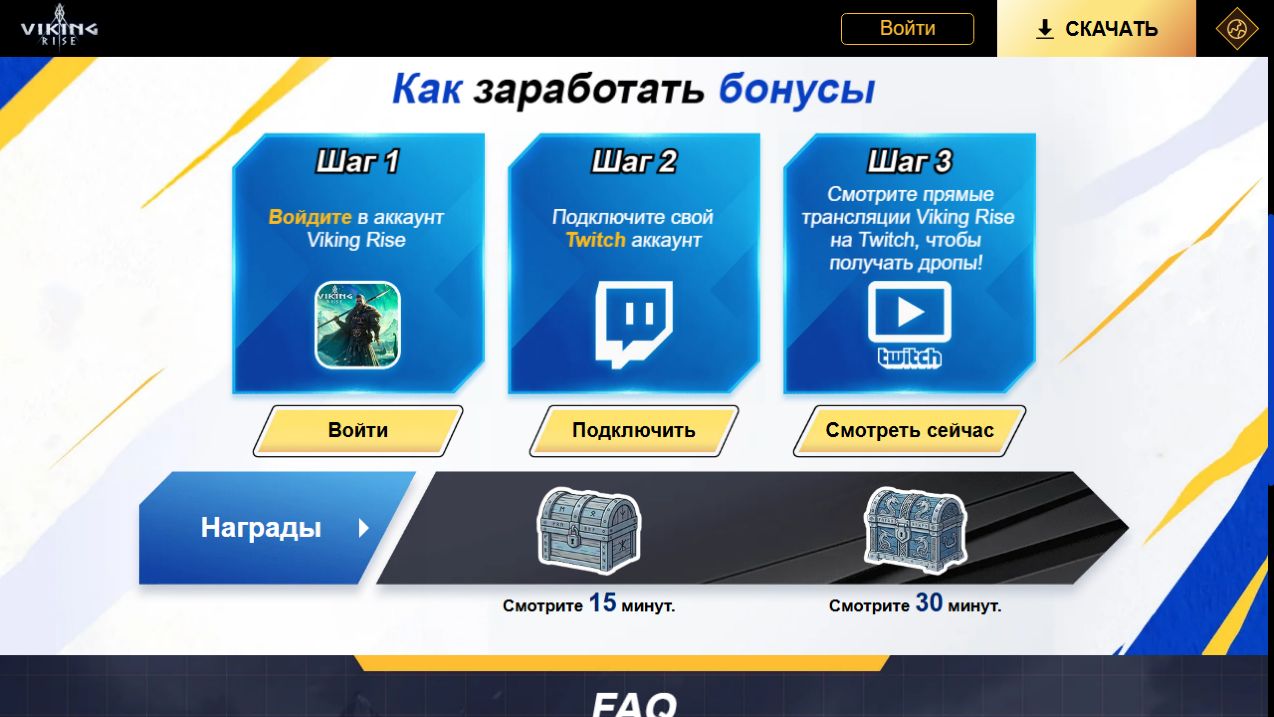
Twitch Drops are rewards for watching participating live streams. IGG’s sequence is to sign in to the Viking Rise account, connect Twitch and watch. Before linking, make sure both profiles are the ones you intend to use. We did not connect accounts or claim rewards as part of preparing this guide.
Choose a participating live stream with Drops enabled, not a recording or VOD. Check the Drops indicator in the stream or chat area. A video about Viking Rise is not automatically eligible just because its subject matches the game.
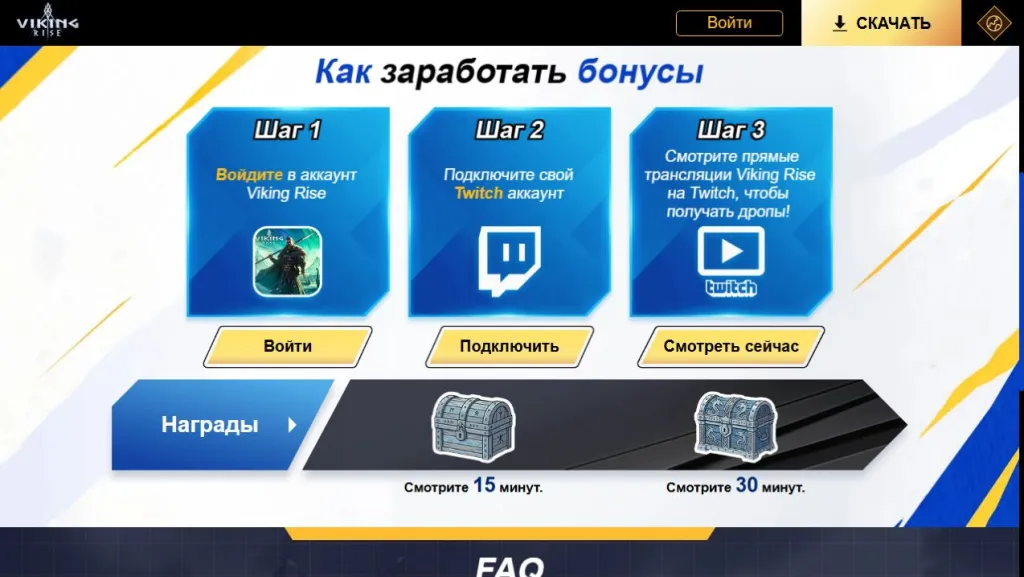
The IGG page shows rewards at 15 and 30 minutes. Those are two displayed thresholds, not permission to assume how every card’s timer combines or resets. Read progress and requirements on each Twitch reward card. Open the steps and thresholds at full size.
100% progress and claiming are separate steps
Open your Twitch Drops inventory. This is the Twitch rewards page, not the bag inside Viking Rise. If the reward has a Claim button, use it after checking the card’s conditions.
The official Twitch Drops guide distinguishes reaching 100% progress from claiming a reward. Some campaigns also require you to claim an earlier reward before progress towards the next one starts. Read the individual card instead of assuming every reward is issued automatically.
Watching several streams at the same time does not multiply your progress. Use one participating channel at a time and check which campaign and reward are currently progressing.
A claimed Drop may still be in the delivery window
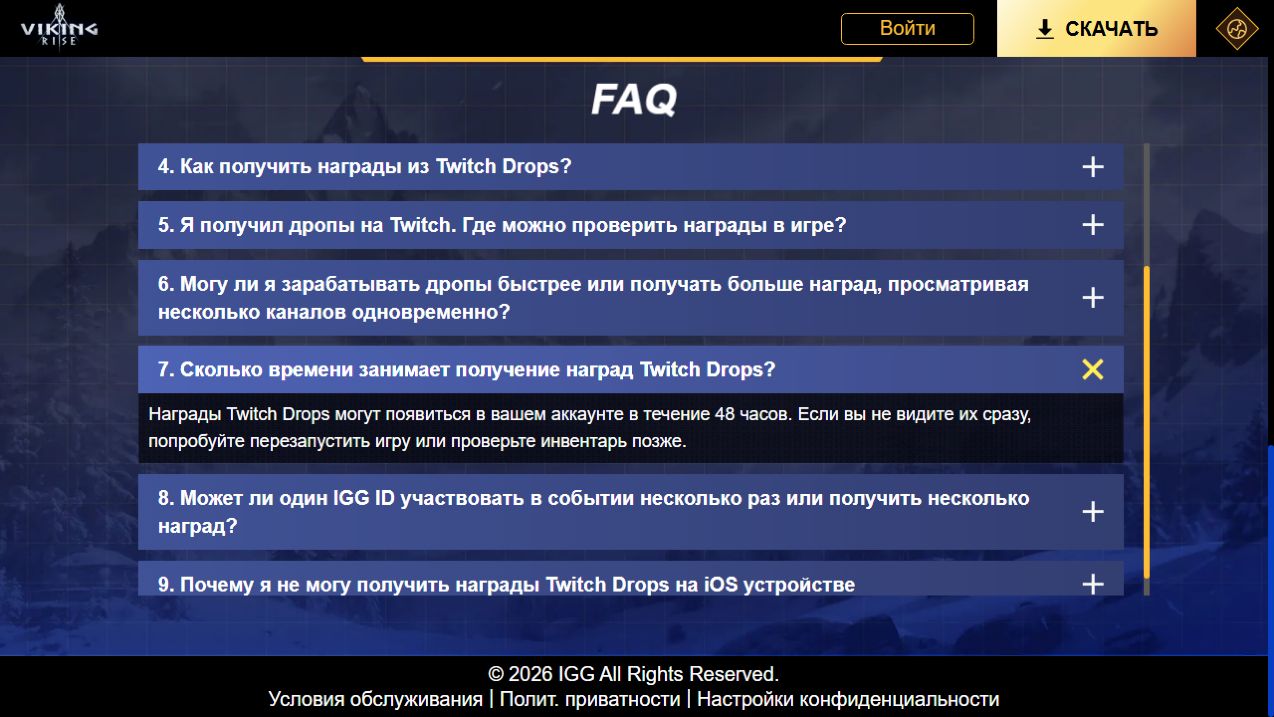
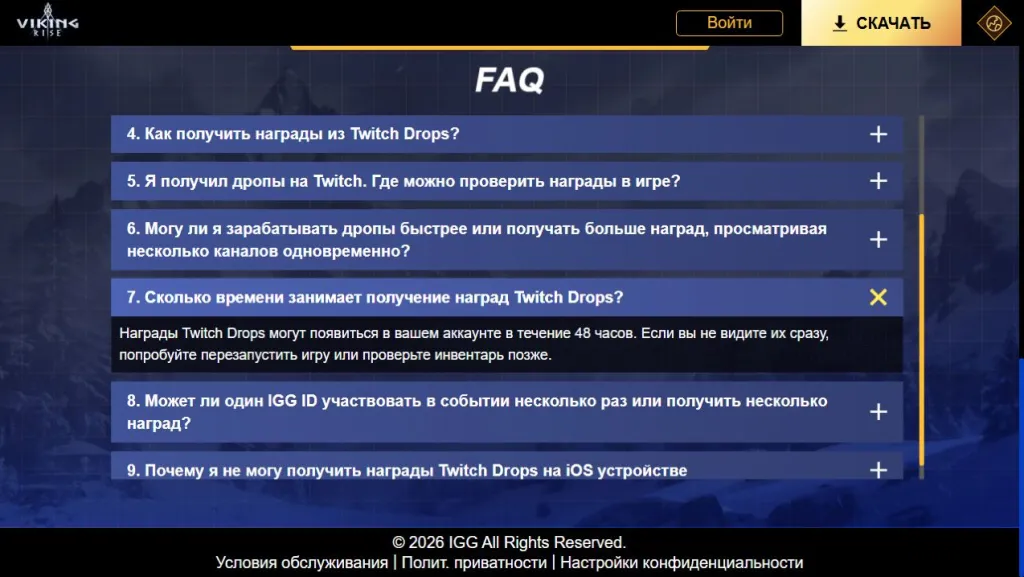
IGG’s FAQ directs players to in-game mail for the delivered items. Its delivery answer allows up to 48 hours for Twitch Drops to appear in the account. That is not a promise of instant delivery immediately after the Twitch button is pressed.
Record the reward, claim time and card status, and check that the linked game profile is correct. If it has not arrived immediately, IGG suggests restarting the game or checking again later. If the stated window has passed, those details will help support investigate. Open the delivery FAQ at full size.
On iOS, try claiming through a browser
IGG explains that iOS restrictions may prevent a reward from being claimed directly in the Twitch app. Try signing in to the same Twitch profile through Safari or Chrome, claim the available reward there and then check in-game mail. This is the publisher’s suggested route, not a test we performed on an iPhone.
The IGG FAQ limits one IGG ID to one participation and reward claim in this campaign. Do not interpret another channel as a way to repeat it. This campaign’s restriction is not a universal rule for every unrelated gift code.
For a typed gift code, the route is different: find Redeem Gift and check the result of a Viking Rise code. That guide separates a code rejection from a missing mail reward.