7,000 ₽
Lords Mobile
Sell your account in
Lords Mobile
List your account with GM. Fill in a short form; we will review the materials and prepare a listing with your consent.
No registration or login details needed.Send materials to GM
For private
playersA real person
to help youSimple
and clear
Your next moveplayersA real person
to help youSimple
and clear
MORE FROM YOUR ACCOUNT
One service.
More possibilities.
Time to move on?
Sell your account, find another,
get a valuation or order a top-up.
KEEP IT SIMPLE
How to list an account
From a short request to a listing on the site.
Published after review and with your permission.
- 1
Send a request
Add the specifications, your asking price if you have one, current screenshots and a Telegram contact.
- 2
Prepare the listing
GM checks the materials and prepares text and photos without your contacts, player name, ID, kingdom or region number.
- 3
Publish with your consent
After review and your approval, the account appears in the catalog with its own link. Contact GM to change the price or remove the listing.
VALUE IS IN THE DETAILS
What is your account worth?
Money spent and Might alone do not determine resale value. What the buyer gets, and the alternatives currently on the market, matter more.
Account role
A war account, rally lead, trap or farm serves different needs. Describe what the account is actually ready for.
Research & troops
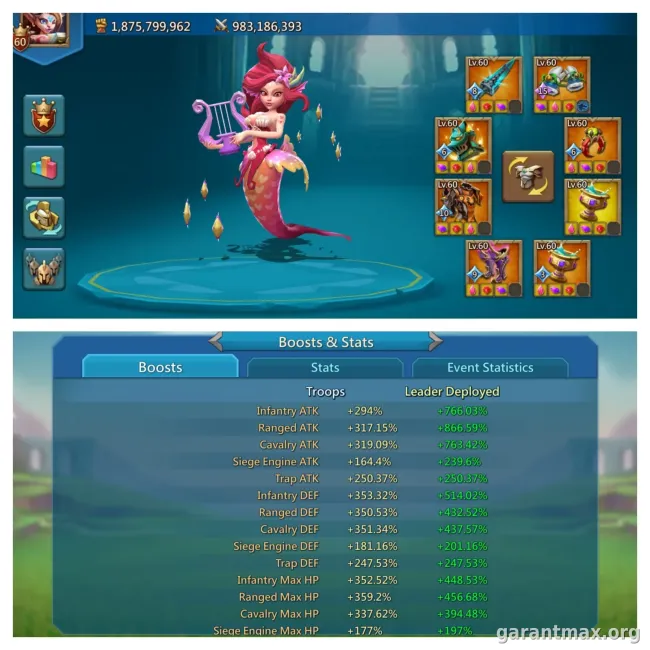
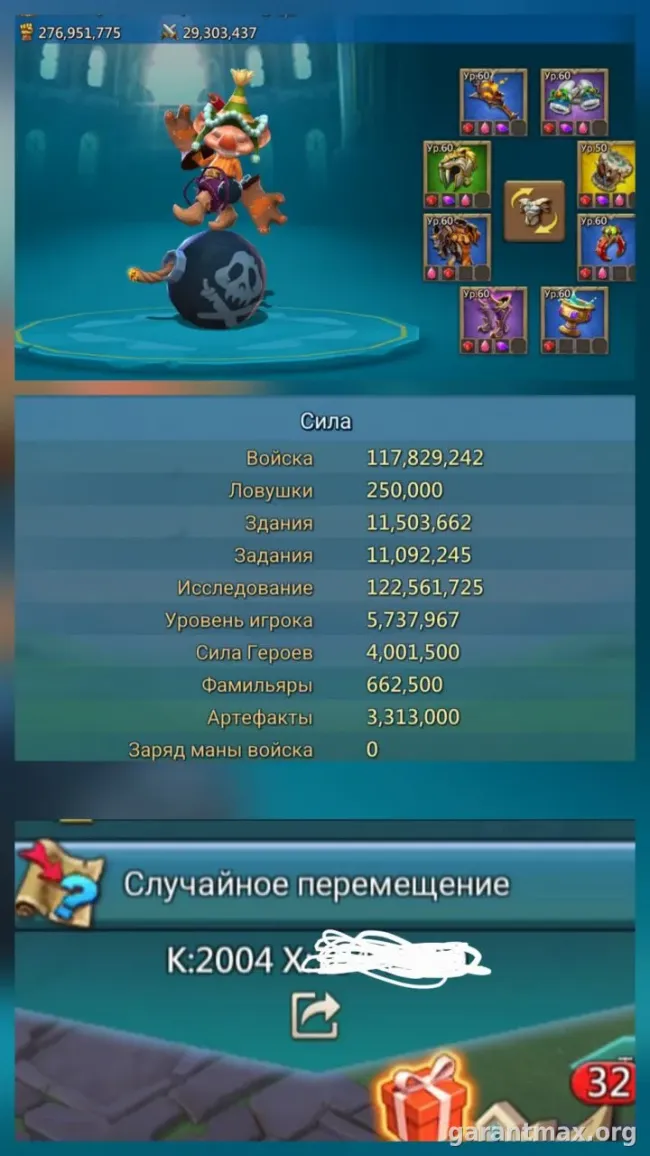
Show unlocked T4/T5, military research and troop composition. Total Might alone does not explain the account’s capabilities.
Heroes, gear & jewels
Specific heroes, equipment quality, jewels and combat stats matter. One impressive item does not describe the entire set.
Familiars & artifacts
Describe familiar progress, combat skills and artifacts. Screenshots help distinguish unlocked content from fully developed content.
Kingdom & migration
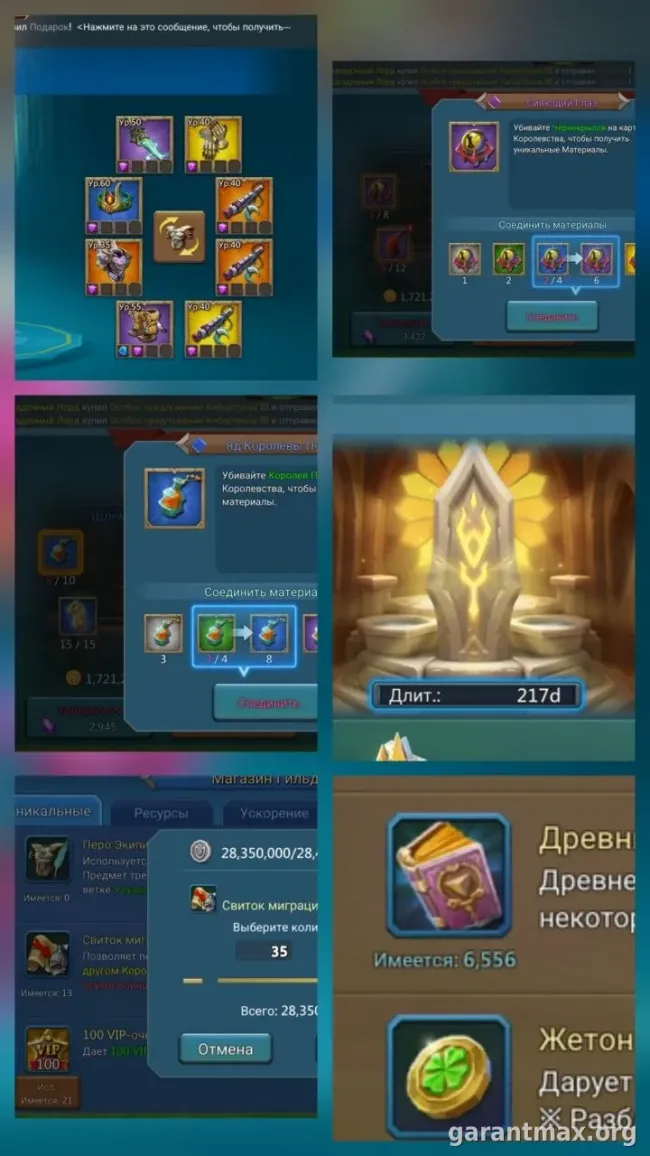
The kingdom, migration restrictions and available scrolls affect suitability. Migration must be checked for the buyer’s specific destination.
History & linked services
Are you the original owner? Which services are linked, and can they be transferred? Discuss access limitations before looking for a buyer.
BEFORE YOUR REQUEST
Prepare a short account summary
Collect 5–8 current screenshots; one can cover several points. Include your asking price, preferred timeframe, ownership history and linked services, without login details.
- Profile & progressMight, Castle level and main specifications at the time of your request.
- ResearchUnlocked T4/T5 and important military research branches.
- ArmyTroop counts and types. Mention changes after troop losses.
- EquipmentMain gear sets, jewels and combat stats.
- Heroes & familiarsLevels, grades and developed combat skills.
- ArtifactsCollection and development of significant artifacts.
- MigrationCurrent kingdom and available scrolls. Describe any restrictions in the text.
Show game specifications in screenshots. Hide email addresses, payment information, codes and private chats. If you do not have everything yet, start with a description; we will ask for the missing details.
For help choosing a marketplace and preparing a listing, read the Lords Mobile account selling guide (Russian).
TERMS UP FRONT
Fees & settlement
10% from the seller
The platform sales fee for a private account is deducted from its price. The seller receives the amount less 10%.
10% from the buyer
The guarantor fee is paid on top of the private account price. The minimum guarantor fee is RUB 500.
Up to 14 days
Money is held for up to 14 days after the password change. If the account returns to its previous owner during that time, the buyer is refunded.
| Account price | Seller receives | Buyer pays |
|---|---|---|
| 3 000 ₽ | 2 700 ₽ | 3 500 ₽ |
| 8 000 ₽ | 7 200 ₽ | 8 800 ₽ |
| 30 000 ₽ | 27 000 ₽ | 33 000 ₽ |
Partner accounts have no guarantor fee. The platform fee still applies; its amount, settlement process and final total are agreed before the deal.
GM is an independent service. IGG rules prohibit selling or transferring accounts except where expressly allowed. Deal assistance does not override the publisher’s rules or protect against a ban.
SELLING & VALUATION
Frequently asked questions
Can I get a valuation before deciding to sell?
Yes. Choose “Value an account” and describe it. We will agree on the valuation format and terms beforehand. A request does not commit you to selling.
Will GM buy the account immediately?
A request starts a discussion of the sale and terms. An instant buyout, fixed price or sale by a specific date is not guaranteed. Add your deadline to the description, if you have one.
Why can’t Might alone determine the value?
Accounts with similar Might can have different research, combat equipment, heroes, familiars and troops. We first compare their roles and specifications, then comparable asking prices.
Do I need to attach every screenshot right away?
No. Start with the screenshots you have and an account description. We will ask for missing details. For sections needing several screenshots, choose the most useful ones.
Do you need passwords or login codes for the request?
No. The form needs specifications and a contact. Do not send passwords, login codes, recovery details or private chats. Your contact is not published.
Can you help me find an account?
Yes. Choose “Find account” and add your budget and purpose: main account, farm or rally. Sales, valuations and buying requests are handled separately.
UNDERSTAND THE SPECS
Useful before a valuation
Rally traps: account role and preparation
Describe what the account is for, rather than just its Might.
Read (Russian) →Mana & artifacts: understanding progress
See which upgrades are already completed and what still needs development.
Read (Russian) →Recovering after being zeroed
If the account has lost troops, assess its current state.
Read (Russian) →KEEP PLAYING