

How to list an AION 2 account: character, server and equipment
Prepare an AION 2 listing with the client version, region, faction, characters, equipment and progress. Includes a description template and how to send materials to GM.
Published · Updated

To prepare an AION 2 listing, start with the game version, region, faction and main character. Add equipment and verified progress; Item Level alone is not enough. The GM account-listing instructions explain the application and publication-consent process.
Already preparing your materials? Open the AION 2 listing form. Start with what you know; pricing and missing details can be clarified before the listing is prepared.
What to show in an AION 2 account
- The AION 2 version and server region. Keep Global, Korea and Taiwan distinct. If a detail is unknown, say so.
- The main character's faction, class, level and Item Level, the equipment-level measure. Describe other characters separately so their achievements are not merged into one profile.
- Equipment, enhancement, wings and completed builds. Show your own equipment screens rather than a catalogue of available items.
- Skills and character development, including Stigma, Daevanion and Arcana where relevant. Give visible values rather than an unsupported “maxed”.
- Accessible dungeons and results, including difficulty, plus PvP and Abyss progress. Identify the character responsible for each result.
- Pets, skins and resource stocks by type. Keep ordinary and bound resources separate; do not promise that resources can be transferred independently without checking restrictions.
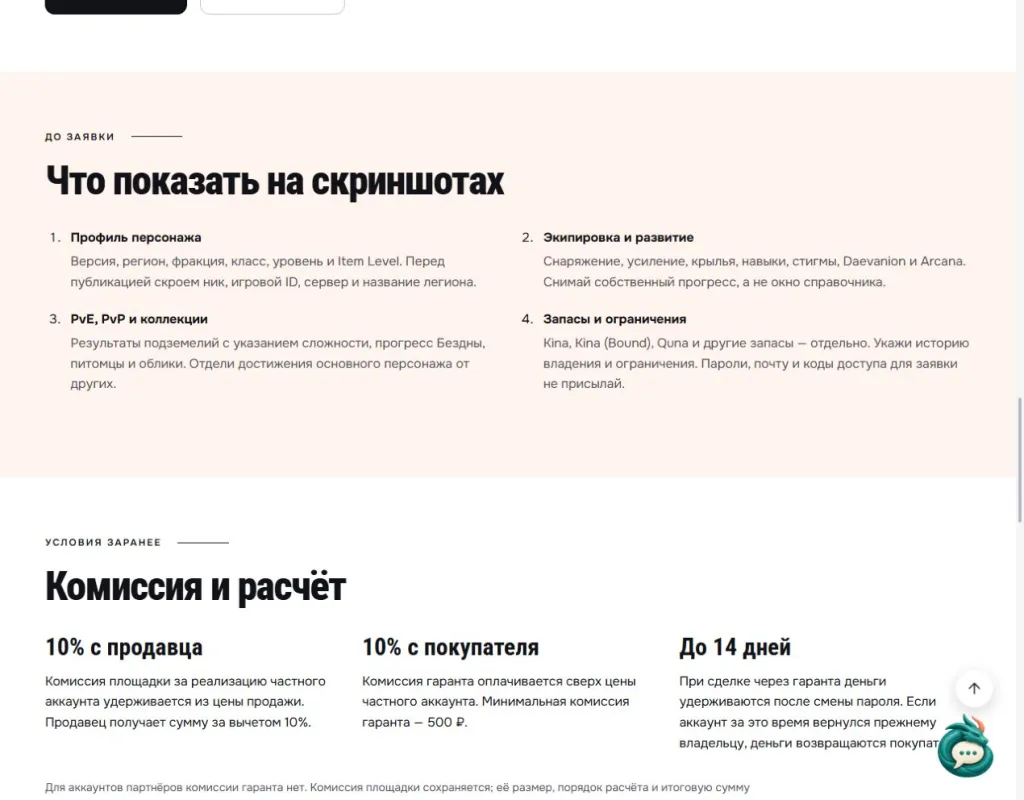
Open the archived Russian-language checklist at full size · Read the English checklist on the game page. Historical fees visible in this archived screenshot are not a statement of current terms; use the current linked terms.
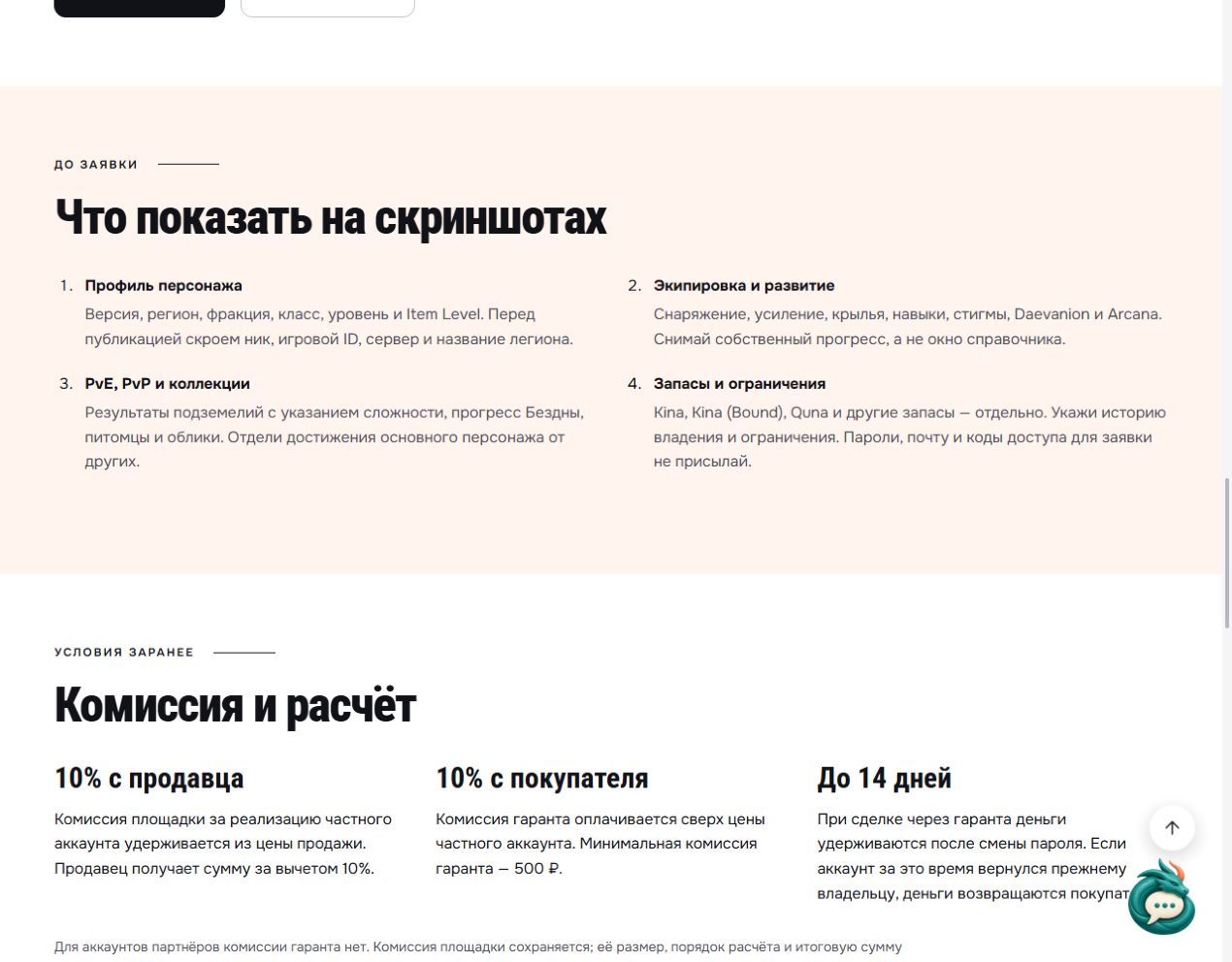
If someone expects to play with friends, first read the AION 2 server-transfer conditions and restrictions. Describe the account accurately without promising something its screenshots cannot establish.
An AION 2 listing template
Copy the fields and fill them with your own details. Write “unknown” for anything unchecked; replace “maxed” with a number or a screenshot. Put your contact details in the separate application field.
AION 2; version […]; region […]; faction […]; date checked […]. Main character: class […], level […], Item Level […]. Additional characters […].
Equipment and enhancement […]; wings […]; skills and development […]; PvE mode and difficulty […]; PvP and Abyss […]; pets and skins […]; resource stocks by type […]. Ownership history […]; known restrictions […]; sign-in service names […]; asking price and currency […]; negotiation […].
How to discuss the account's price
Compare accounts under similar conditions: game version, region, class and accessible content. Item Level helps describe a character but does not determine the price. Consider the equipment set and development rather than relying on one headline figure.
If you have not set a price, open the AION 2 account-valuation option and send the same materials. Agree on the format and valuation terms in advance. Another listing's asking price is a reference, rather than a confirmed sale amount; state your own asking price and currency separately.
How to send materials and prepare a listing
The AION 2 form asks for version, region, faction, class, character level and Item Level. For an account with several characters, use the main character for the main fields and describe the others with separate values.
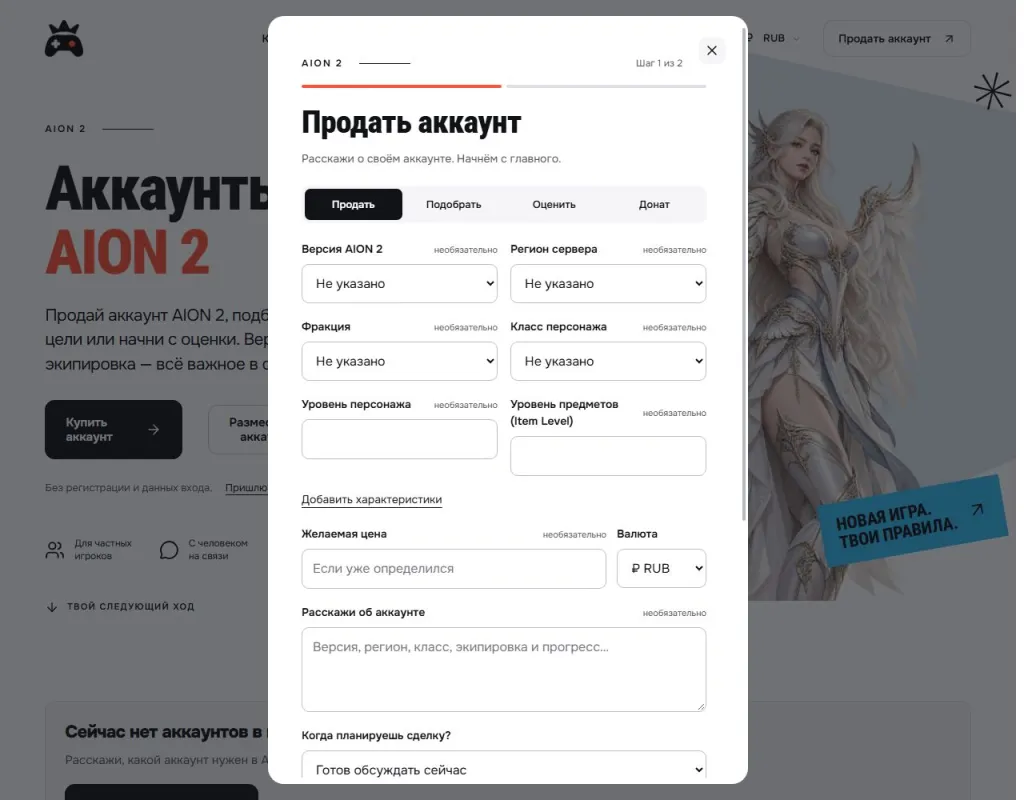
Open the archived Russian-language form at full size. It shows an application's first step, rather than a sold account.
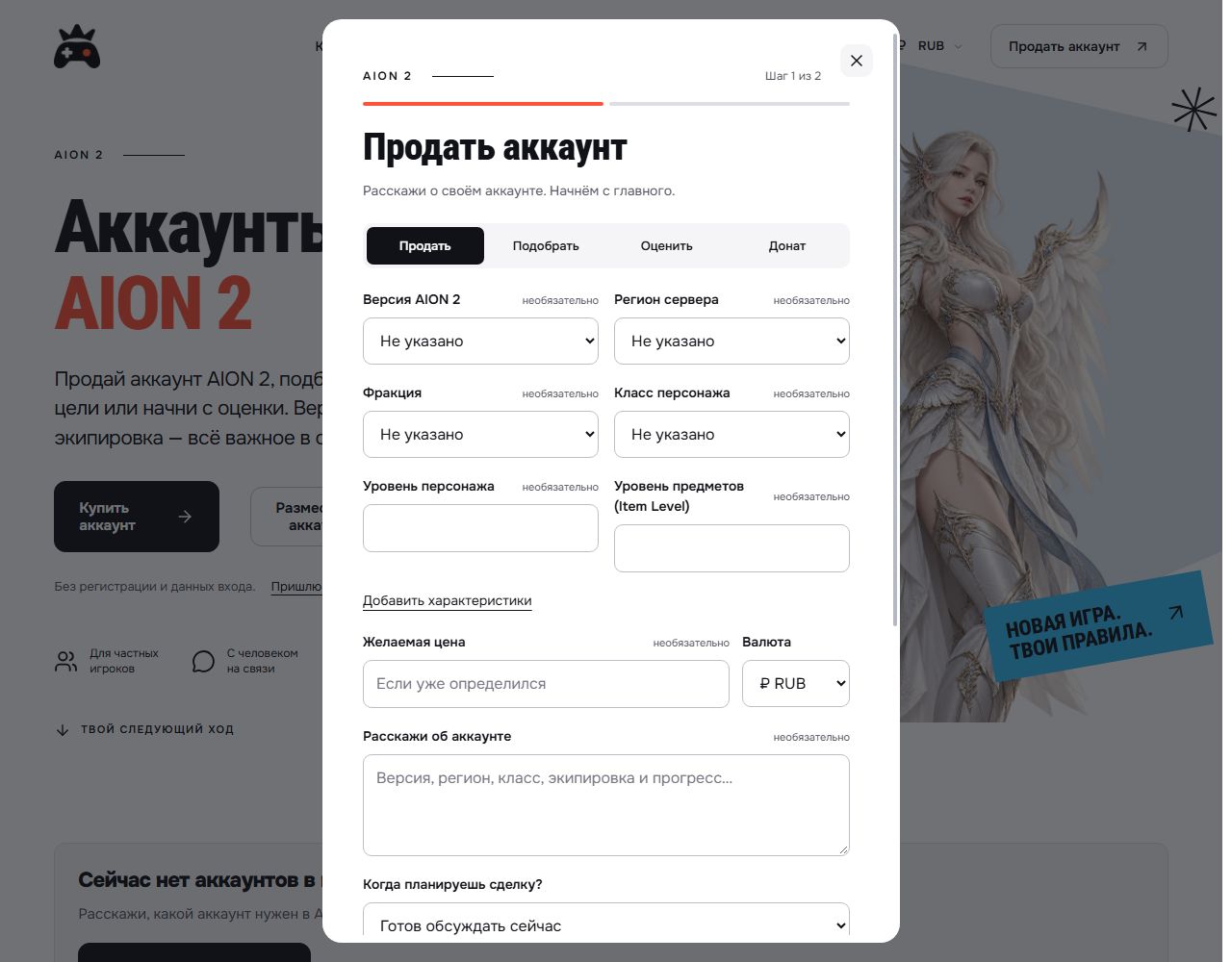
The form has two steps: account details, followed by contact information. Attach screenshots to the application. Before sending, hide nicknames, game identifiers, community names, email addresses, payments and private conversations. Passwords and sign-in codes are not needed to prepare a listing.
If you prefer help with the text, open “Send materials to GM”. Send the game name, known characteristics, asking price with currency and screenshots together. GM will clarify missing details and prepare the text and photos. Publication follows review and your permission.
After publication, save the listing link. If the characteristics or price change, tell GM and provide current details. If the account is sold or you change your mind, ask for the listing to be taken down so people do not enquire about an outdated offer.
What to clarify before any transaction
Publisher rules and service availability depend on the game version. AION 2 Global's Operation Policy lists account trading and attempted trading among sanctionable activities. Check the official policy for your service before proceeding. GM cannot promise to remove sanctions, open every region or transfer a character to any server.
Check support terms and fees in advance on the AION 2 page. Preparing an application does not establish that the publisher permits an account transfer.
Prepare an AION 2 listing application · Send materials to GM.