How and where to sell a Lords Mobile account: choose the right route
Your own listing, an auction, a guarantor or help with valuation: compare what each service does, calculate your net proceeds and prepare account details.
Published
To sell a Lords Mobile account, first separate two tasks: finding a buyer and arranging settlement. A marketplace may handle both, a forum helps people meet, and a guarantor assists with a deal already agreed. Start with the account's specifications and the amount you want to receive after fees so you can compare services. The marketplace's own rules determine how its orders and payments must be handled.
Below are options for sellers managing their own listing and for those who need valuation help. The source comparison checked marketplace conditions on September 20, 2026; check the current sale process before using another service. This article appears on the GM blog and includes our own service in the comparison. GM's fee examples below follow the published terms checked on October 23, 2026.
First decide which task you want a service to handle
You have no buyer yet and are happy to manage a listing. Look for a catalog with a dedicated Lords Mobile category. You will need to complete the listing, answer questions and keep prices and screenshots current. Before posting, check category rules, paid options, fees and withdrawal methods.
You have already found a buyer among friends or in a community. Agree on account checks and settlement. If you need a guarantor, establish who receives the money, what triggers its release and how disputes are handled. A chat or forum thread alone does not establish those conditions.
You do not know how much to ask. First collect account details and obtain a valuation estimate. It can help set an asking price, but a final price exists only when a buyer agrees. A valuation request and an immediate buyout offer are different services: a buyout promise needs a specific amount, payer and deadline.
FunPay, Playerok, GarantMarket and GM: which task each serves
FunPay: for managing your own listing in a game category. The Lords Mobile accounts section contains player offers and a route to selling. FunPay describes settlement through its platform, with payment released after the buyer confirms receipt. If you choose this route, handle the order under the service's rules.
FunPay's rules prohibit exchanging contact details and moving payment off the platform. Finding a buyer there and paying through a different guarantor is therefore not a compliant workaround. Read the category and dispute rules before posting; order confirmation does not mean protection against every later event.
Playerok: another catalog for independent sellers. Its Lords Mobile category lets you examine offer formats and proceed to selling. Consider it if you are comfortable preparing the listing and handling the conversation yourself. Check the final fee, listing conditions and available withdrawals in the current sale process: other sellers' asking prices do not reveal those costs.
GarantMarket: for a classified listing and discussion around an offer. It has a dedicated Lords Mobile section and a separately described guarantor service. Establish what your chosen option includes: posting, finding a buyer, checks or settlement. Having these sections on one site does not mean every published listing has been checked by a guarantor.
GM: when you want to list an account or start with a valuation. Each offer in our Lords Mobile marketplace has a separate page with details and screenshots. Submit your account through the sale request form or send materials to the team; our listing instructions explain both routes. Publication requires a materials review and your consent. If the price is unclear, request a valuation: its scope, fee and timing are agreed in advance. A request does not oblige you to sell. We do not promise an immediate buyout or a fixed time to find a buyer.
Compare five things: who finds the buyer, who answers messages, where terms are recorded, who holds the money and how much you receive after all deductions. The same Sell label on a button does not explain the entire route to payment.
Auctions and urgent buyouts: when pricing works differently
An auction price is determined by bids. Before entering, you need clear rules: starting or minimum acceptable price, bid increments, the end time, extensions and what happens if the winner withdraws. Check fees and settlement separately. These are criteria for choosing an auction, not a claim that every platform listed above runs account auctions.
Consider an auction when it has interested buyers and its rules suit you. The format alone guarantees neither competition nor a high final price. Assess an urgent buyout from a written offer: the payment amount, timing and checks that may still change it. A promise to sell quickly is not a commitment by the service to buy the account with its own money.
What an account is worth: four different amounts
Past in-game spending records your costs. The asking price reflects the seller's expectations. The deal price is what the buyer agrees to pay for the account. The seller's proceeds are what remains after fees and other agreed costs. The last two figures matter when deciding to sell.
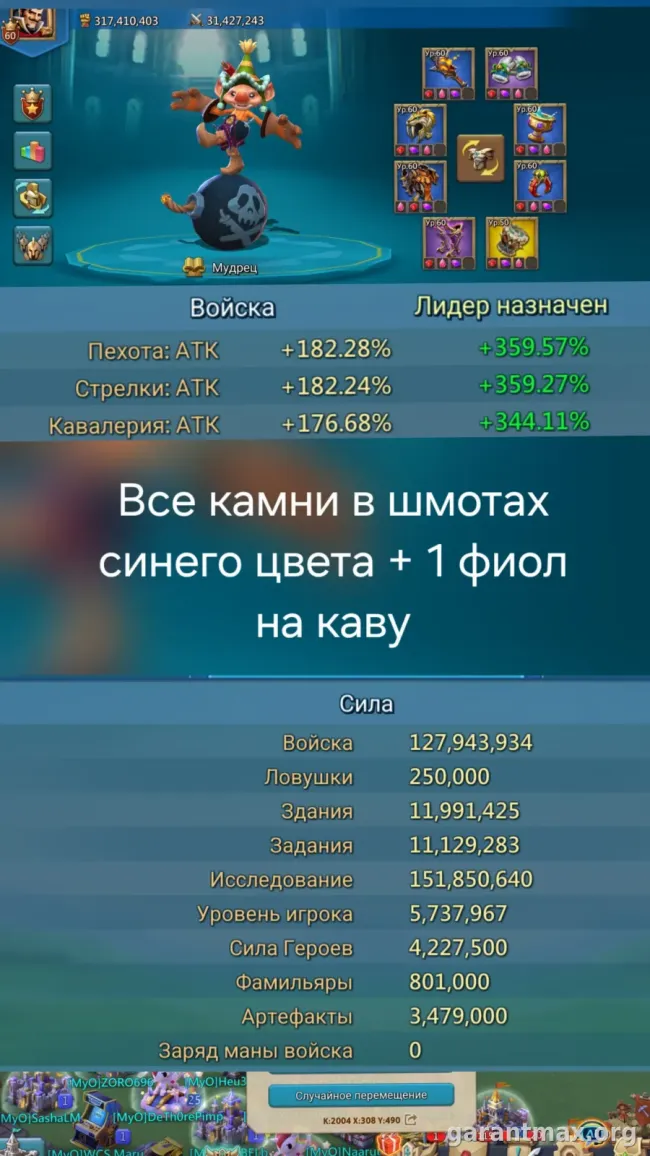
For an initial estimate, find several recent offers serving a similar role: main account, rally leader, trap or farm. Compare research, troops, gear, heroes, familiars, artifacts and migration conditions. Might alone is insufficient. A removed listing does not prove it sold for the displayed price either. Our detailed Lords Mobile valuation method examines three real listings and provides a comparison template.
Under GM's published terms for private accounts, the seller's platform fee is 10% of the account price. The buyer pays a separate 10% guarantor fee on top, with a minimum guarantor fee of RUB 500. Illustrative calculation: an RUB 8,000 account gives the seller RUB 7,200 and costs the buyer RUB 8,800. At RUB 30,000, the seller receives RUB 27,000 and the buyer pays RUB 33,000. These are fee examples, not valuations. Partner accounts have no guarantor fee; the platform fee still applies, and its amount and final settlement are agreed before the deal.
Clarify when funds become available before the deal. GM's published hold lasts up to 14 days after the password change. If the account returns to its previous owner during that period, the buyer is refunded; otherwise, the agreed amount is paid to the seller after the applicable platform fee. For another service, check its own release conditions, delays and withdrawal costs.
Listing template: what a buyer needs to see
Start with the account's role and current state. High Might and lots spent make the buyer ask for every detail. A short account summary helps them see whether the offer suits their play. Copy the outline below and fill it with your information; mark unknown details as unknown.
Role and progress: [purpose], [Might and Castle level], [check date]. Research and army: [T4/T5 and important branches], [current troop composition]. Gear: [equipment, jewels, combat stats]. Heroes, familiars and artifacts: [unlocked content and completed development]. Migration: [scrolls], [known restrictions; discuss the kingdom number privately with GM rather than publishing it]. History: [original owner or not], [previous transfers and significant changes]. Linked services: [service names and transfer limitations, without addresses or login details]. Terms: [price and currency], [negotiation], [preferred timeframe], [settlement under your chosen platform's rules].
Attach current screenshots of the profile, research, army and main gear sets; add heroes, familiars, artifacts and migration where relevant. Describe what you are selling now. If the Castle recently lost troops, replace the old army screenshot. Our recovery after being zeroed guide helps separate lasting progress from what still needs rebuilding.
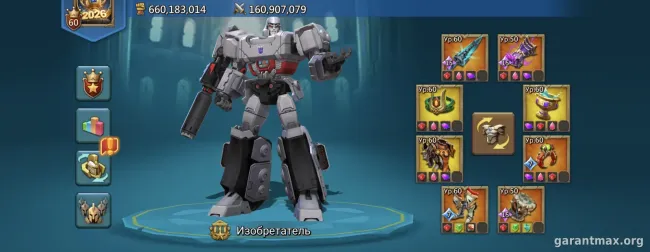
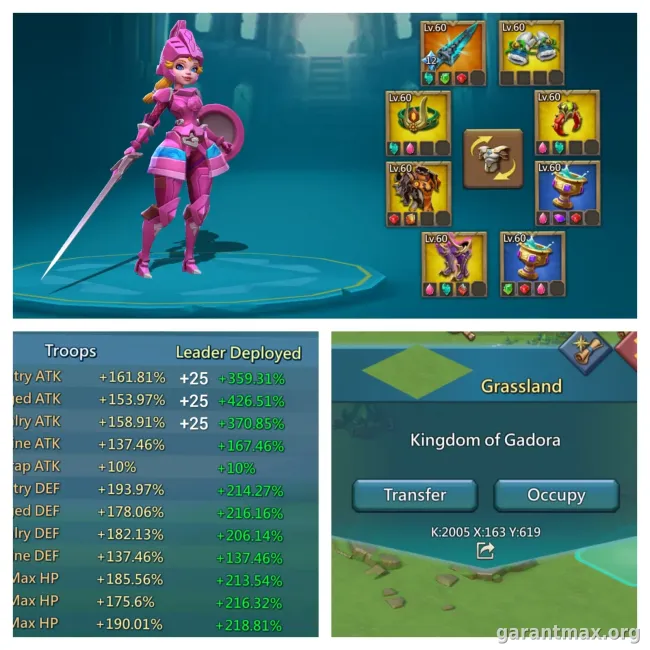
Keep game specifications visible. For GM listings, hide the player name, player ID, kingdom number, email, codes, payment details and private messages. Screenshots must remain truthful: artistic editing may illustrate an article, but cannot prove gear or troop counts.
What to agree before transferring access
Record the account description at the deal date, price and currency, who pays each fee, the seller's proceeds, inspection process, the event starting the hold and dispute conditions. Check that the intended payout method is available for your country and currency. Keep correspondence in the channel required by your chosen service.
Check payment status in your own order or the guarantor's agreed official channel. A screenshot of a transfer from the other party does not prove the service has received the money. The buyer should confirm receipt only after the required access and account-content checks. The seller needs to know which document or status establishes entitlement to payment.
There is a separate restriction from the game publisher: section 6 of IGG's agreement prohibits account sales and transfers except where IGG permits them; violations can result in loss of access. A third-party platform does not override that rule. A guarantor handles settlement within its own terms, not publisher authorization or insurance against a ban.
Where to start now
Ready to list your account? Complete the Lords Mobile sale request with specifications, asking price, current screenshots and a contact for follow-up. Start with the description prepared above. If you prefer sending materials to the team, open the two listing routes and choose Telegram. Listing requires no passwords or login codes.
Need a valuation first? On the Lords Mobile page, select Value an account. The image below shows the original Russian form's first step on September 20, 2026 with empty fields; the current English form's wording may differ. Submitting a request starts a discussion with the team, and publication follows review and agreement. Tell GM when the price changes or the account is sold so the listing stays current.