

Leave RF4 and the ticket stops: how boat rental works
The developer confirms boat tickets pause offline. Where to buy one, how to leave the game and why catch freshness follows a separate rule.
Published · Updated
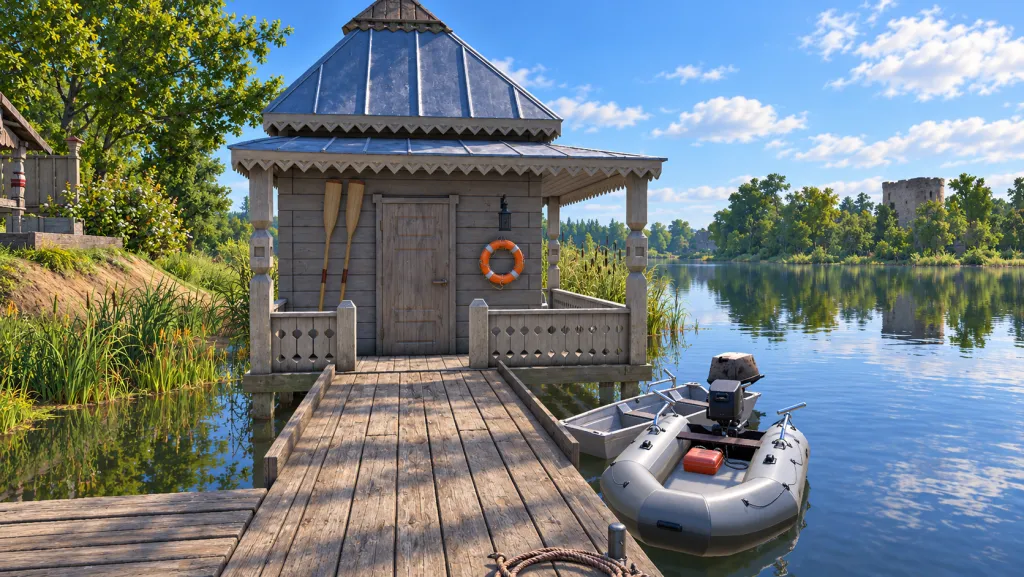
Leaving RF4 stops the boat ticket timer, the developer confirms. The official boat station guide, linked here in Polish, explains where to buy a ticket. Here is the rental and exit sequence, followed by the distinction between ticket time and fish condition in the keepnet.
The station sells a rental ticket, not a boat
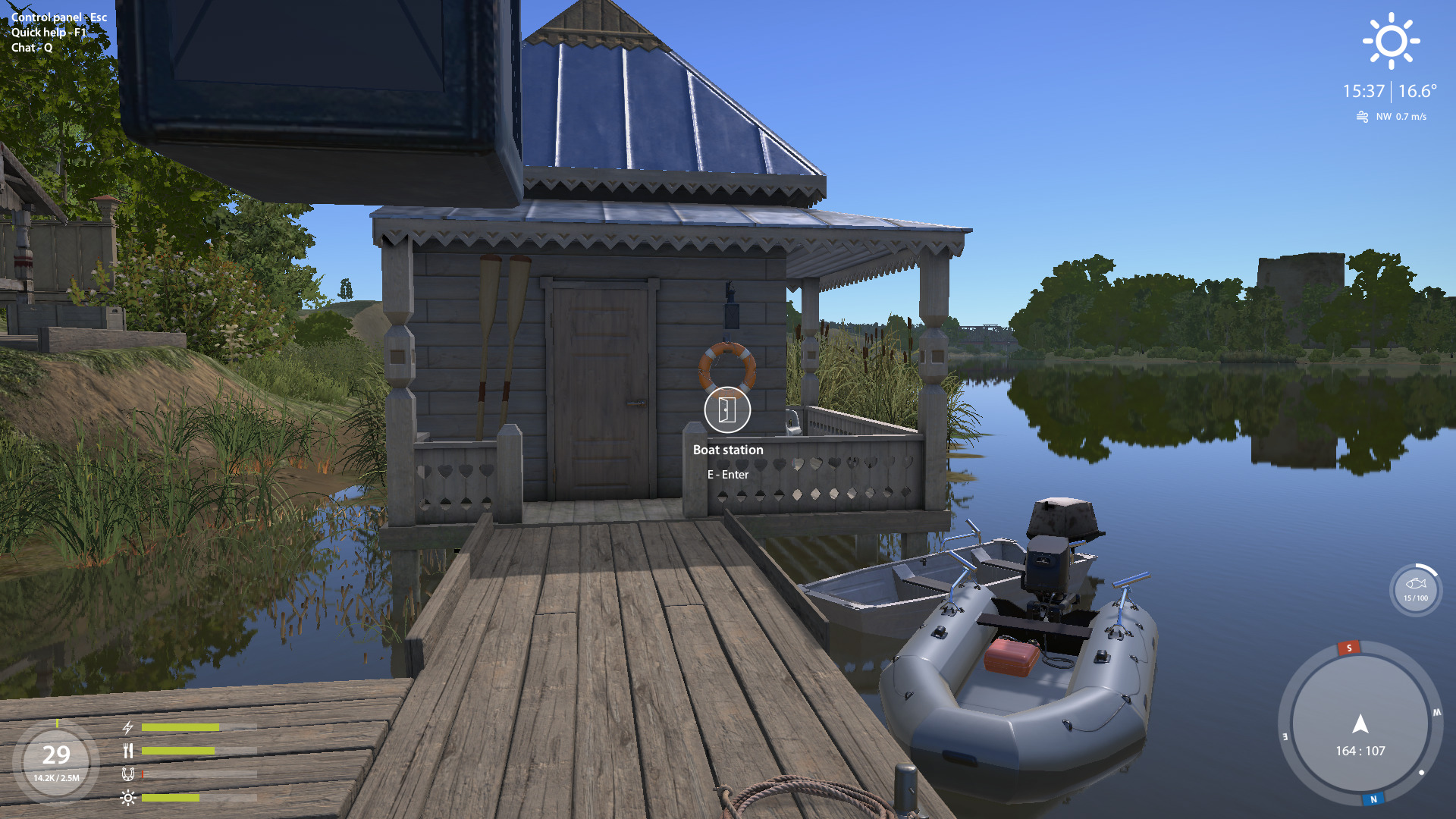
The boat station sells boat rental tickets at a fishing location. If present at the fishing base, approach its door and press E. In the rental window, left-click a ticket, read its details and purchase with the silver-coin button. If you changed controls, check your interaction key first.
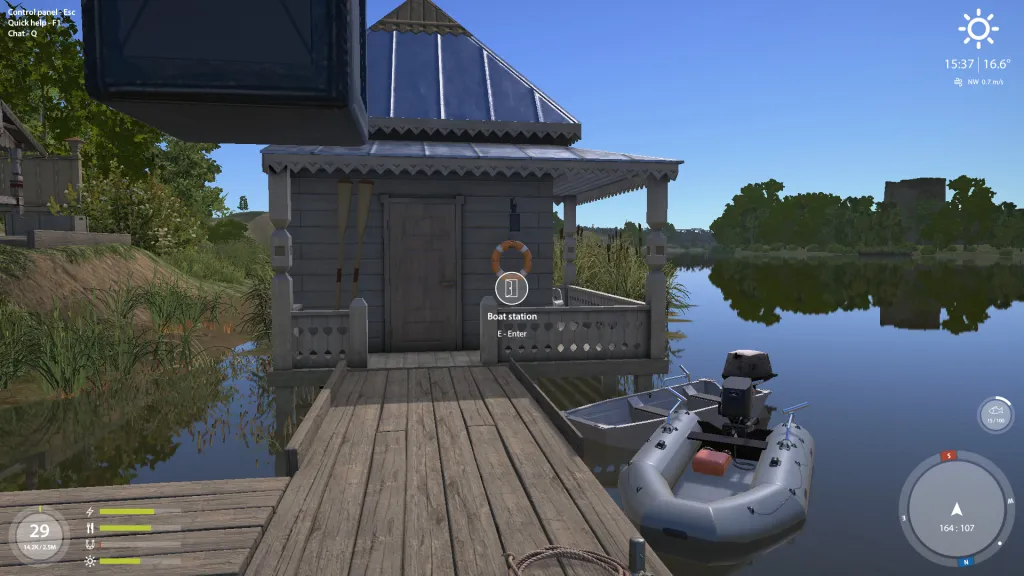
A boat ticket is a time-limited rental document, not permanent boat ownership. The full original station image shows the building, pier and Boat station / E–Enter prompt. After entering, read your selected option in your client. An old frame does not confirm today’s price, durations or a common ticket range for every location.
What the developer actually confirmed
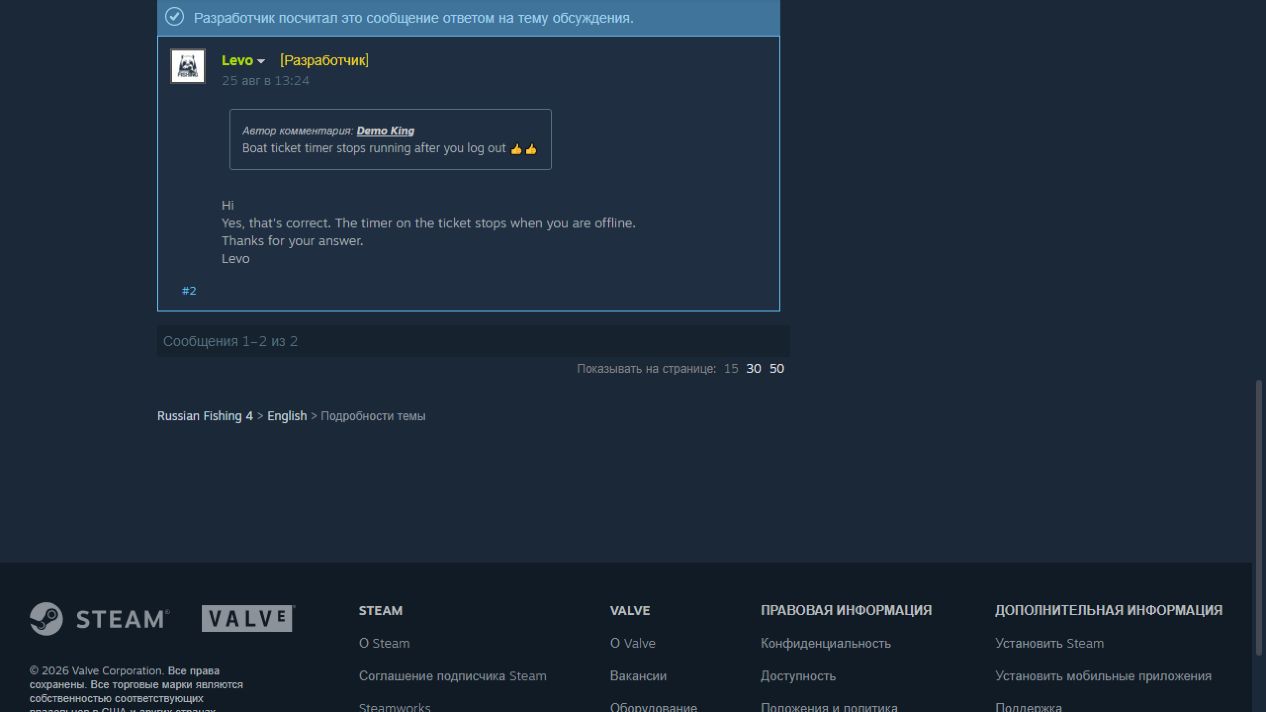
In Levo’s Steam reply of 25 August 2026, the boat ticket timer is confirmed to stop offline. The ticket timer shows rental time remaining. Offline means leaving the game, not merely being idle at your computer. You can therefore use the remaining time after returning; this rule does not require a new ticket just because you spent the night away from the game.
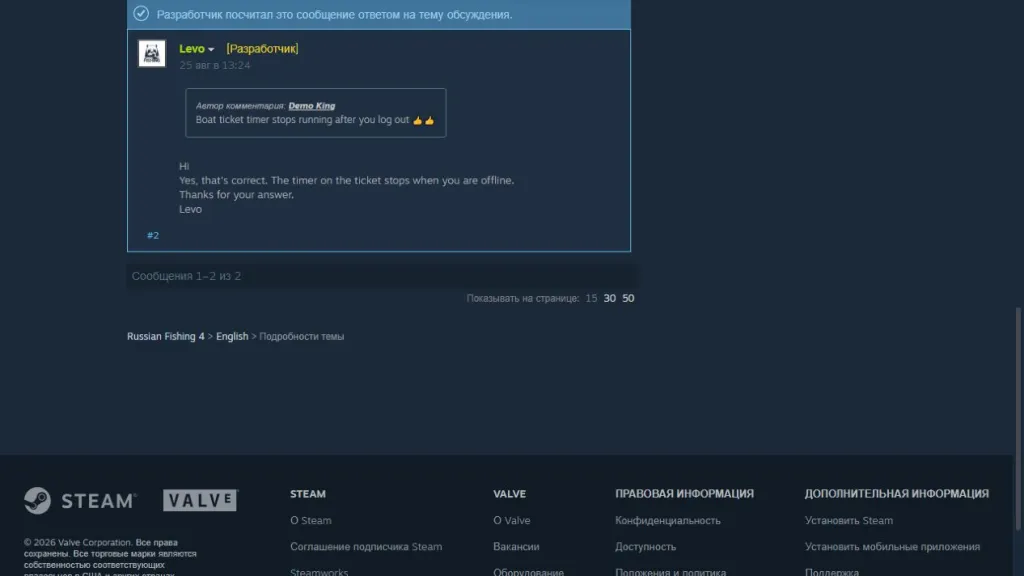
The full original reply explicitly says counting stops offline. The player compared rental with reel repair, but the answer concerns the ticket; that comparison is not separate evidence for repair timers. Nor does it say going ashore, opening a menu or minimising the window pauses it. Do not rely on such a pause from this source.
For a break, leave the game
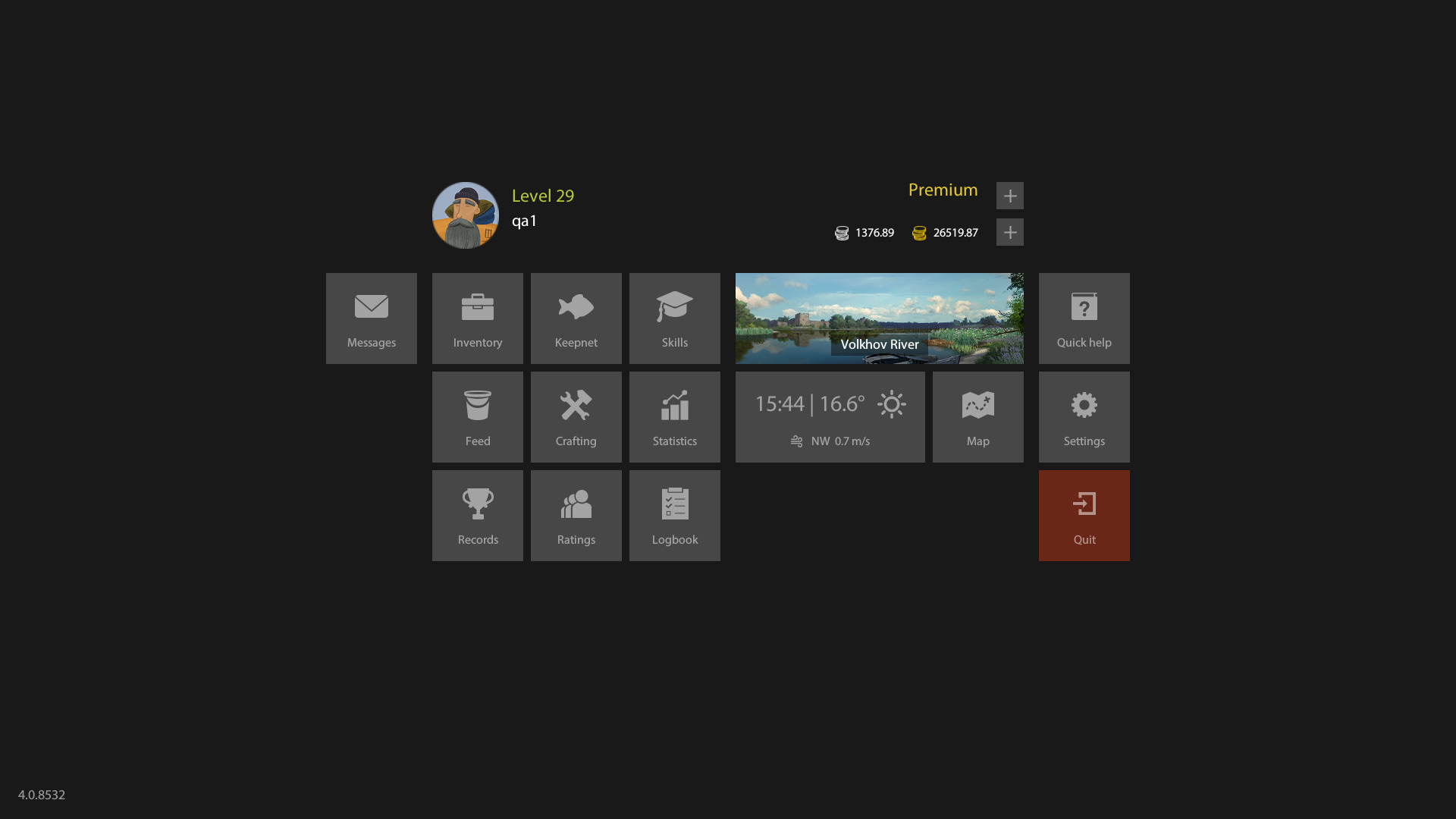
The official control panel guide says Esc opens the panel and provides access to leaving the game. In the archive example, the red tile is Quit. Opening the panel and selecting exit are different actions. Use the normal exit for a break: pressing Esc alone does not confirm you are offline.
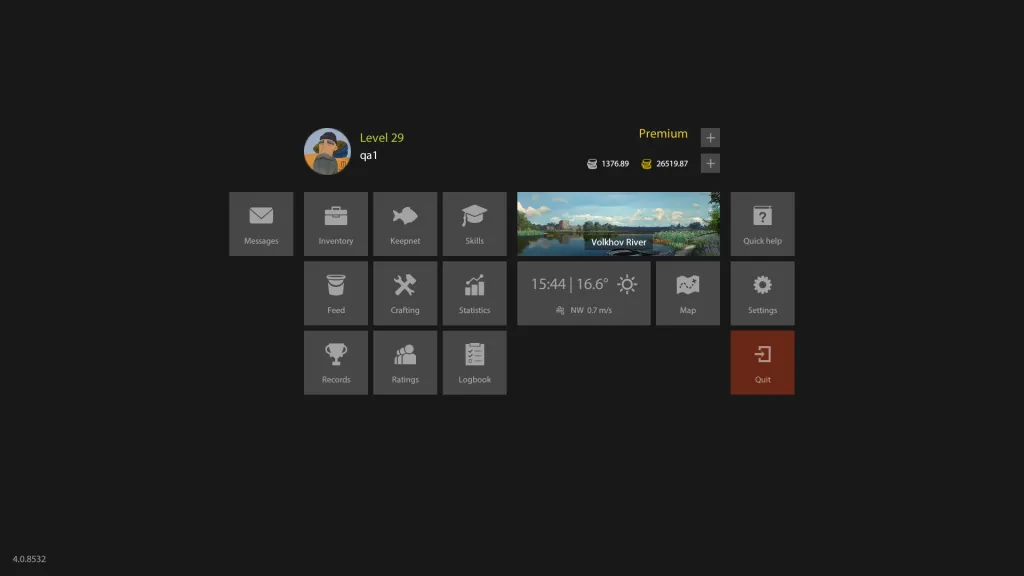
Open the full control panel to inspect the button. Before leaving, note your ticket details and remaining time if available; compare after returning. For a discrepancy, save the exact ticket description and before/after captures. “Five hours minus three hours fishing” is no substitute: it ignores other online activity and does not establish when the timer started.
Ticket pause does not mean freshness pause
A keepnet stores caught fish; freshness is their storage condition, shown by a separate indicator. The official keepnet section says fish stay fresh for 24 real hours after capture. This is independent of rental: a ticket pause does not extend catch storage. Before a long break, check your fish, not only rental time.
Our RF4 catch indicators guide explains freshness percentage, weight and free slots. Decide which fish to keep or sell, then check their indicators. A retained ticket does not confirm yesterday’s catch is unchanged or that its market valuation will stay the same.
For your next session, remember three checks: ticket description, actually leaving the game, and keepnet condition before the break. The developer settles the offline-timer question. The reply does not cover a hooked fish or tackle when rental expires, the game crashes or connection drops; those cases need separate confirmation.