

Russian Fishing 4: check café orders before selling your catch
Check weight limits, the water body and the fish you select. Compare the café's payment with the market price for the same catch before selling.
Published · Updated

Before selling your entire catch, check the café: some of your fish may fit a worthwhile order. The official RF4 guide's order section, in Polish, explains the process. Below is a simple sequence: compare two prices, select eligible fish and sell what remains. Your keepnet stores caught fish; silver is an in-game currency.
Check the whole order, not just the reward
Approach the café and press E. Check the fish species, quantity, weight range and time remaining. An order accepts fish from the specified water body; a catch from another trip will not complete it. Spoiled fish are also ineligible.
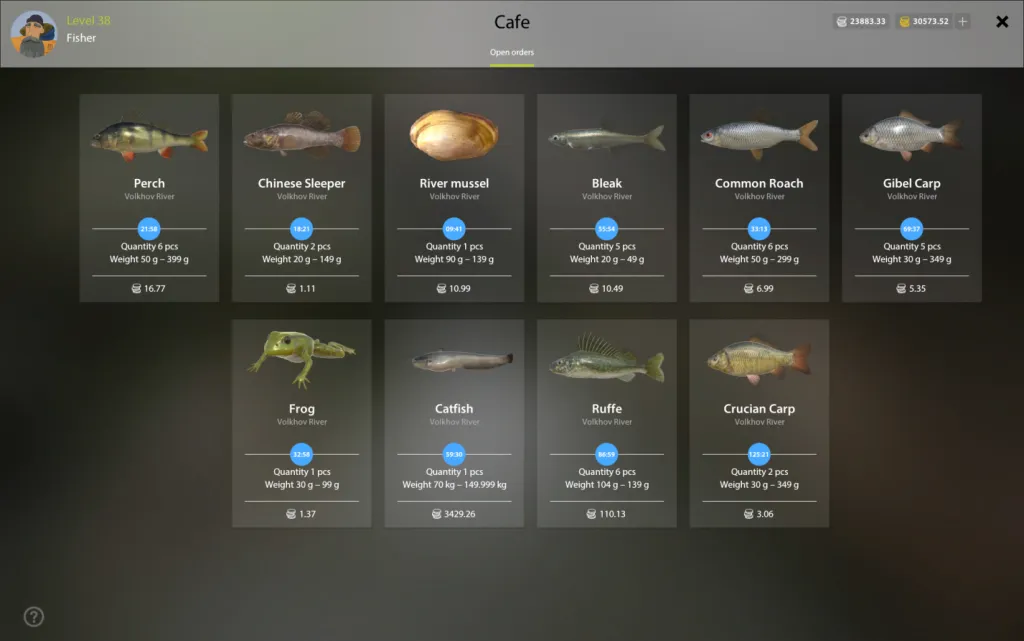
The full-size original order list shows why a reward figure alone is insufficient: every card has its own conditions. For example, the archived gibel carp order asks for 5 fish weighing 30–349 g each and shows 5.35 silver for the whole order. This illustrates the interface; it is not an offer confirmed as available today.
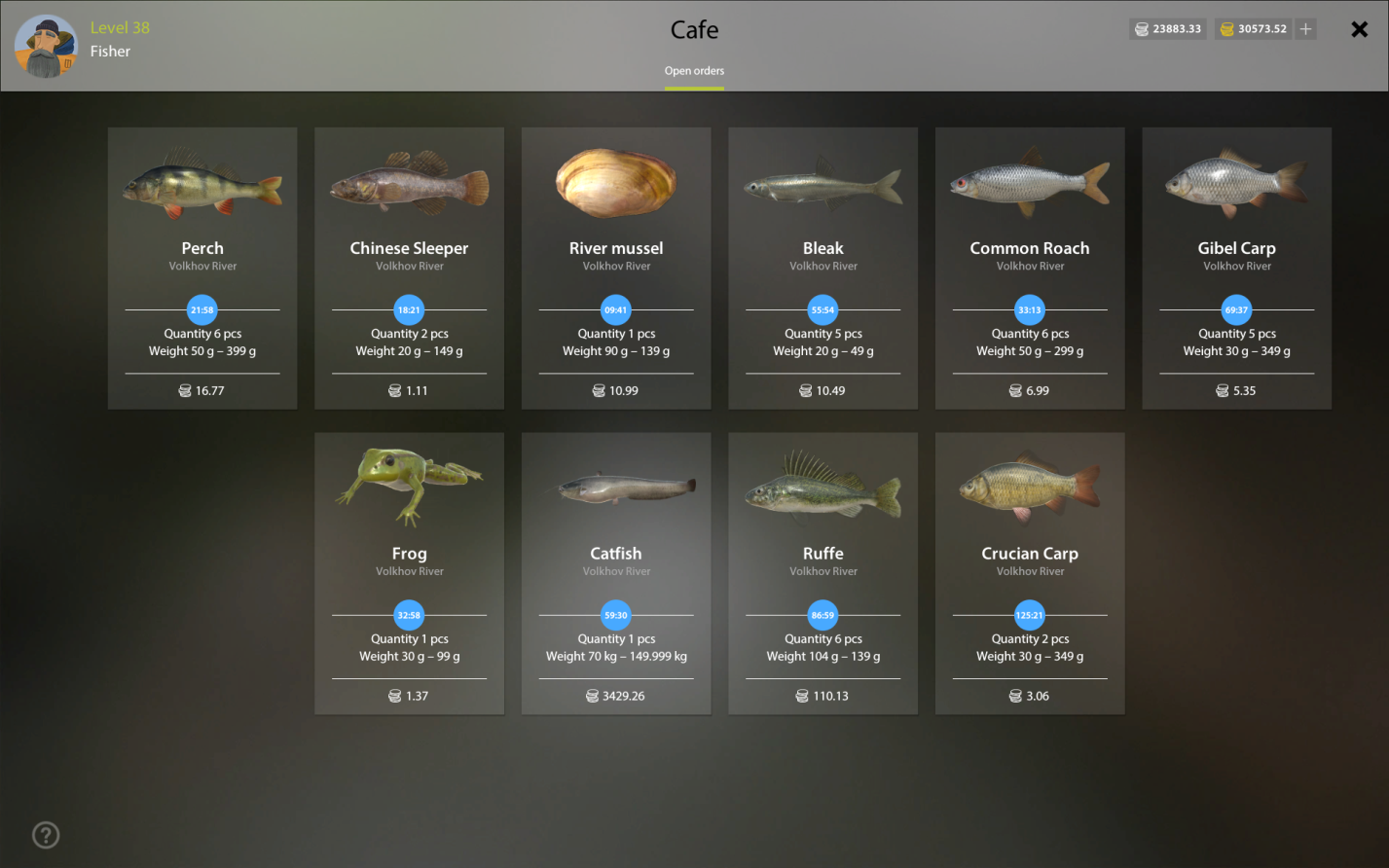
Check both ends of the weight range: having the right species does not mean every specimen qualifies. Do not plan a trip around an old screenshot or someone else's order list. Open the card in your own client and check what remains to be completed. This avoids searching for a final fish against an outdated condition. If choosing a location from another player's catch, first check the coordinates, rig and conditions in their spot report: standing at the same place on the bank is not enough to reproduce the result.
Select the fish for an order separately
Open a suitable order. The guide describes manual selection with Ctrl + left mouse button. Delivered fish leave your keepnet, and each individual order can be completed once. Choosing the specimens is therefore a decision to check before selling.
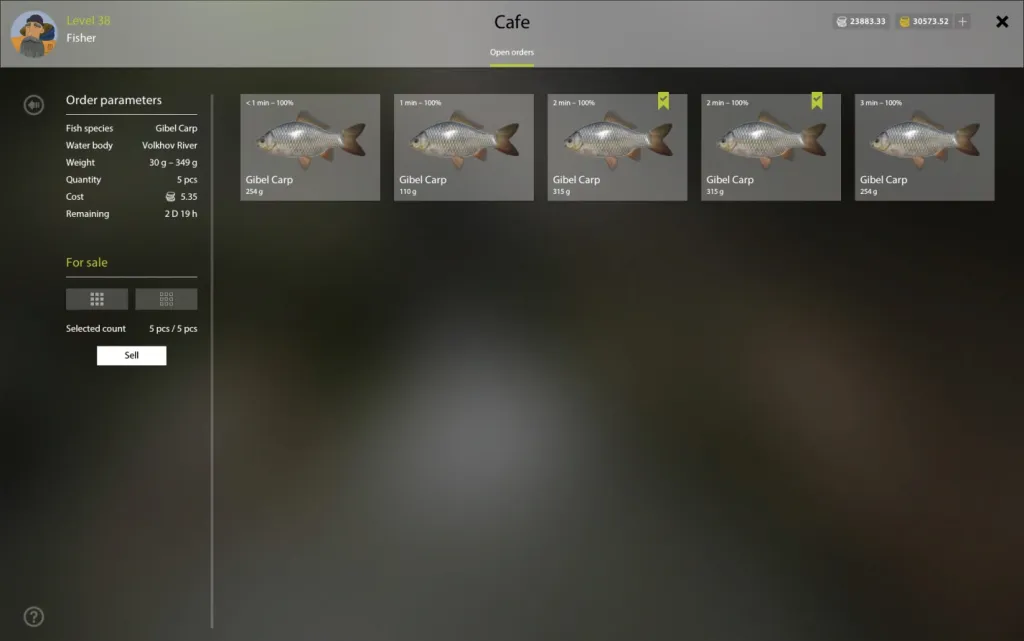
The full-size delivery screen shows the order conditions on the left and five carp on the right. Weights of 110, 254 and 315 g fit the displayed range; the selection counter reads 5 of 5. The frame explains how to check a selection, but does not establish that you currently have the same order.
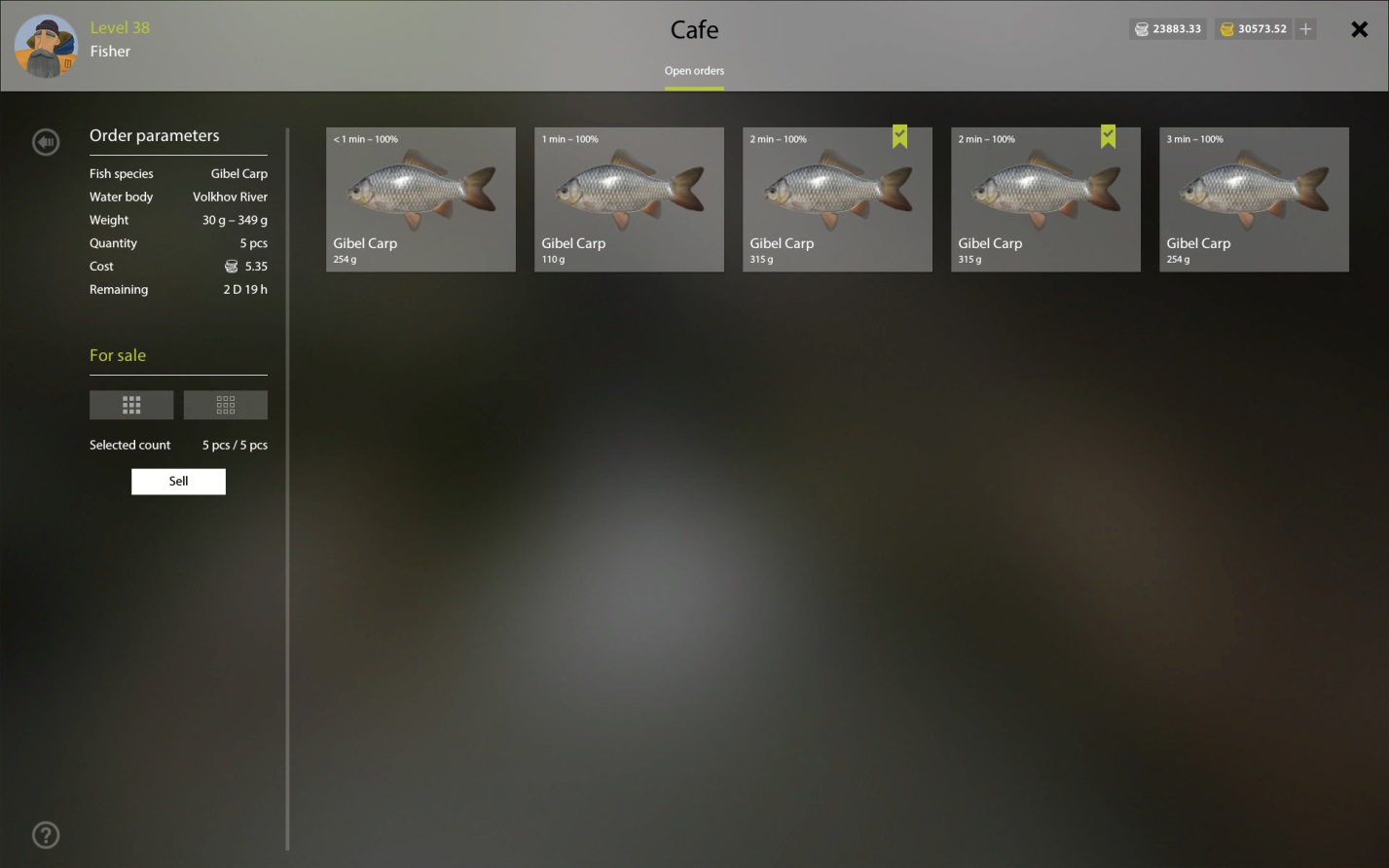
If you have more eligible fish than required, compare their market values and offer the café the less valuable set. Do not automatically hand over your most valuable specimen because it appears first. A larger fish does not increase the fixed payment for that individual order; first make sure every selected fish qualifies. If using a flag or percentage on a fish card to choose, check what the qualifying mark, weight and freshness mean.
The benefit is the difference between two prices for the same fish
Compare the café's payment with the market offer for exactly the same selected fish. The price of your whole keepnet is not useful here: it includes fish you will keep. If the café pays more, the difference is its advantage before additional costs.
A hypothetical example, not an in-game price list: the café offers 50 silver and the market offers 40 for the same set. The advantage is 50 − 40 = 10 silver, not the entire 50. Spending more than 10 extra on bait or travel to complete the order removes that monetary advantage. Consider your time separately.
This comparison is especially useful when you need one final fish. You do not have to keep fishing simply because the reward card looks attractive: compare the time left, expected costs and what you wanted to do next. Complete an eligible, worthwhile order; skip one that does not suit your plans. This approach does not promise a fixed amount of silver per hour.
Waiting can make your catch less valuable
The official fish-market section gives a storage limit: fish spoil after 24 real-world hours and sell for less. Do not confuse this with an in-game day. Spoilage also makes fish ineligible for café orders; the order's own deadline may arrive sooner.
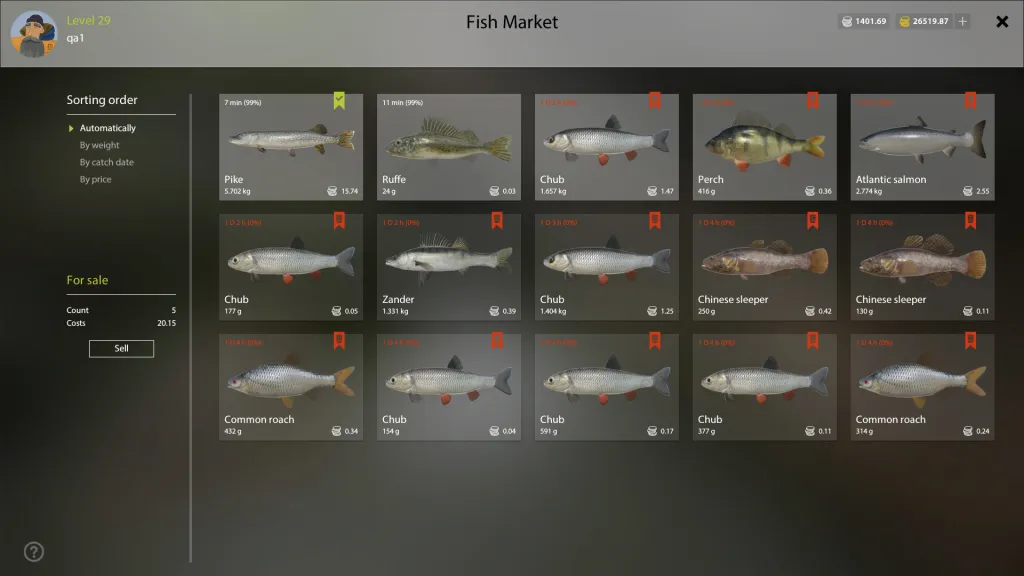
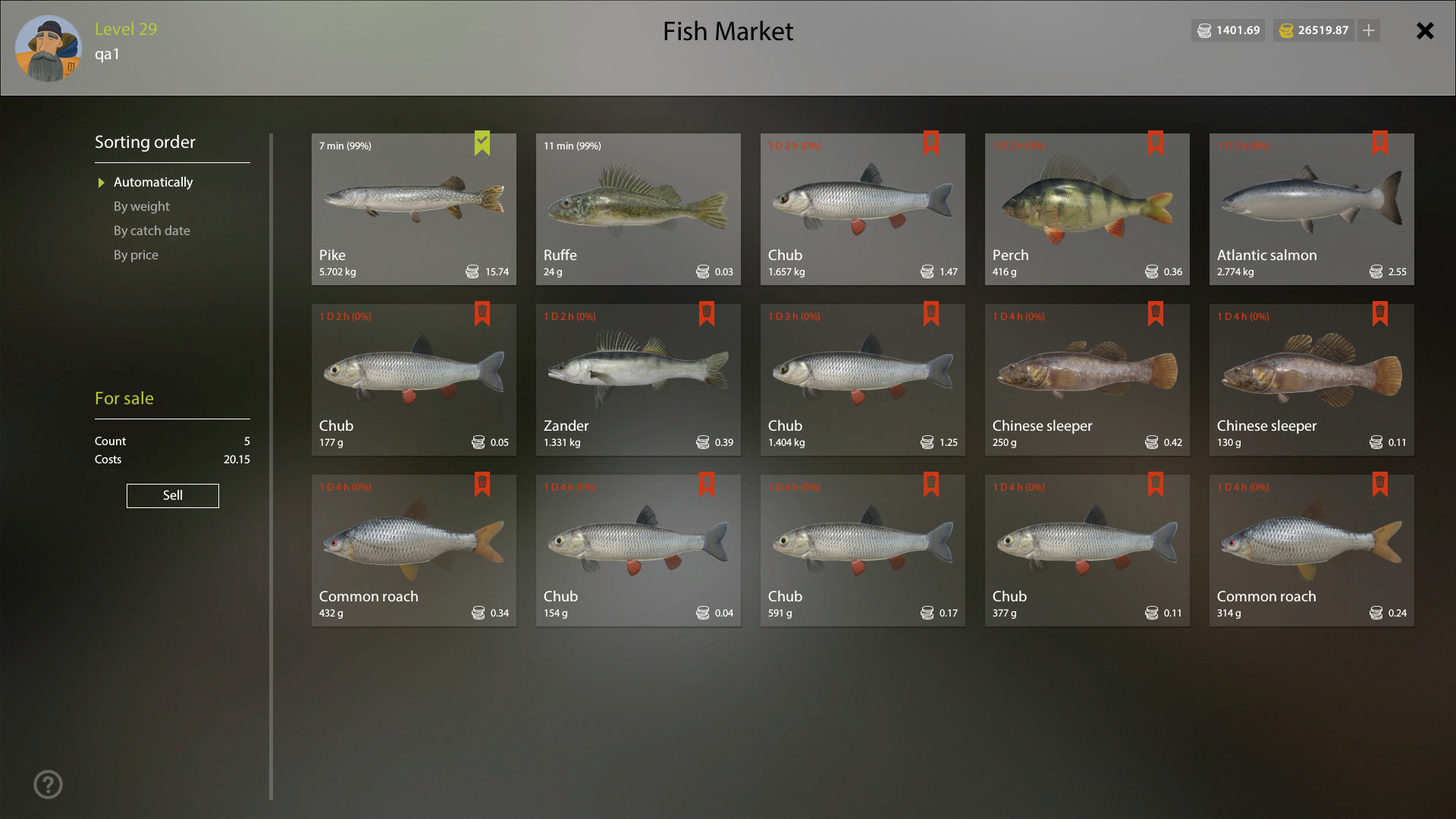
In the original market screen, spoiled fish are marked in red and prices are shown per specimen. That is another reason not to store an entire keepnet while waiting for an ideal order. Check current values in the game: the guide says the market's estimate before a sale may differ slightly from the final amount.
Before ending a session, make a short check: open the café, review orders you can complete, compare the price of the required set and select the exact fish. After a worthwhile delivery, sell the remaining catch at the market unless you are keeping it for another clear purpose. This sequence helps avoid accidentally selling a fish you need or deciding from an attractive reward alone.