

Russian Fishing 4: same coordinates, no bites — what to check
Coordinates alone cannot reproduce another player's catch. Check the line clip, casting direction, rig, in-game time and weather using original RF4 screens.
Published · Updated
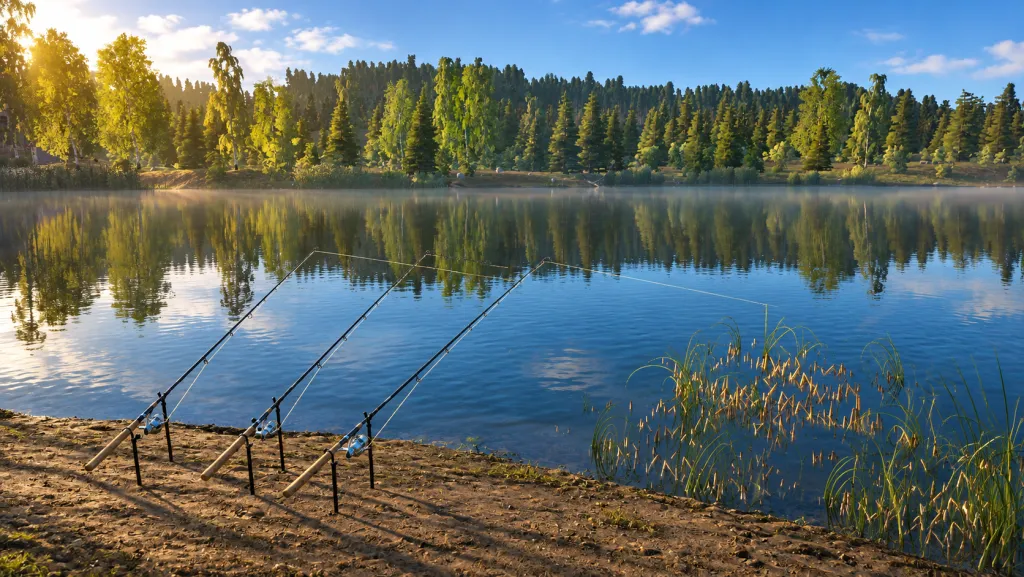
Reached the coordinates in another player's report but cannot find the expected fish? Start with the official explanation of RF4's compass and navigation, in the Polish guide. Coordinates show the player's position, not the complete fishing setup. Below is a sequence for checking a report: which numbers to compare, what to inspect in the tackle and which conditions to record before moving.
First establish what the numbers mean
Open the original post or video. You need the water body's name, target species, coordinates, casting direction and stated distance. Look separately for the rig, bait or lure, in-game time and publication date. A spot report describes a fishing location together with its conditions. Copying a pair of numbers leaves most of those conditions unknown.
Do not confuse coordinates with the line clip, which limits casting distance. Reports may abbreviate it as cl. If you see cl 17, check the author's explanation rather than turning it into coordinates yourself. Treat an unexplained value as incomplete information instead of guessing from nearby numbers.
This confusion has occurred in practice: in the RF4 Companion 1.2.3 update of 4 October 2026, the developer reported that the tool had read cl 17 as coordinates 17:47. Incorrect reports were moved to a matching spot or hidden if no match was found. This is an unofficial tool; its fix is not an RF4 game patch. The example explains why checking the original matters, but does not establish the cause of your poor bite rate.
The same place on the bank does not mean the same cast
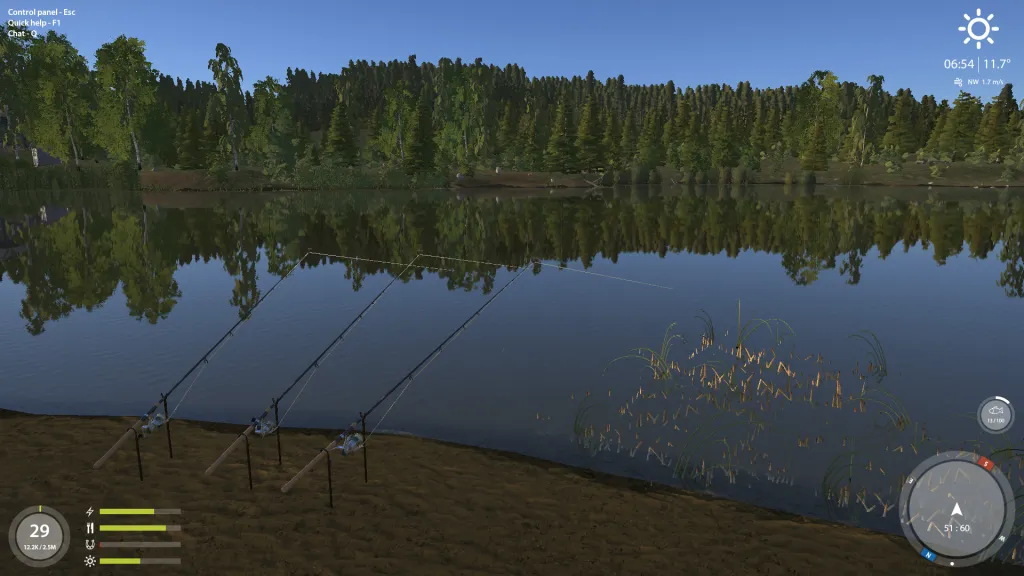
The full-size original shore screen shows 51:60 beside the compass and three lines pointing in different directions. The numbers describe where the player stands; they do not tell you where each rod's rig landed. After checking your position, compare the opposite-bank landmark, direction and distance, if the author supplied them.
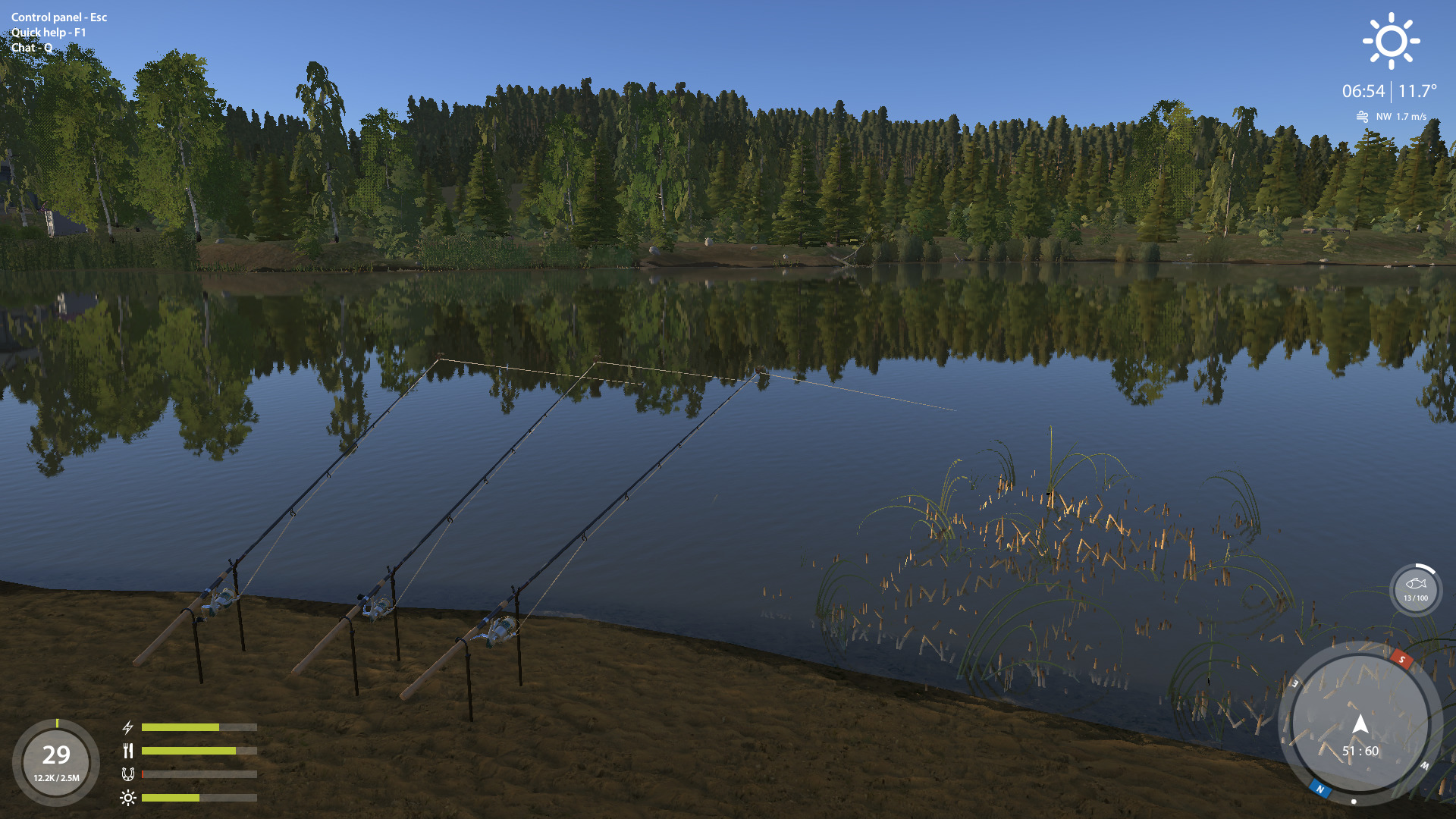
The guide's casting section separately explains how wind, tackle and skills affect accuracy and range. Matching one setting is not proof of reproducing an entire cast. If a video hides the landmark or omits the distance, record that gap: you are testing an approximate location rather than exactly repeating the demonstrated attempt.
Compare the selected rig and its components
A rig is the arrangement of tackle for a chosen fishing method. In the rod window, check the selected method and then its components. Identify the bait placed on the hook, or the artificial lure used for that method. The rod's name does not replace this information. The guide says available methods depend on rod type and skills. If a method is unavailable or you cannot account for your points, first distinguish skill progress, unlocked abilities and invested points. When choosing a hook, separately check its size and the numbers in its model name.
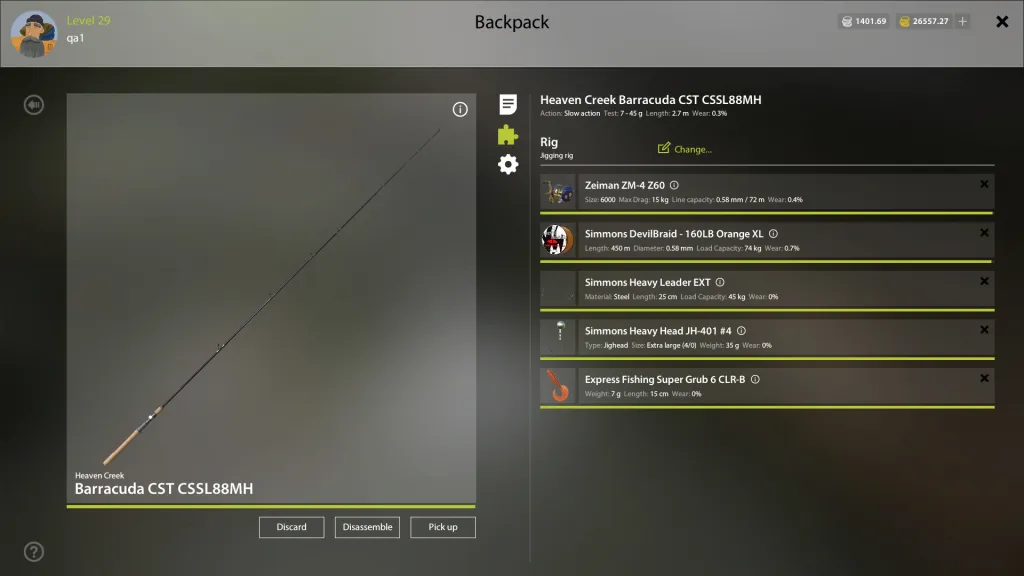
The original assembly window has Jigging rig selected at the top, with reel, line, leader and lure listed separately below. A leader is the section between the main line and the terminal rig. The frame shows where to look for differences; it does not recommend this jigging setup for every species.
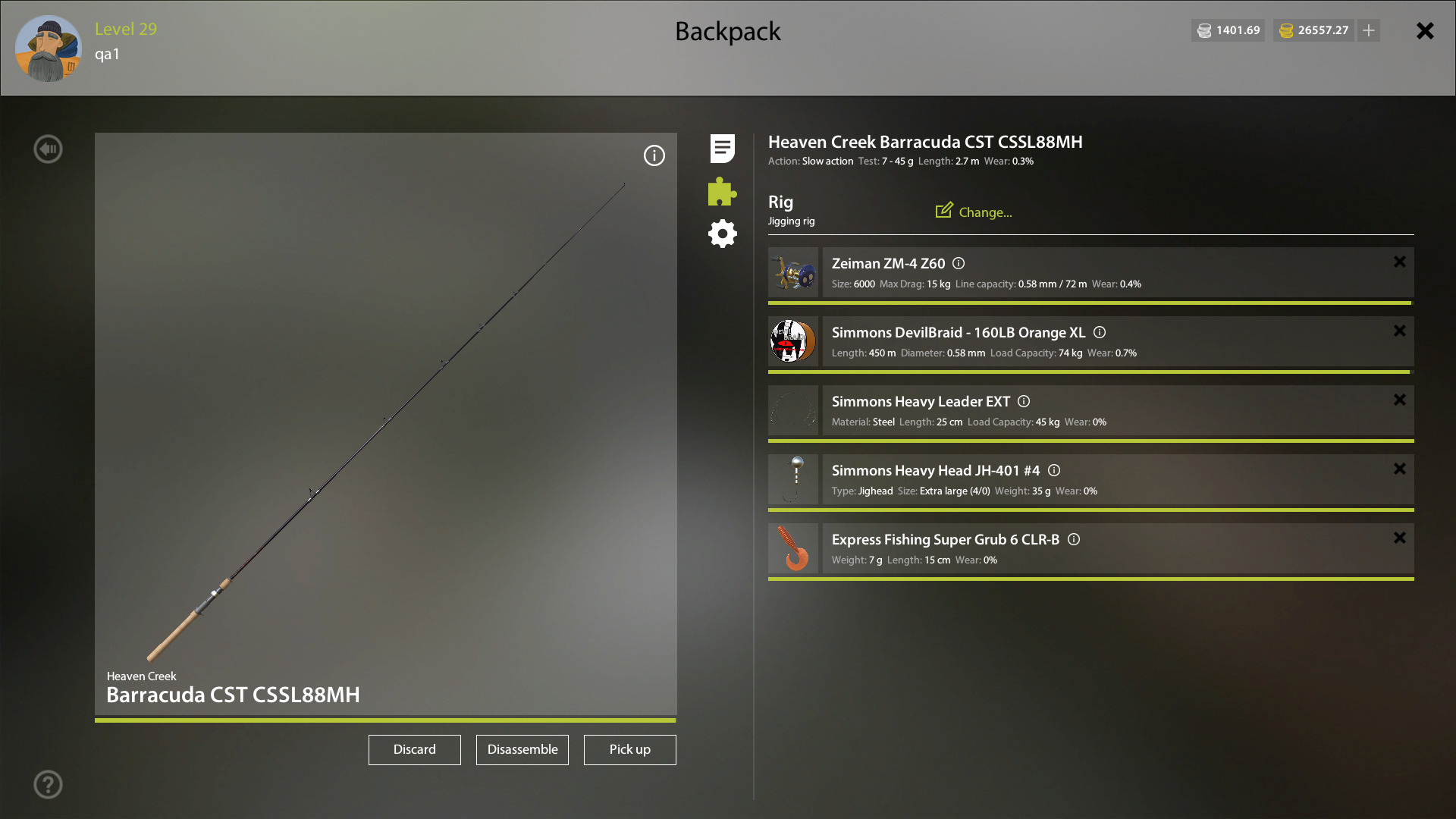
Compare the parameters the author actually disclosed. If they named the bait but did not show the hook or leader, record that omission. Do not buy an entire setup merely to resemble a video: first identify the important condition you want to reproduce and whether your character can use that method. Before another attempt, also check the load and condition of every tackle component: a new or similar-looking setup can still overload. If the report specifies groundbait, check how to apply a prepared mix by hand or through a feeder.
Report date, in-game time and weather are separate facts
An old post may explain the interface without confirming today's activity at that location. Check the original publication date and distinguish it from the in-game clock. The guide links species activity to in-game time and weather; that does not establish one best hour for every fish. A report missing those conditions offers less basis for comparison.
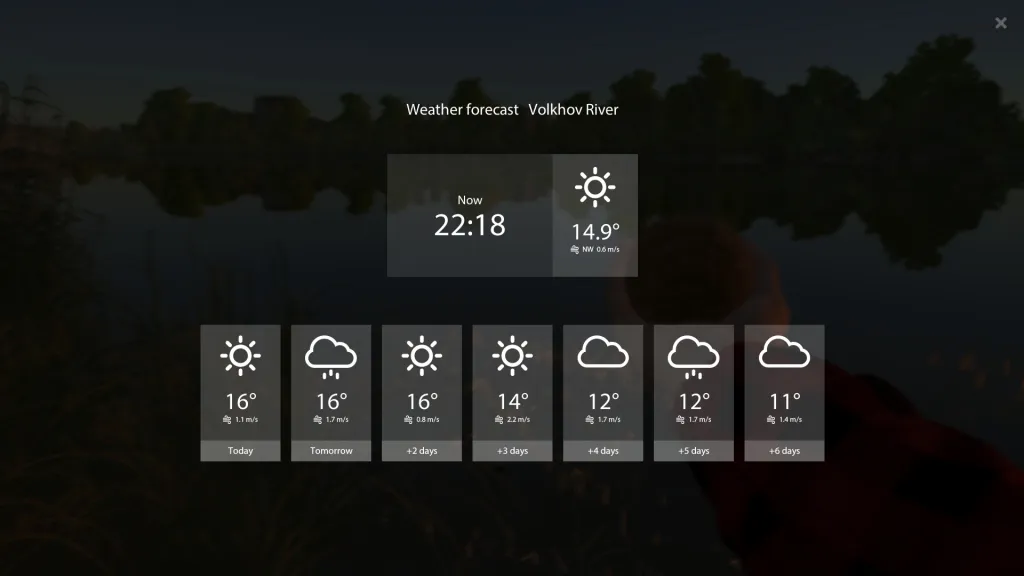
In the full-size original forecast, the Now row is separate from the day cards. Open Esc → Weather for a seven-day forecast, but note the official guide's warning that actual weather may differ. Record the conditions during your attempt: a forecast of rain does not mean it is already raining.
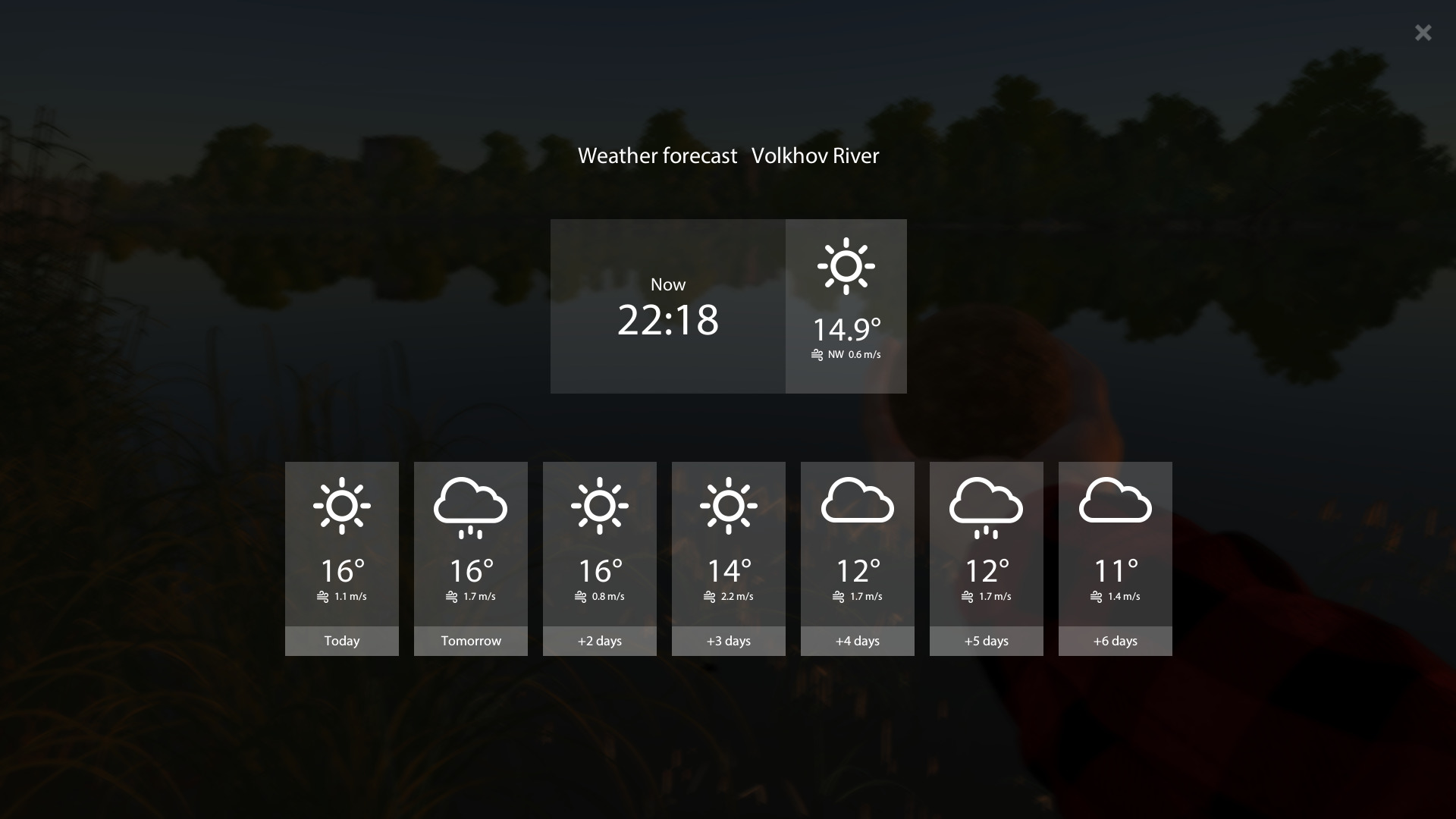
Do not apply a temperature tip from one water body to every other location: the guide explains that weather effects depend on the place's usual conditions. The Volkhov screenshot above illustrates the interface. Its temperatures are not a universal biting temperature or a forecast for this article's publication day.
After checking the report, change one condition at a time
Before the next cast, record the water body and species; original link and date; your coordinates, direction and distance; rig with bait or lure; in-game time and actual weather. Note the report's unknown parameters alongside them. You will have a list of differences to check instead of concluding that a spot does not work from one pair of numbers.
When comparing options, keep a record of the result and change one parameter at a time. Moving, changing bait and replacing tackle together will not show which difference mattered. This method provides no universal waiting time or guarantee of bites: it helps make the next choice better informed and exposes errors in the starting information.
Once you have a catch, a useful next step is to check café orders before selling your catch. That guide covers order conditions and comparing two prices for the same fish. Start with what you can inspect in your own client; treat another player's report as a starting hypothesis rather than a promise of the same result.