

Keep the catch you need: RF4 crafting fish auto-selection
Crafting picks the lightest keepnet fish. Check the update rule, selected materials and fish saved for café orders, with original source images.
Published · Updated
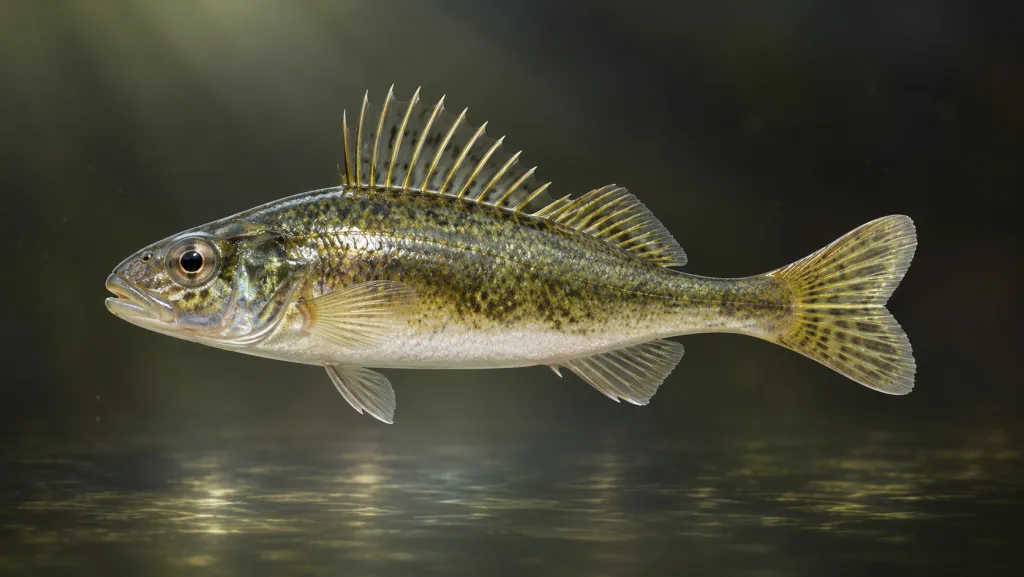
Before crafting bait, check which keepnet fish the recipe selected. Our RF4 catch fields guide explains each fish’s weight, marks and freshness. Here those details inform another decision: which fish to use as materials and which to retain for sale or a café order.
Auto-fill compares weight, not your plans
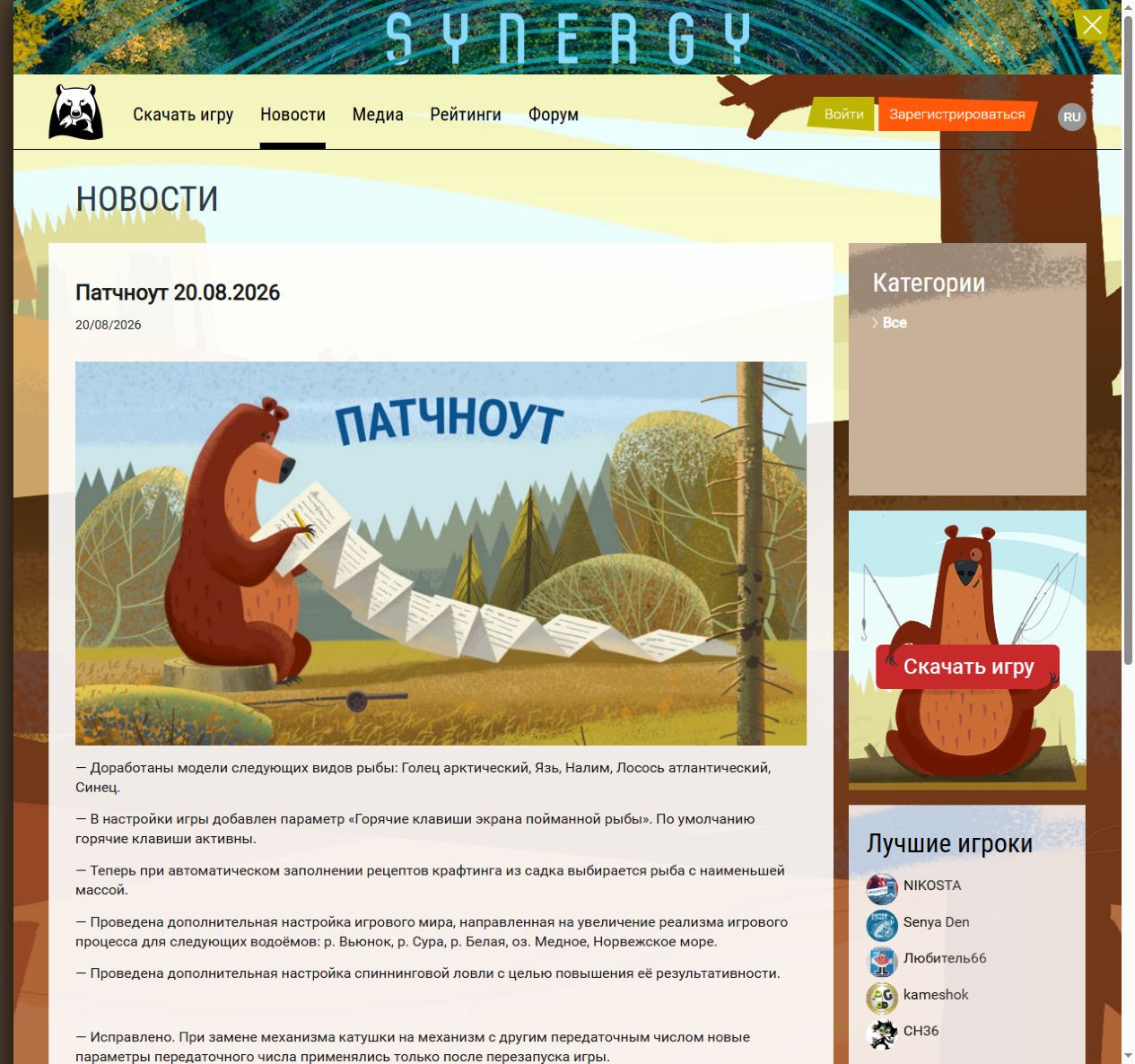
The official 20 August 2026 patch notes say recipe auto-fill now selects the lowest-weight fish from the keepnet. Crafting makes an item from a recipe; auto-fill selects its components automatically. This update rule does not promise you no longer need the selected fish.
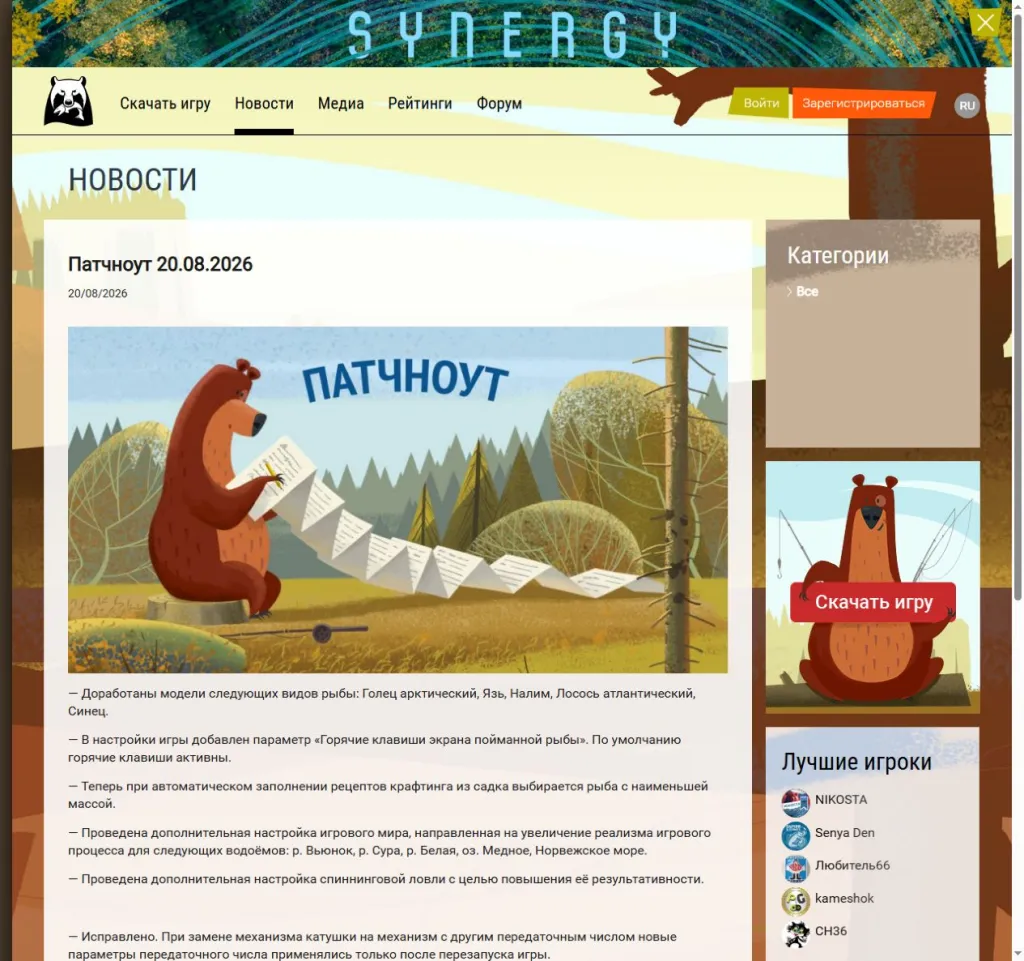
Open the full rule capture. Weight says neither whether a fish meets an order nor its selling price. Automatic weight selection does not protect a lighter fish saved for a particular purpose. Check the component before crafting; do not repeat until you know what the next attempt will consume.
First locate the fish you want to keep
The keepnet stores caught fish. The official guide says to open it with C or through Esc, using filters and sorting to find a fish. Left-click its card and note the species and weight. Check your own key bindings if changed.
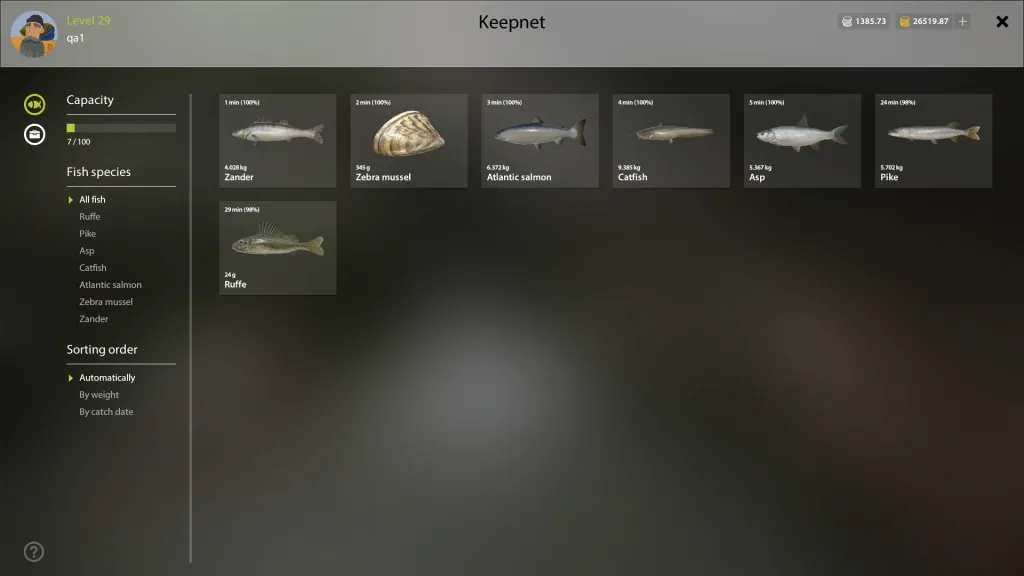
The full original keepnet shows Ruffe at 24 g and Atlantic salmon at 6.372 kg. These are different mass units: 6.372 kg equals 6372 g. They help read the catch but do not prove either species suits your recipe. Check ingredients and restrictions in the recipe itself.
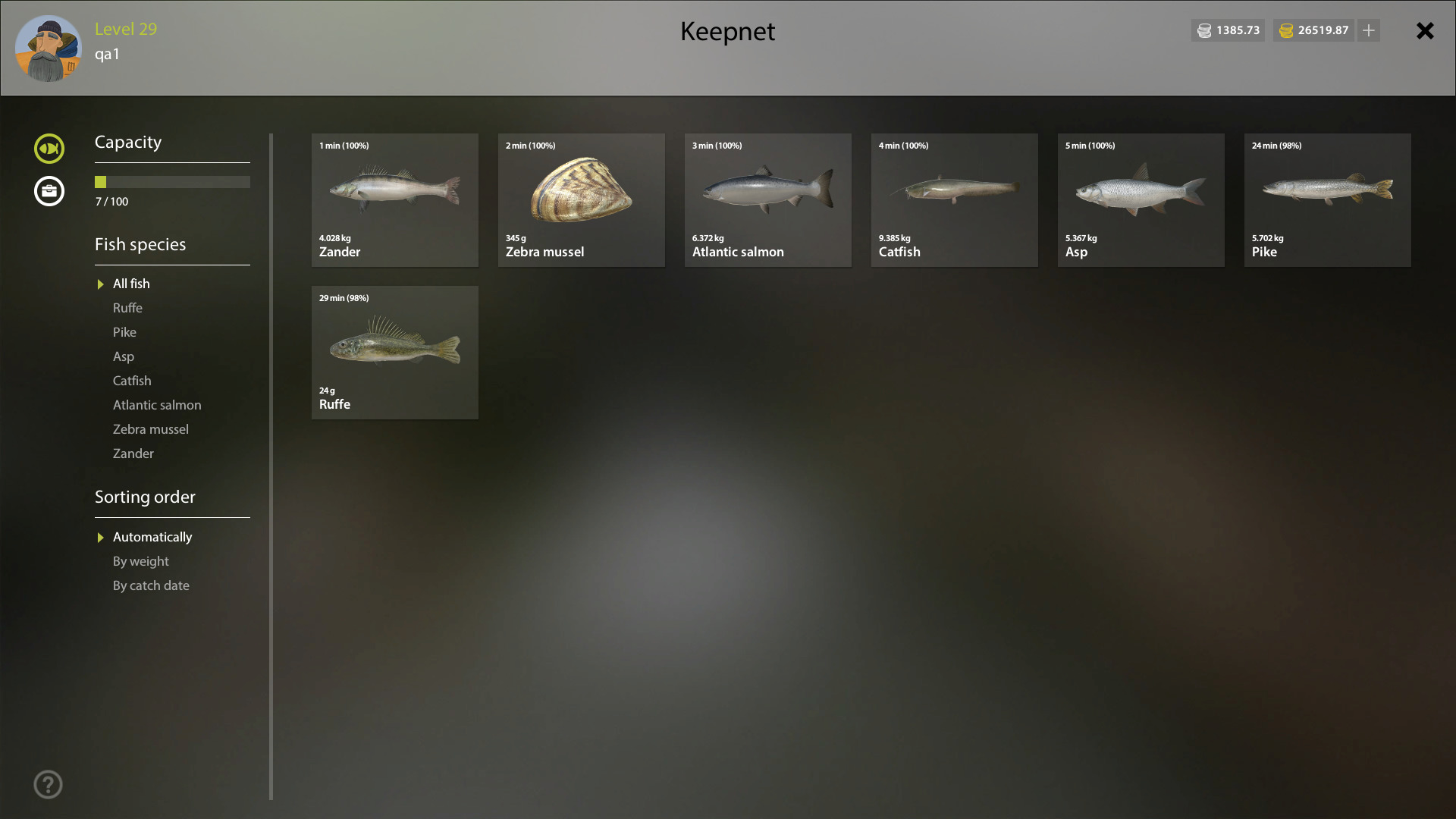
For order fish, separately compare café requirements and market sales. Species, required weight and actual fish matter more than deciding all small fish become bait. Deal with fish needed for an order first, then return to crafting; low weight is not permission to consume it.
Check the material before Make
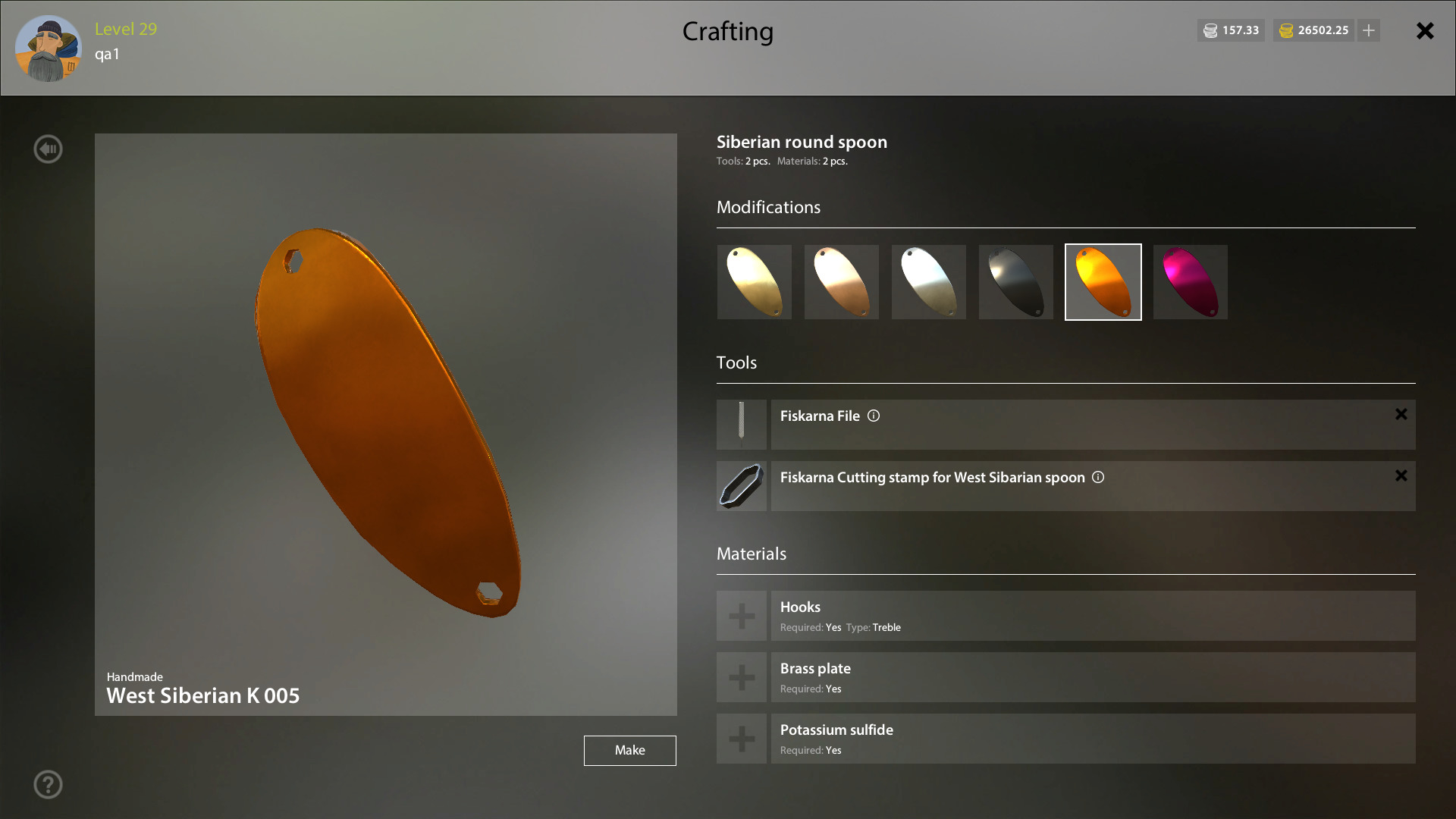
The official crafting section directs you to Esc → Crafting, select a recipe and fill its components. A recipe defines the output and required tools and materials. An open card does not mean it selected the fish you intended: read the populated fields before starting.
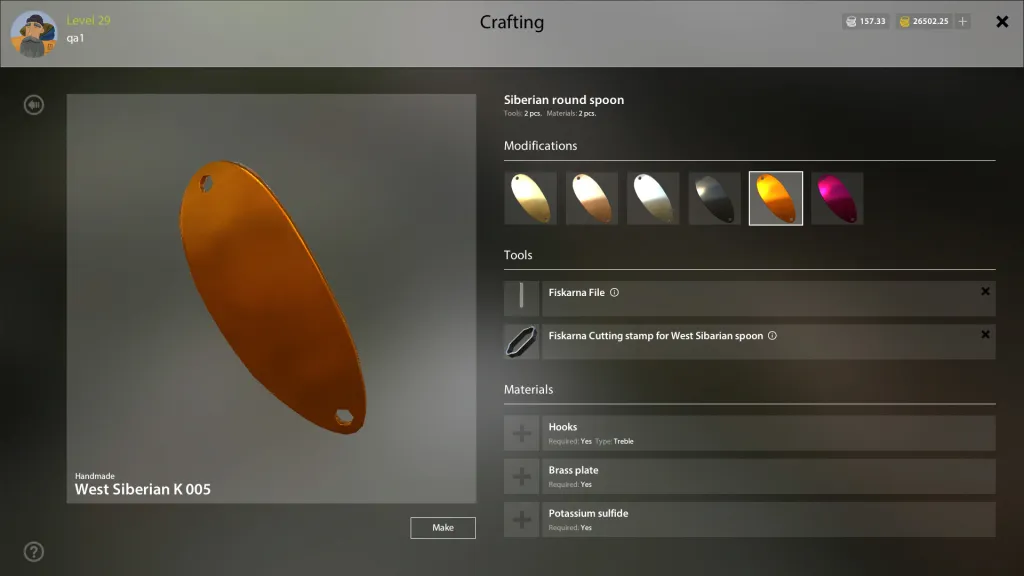
The full original recipe separately shows Tools, Materials and Make. An output picture does not replace reading these fields. Check your result name, components and quantities. If auto-fill chose poorly, change it before starting and reread the updated row.
Check the result before repeating
The guide links success chance to skill development and result quality also to the relevant ability. Read skill percentage, ability and free points separately. Having materials does not guarantee success; a single attempt promises no fixed skill gain.
Record the recipe, selected fish and weight, attempts and result; then inspect the remaining catch. For discrepancies, save before/after screens, exact message, region and client version. A reduced keepnet alone cannot establish the cause. Lowest-weight selection defines neither fish-piece yield, tie-breaking nor refunds on failure; each needs separate confirmation.