

Opening the map is not a depth check: RF4 marker rigs
Check depth and bottom type at your cast using a marker rig’s two modes. Read the result above the load indicator and record it with the location.
Published

Our zig-rig and water-layer guide separates leader length from bait position below the surface. Before choosing presentation, ask another question: what depth and bottom type are actually at your cast? A map helps orientation; RF4’s marker rig measures the spot. Here are its two modes and the original result screen.
Use the map to choose an area to investigate
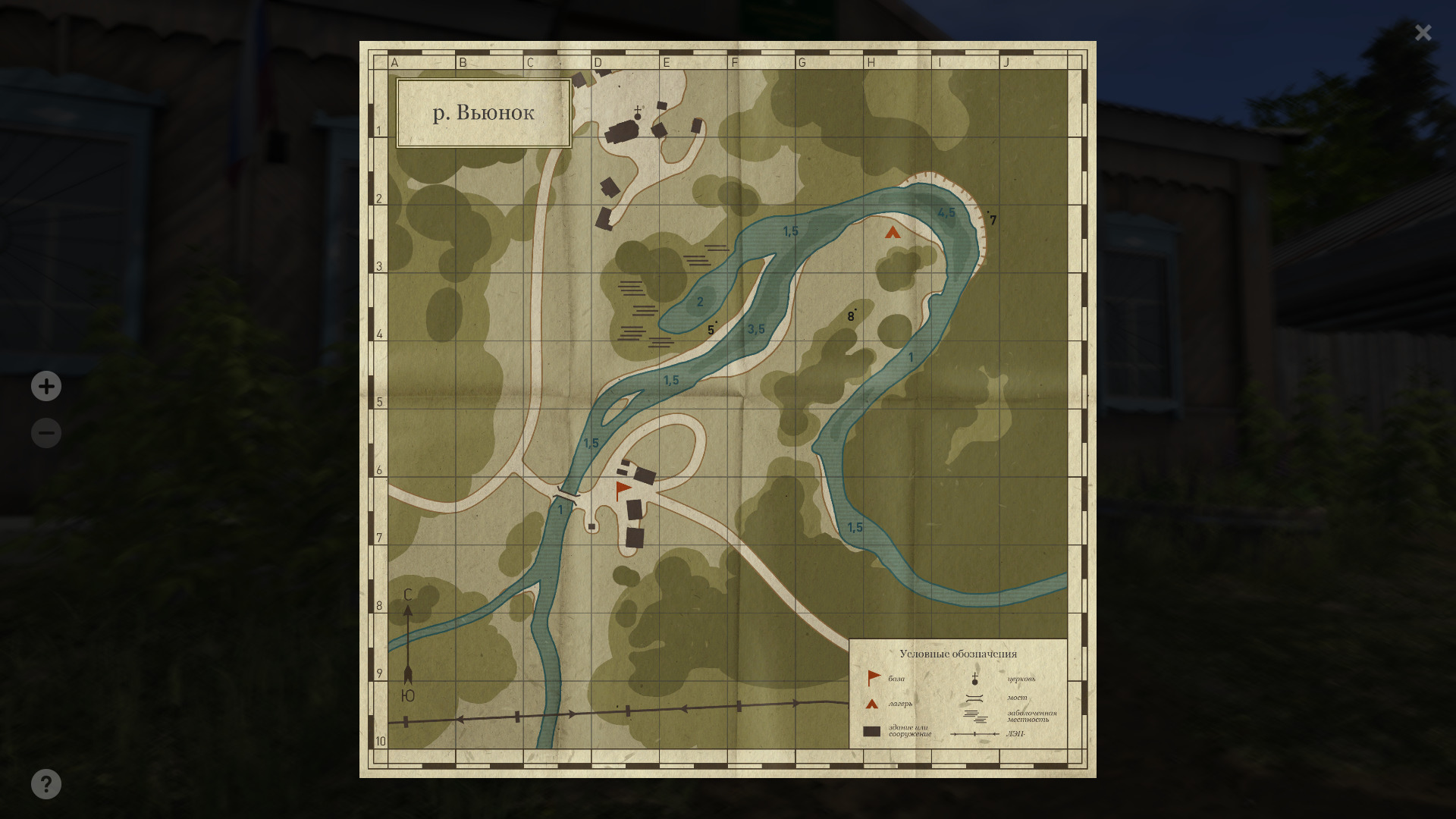
The archived Winding Rivulet map below shows channel depth marks such as 1.5, 3.5 and 4.5. Choose an area, then test your own cast; a nearby label is not a measurement you performed. The official administration guide explains buying a map. Open a purchased map with M, or check your own remapped controls.
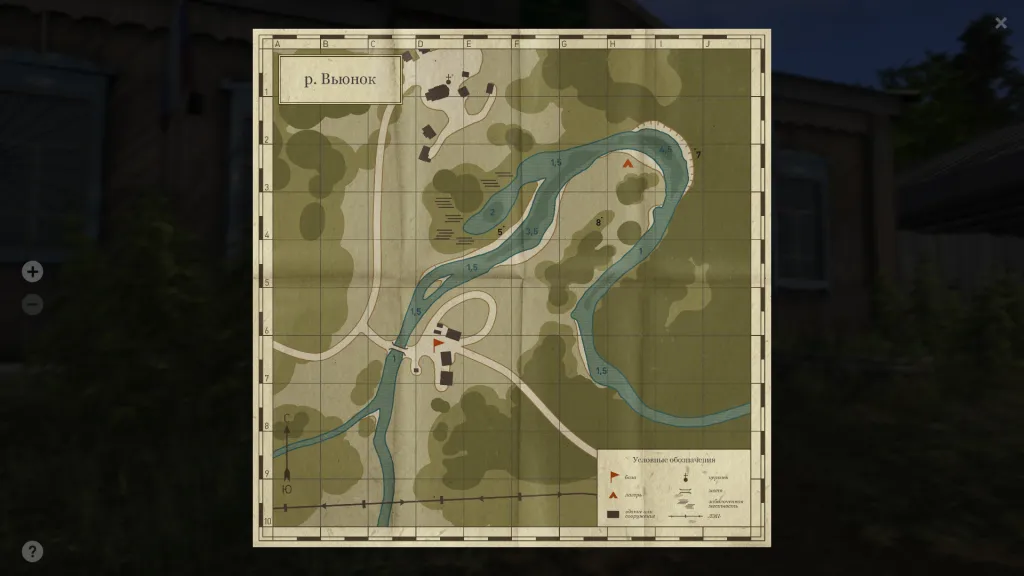
The full Winding Rivulet map shows the channel and grid. It is not the same cast as the next image; the two originals illustrate different tasks. “The map says 4.5, but the marker reads 3.1” would be an invalid comparison between these captures. Establish each measurement’s position and conditions first.
A marker explores the bottom; it does not catch fish
Marking investigates terrain, depth and bottom type. A marker rod is used for this measurement. The official marker-rig diagram has a marker float at the line’s end and a freely sliding marker sinker before it. No hook or bait is specified. A rig assembles tackle for a task; owning an ordinary rod does not establish a complete marker setup.
To check bottom type, the ground surface at the measured spot, the guide says to cast and slowly retrieve with the left mouse button. The result appears above the load indicator. Do not assign a universal retrieve speed of 10 or 20 from another player’s advice: the primary section gives no such number. Identify the current action and the field you are reading.
Depth requires a separate sequence
The official marking instructions say to stop retrieval, open the reel with Enter and wait for the marker float to surface. Close the reel and tighten the line until the float stands vertically. Then read depth above the load indicator. Depth is surface-to-bottom distance at the measured point. An incomplete sequence is not immediately proof of faulty tackle.
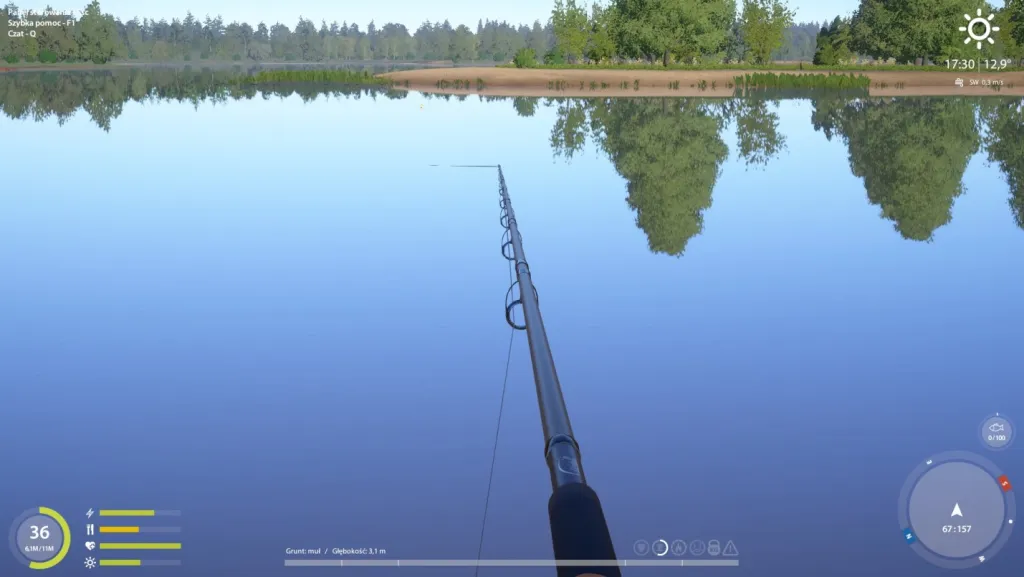
The full original measurement reads Grunt: muł / Głębokość 3,1 m, meaning bottom type: silt / depth 3.1 m. This is one archived result, not the entire lake’s depth, today’s conditions at those coordinates or proof of fish. Open full size if needed; a translated caption does not replace the original interface.
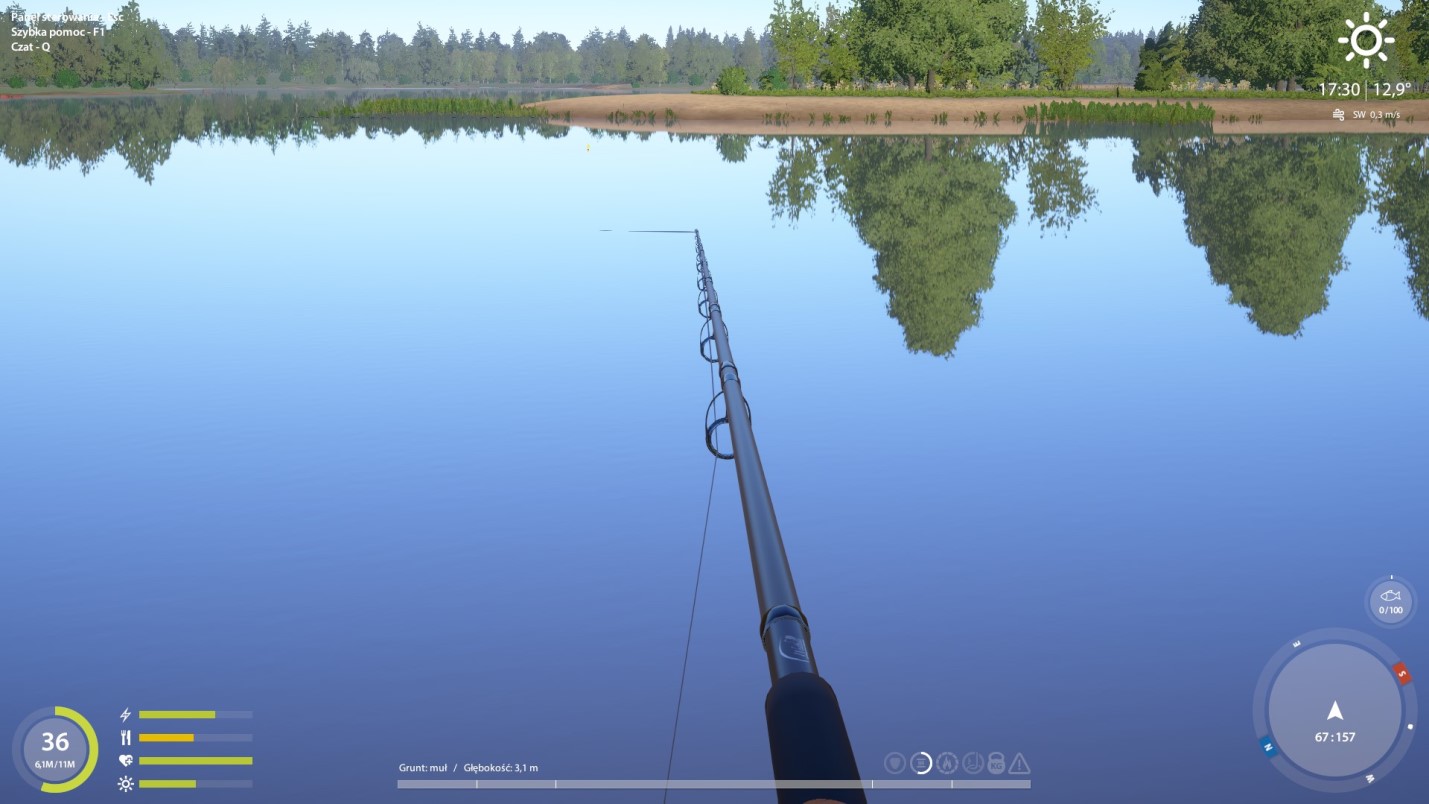
Do not turn 3.1 m into an automatic leader length. Bottom depth and fishing layer, where bait is presented, answer different questions. Measure the spot first, then choose and test presentation. A zig-rig diagram shows foam relative to a sinker; it does not supply a formula converting one archived depth into a working setup.
Record the measurement position with its reading
Coordinates locate the player, but repeating a cast needs more information. Our spot-report checking guide covers direction, distance and conditions. Add the displayed bottom type and depth. Moving your character or changing direction creates another test; record it rather than silently treating it as the same measurement.
A useful record answers: can you reproduce this exact cast? Keep the waterbody, bank position, direction, set distance, reading and screenshot. When seeking terrain changes, retain separate neighbouring measurements. A number without position or direction soon becomes as incomplete as “the fish bite here”.
If a reading is unclear, recheck equipment and the sequence: reading ground while retrieving and measuring depth after surfacing are separate stages. Save your client’s exact message or field afterwards. This provides something concrete to investigate. A marker explores the bottom; it guarantees neither fish, suitable bait, hourly income nor bites.