

Shovel equipped, no bait? What to check in RF4
Equip the shovel, check energy and distinguish an empty attempt from a successful find. Two original RF4 screens explain bait harvesting.
Published

A shovel in your backpack does not mean you have bait. Our RF4 skill and unlocked-ability guide explains why skill progress differs from available points. For digging itself, check three more things: the tool in your hands, character energy and the attempt’s result. Identify the stage in question before repeatedly clicking or buying consumables.
Put the tool in your hands first
Bait harvesting means obtaining fishing materials through tools or crafting. The official harvesting section describes the shovel and scoop. Open your backpack and equip the required tool; the displayed control scheme also offers quick selection by holding U. With the tool in your hands, use the left mouse button. If you remapped controls, check your own bindings.
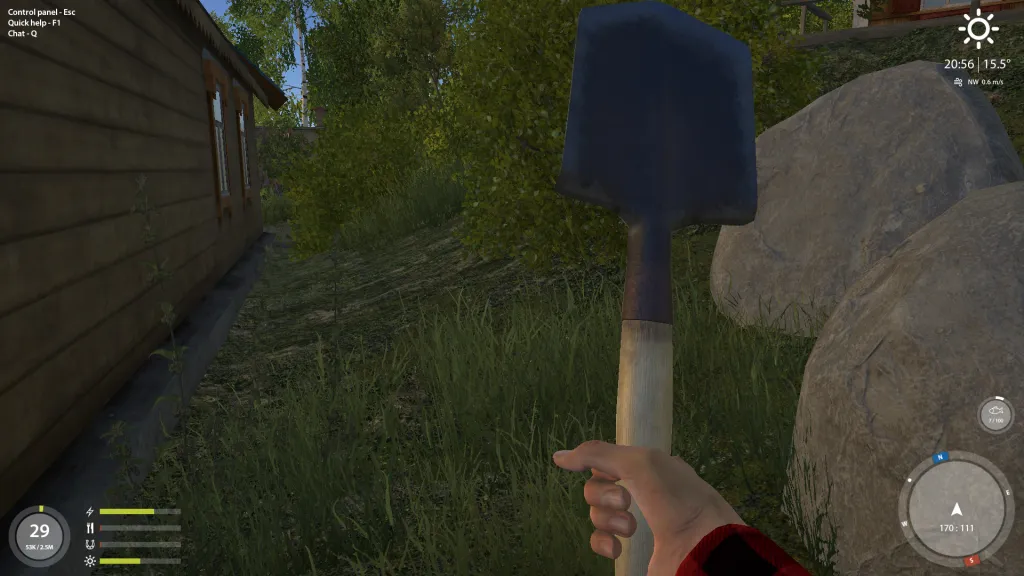
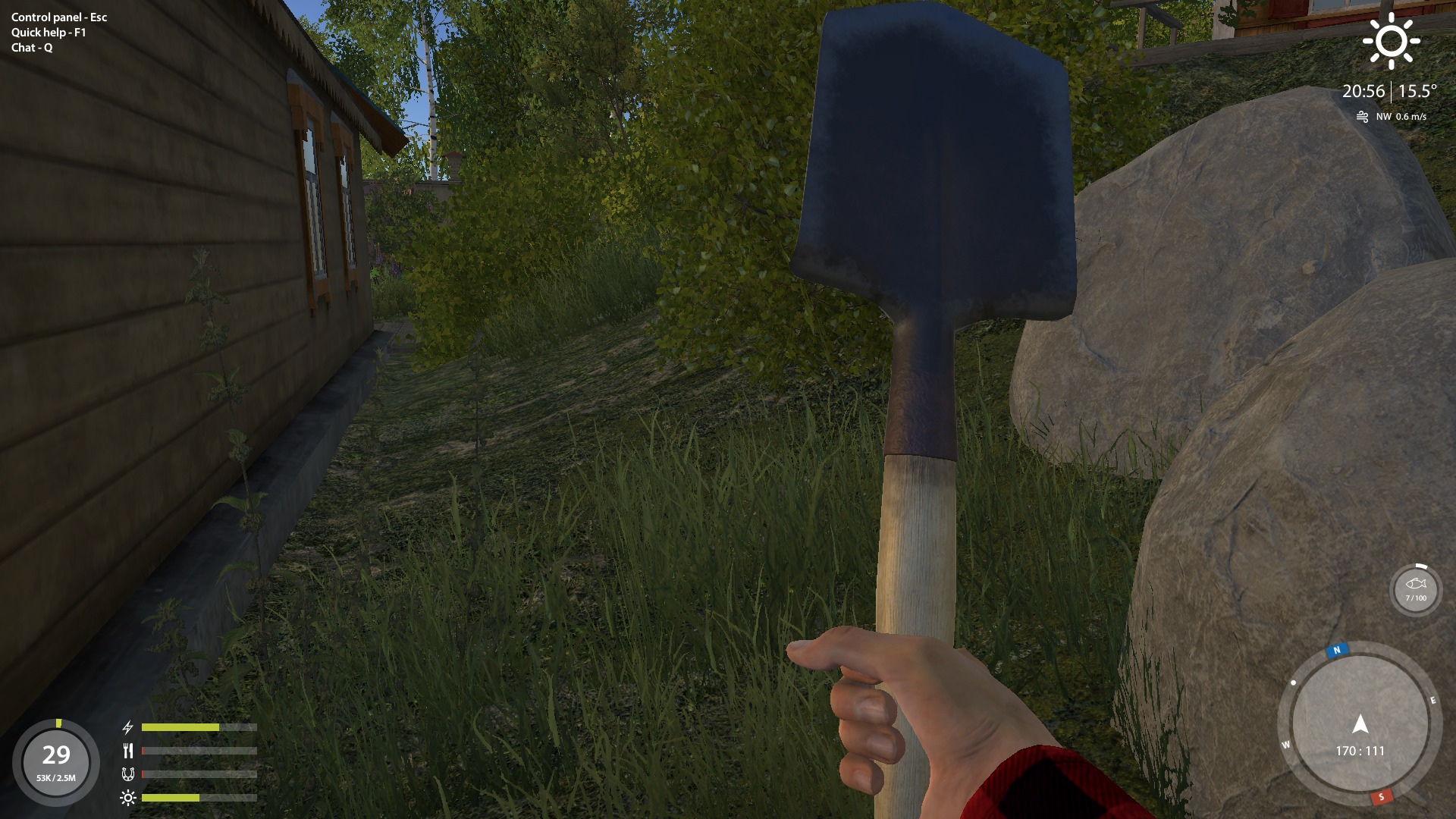
The full original shovel image shows the tool actually held. The state panel is at bottom left. The guide separately explains energy, satiety, well-being and comfort; the old frame’s icons differ from its separate diagram. Check your own client before acting. A neighbouring full bar does not replace the energy check. We do not calculate percentages or a digging threshold from this archived image.
Satiety and energy are separate
Energy is the character’s reserve for physical actions. The official state explanation lists fish fighting, running and crafting among its uses. Tool harvesting consumes considerable energy. If the game reports insufficient energy, record the message and inspect the character before diagnosing a broken shovel.
Satiety affects energy recovery speed. Well-being is separate: deterioration reduces maximum energy and recovery speed. Comfort also affects recovery and depends on weather, equipment and location; the guide mentions improved comfort near a campfire. A full food indicator does not prove energy is restored. Check all four values, not only the one changed by eating.
In developer Levo’s 23 November 2024 reply, a player with incomplete energy was also advised to inspect satiety, well-being and comfort. That is a useful check order, not a diagnosis of your account. The reply establishes no universal digging percentage, coffee count or recovery time; do not buy expensive food based on one other player’s number.
An empty attempt differs from being unable to start
If an action completes without a find, that may simply be its outcome: the guide explicitly allows unsuccessful digging or scooping. This differs from the game refusing to start the action. Do not label every empty swing a broken skill. When your state allows it, check the next action and its result; no fixed attempt count guarantees the desired bait here.
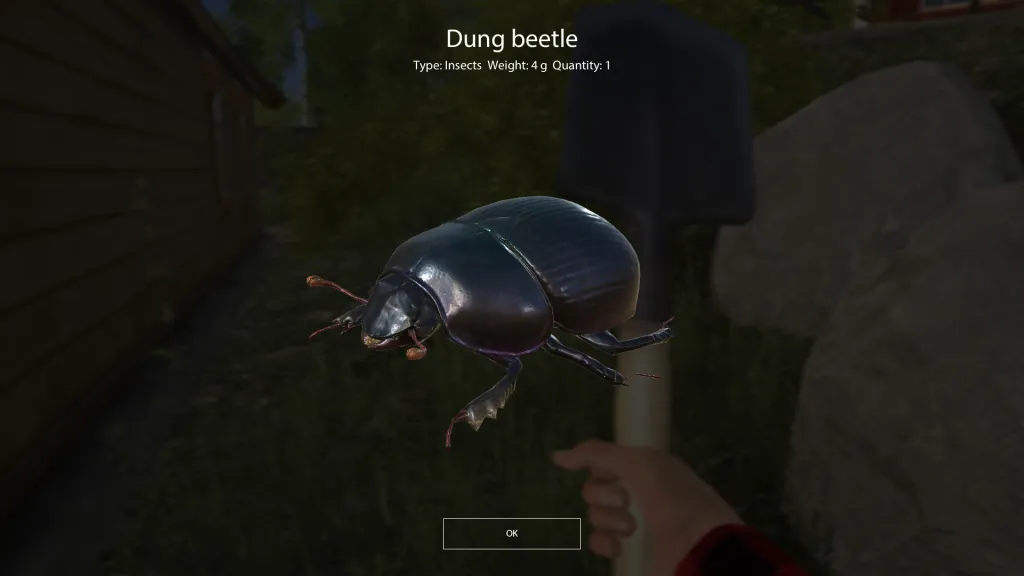
The full original result says Dung beetle and Quantity: 1: one beetle found. The guide tells players to look in their backpack after successful harvesting. Check the actual item’s name and quantity. The window does not prove every swing gives a beetle, energy cost or the amount of skill gained.
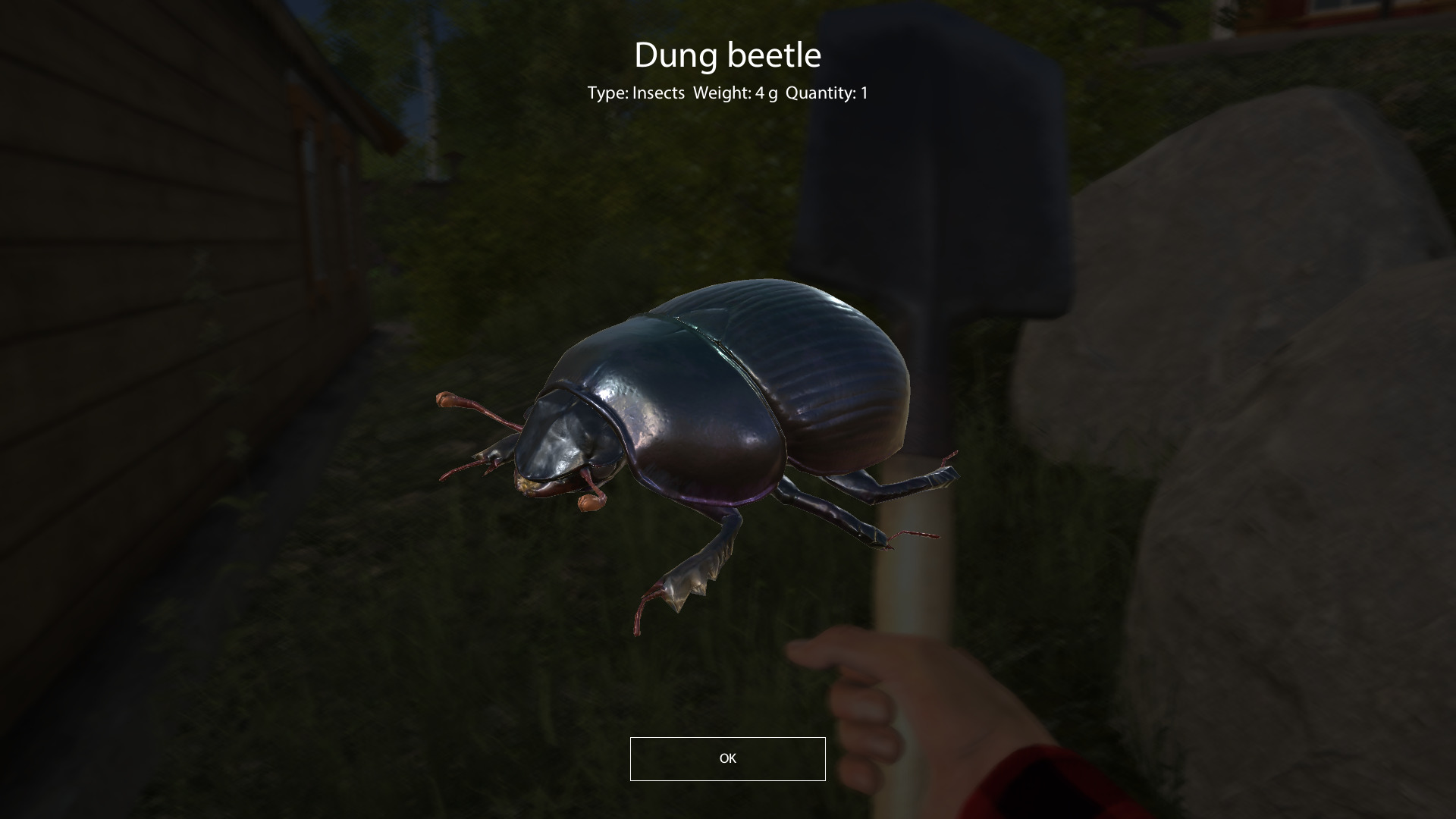
For a specific bait, open its harvesting skill branch and read available abilities separately. The guide relates bait types and quantities to skill development. That does not guarantee the required type drops after unlocking an ability. Skill progress, state-based permission to act and an individual find are different questions.
Identify the cause before the next attempt
Start with the tool and controls. Check energy, satiety, well-being and comfort next. After an action, inspect the result window and backpack. For a specific bait, check the skill requirements. This identifies a concrete problem: cannot equip, energy refusal, or completed action with no find. “It will not dig” hides these distinctions.
Character energy is not tackle strength. While fighting a fish, you separately need a load and weakest-link check. Food does not replace checking rod, reel, line and drag. These tasks use different indicators and player actions.
If refusal persists after the checks, save the state screen, selected tool, exact message and client details. Those are more useful than a claim that “this coordinate works for everyone”. The archived originals explain the steps, not today’s balance. This guide promises neither verified hourly income, exact energy per swing nor guaranteed skill gain.