

Speedups for food: read Viking Rise shop prices and limits
Read the price of a five-minute speedup, remaining stock and selected quantity in two shops, then check where Member Credits come from.
Published

In a recording from 13 October 2026, a five-minute speedup costs 10,000 food rather than gems. Purchasing differs from producing speedups in a Commerce Village: first check the specific shop’s currency, quantity and limit. Three game windows show how.
Five minutes for food: read one row first
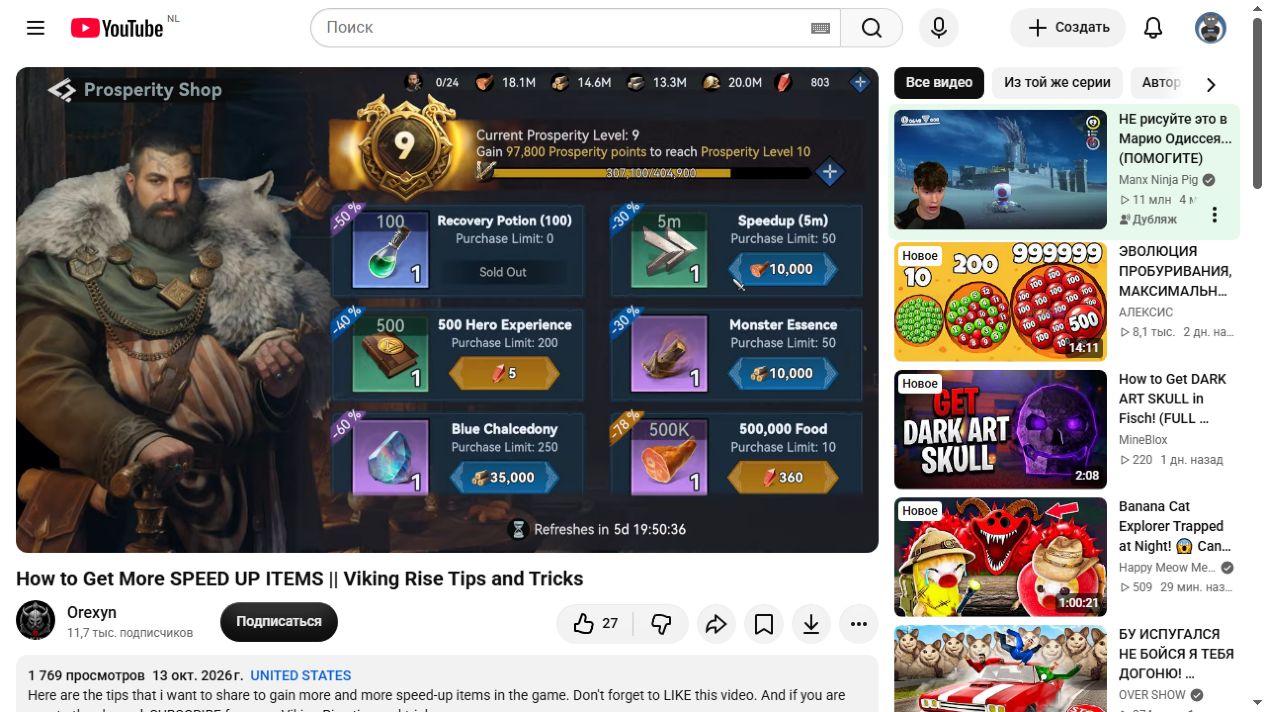
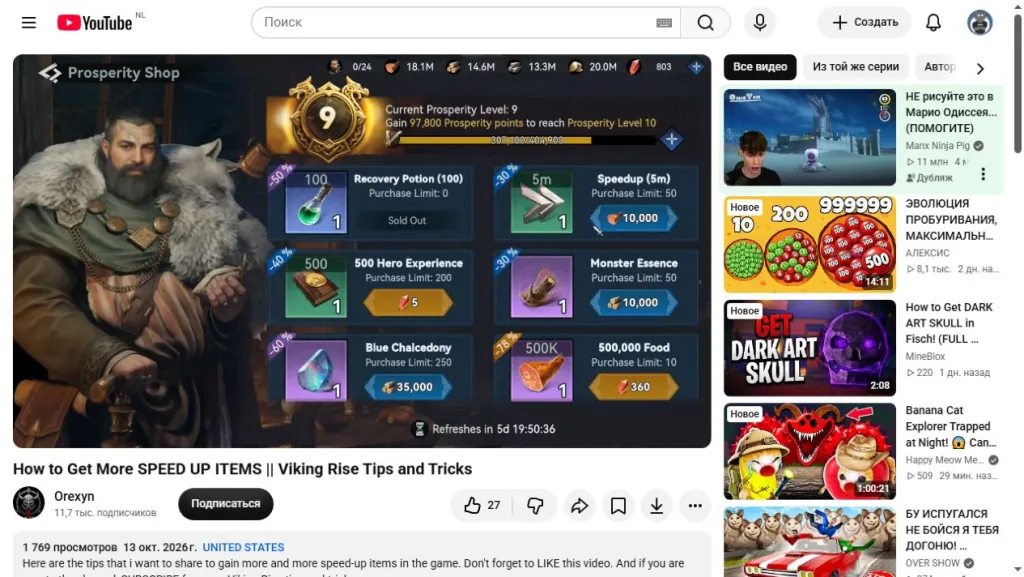
At 01:35 in Orexyn’s 13 October 2026 recording, Prosperity Shop is open. Speedup (5m) shows quantity 1, a price of 10,000 beside the food icon and Purchase Limit: 50. A nearby −30% mark does not remove the food cost.
If all 50 items are available at that price, 50 × 5 = 250 minutes, or 4 hours 10 minutes of speedups; 50 × 10,000 = 500,000 food. This is arithmetic for the displayed offer, not daily income or a guaranteed stock for every account. Current Prosperity Level: 9 at the top is the author’s current level, not a proven shop-unlock requirement.
Currencies differ by row. For example, the nearby 500 Hero Experience item costs 5 gems. Do not describe the entire shop as food purchases or transfer one card’s price to another. Check the name, duration, quantity and icon beside the price. Open the Prosperity Shop price and limit at full size.
In Tribe Shop, 300 is not the price
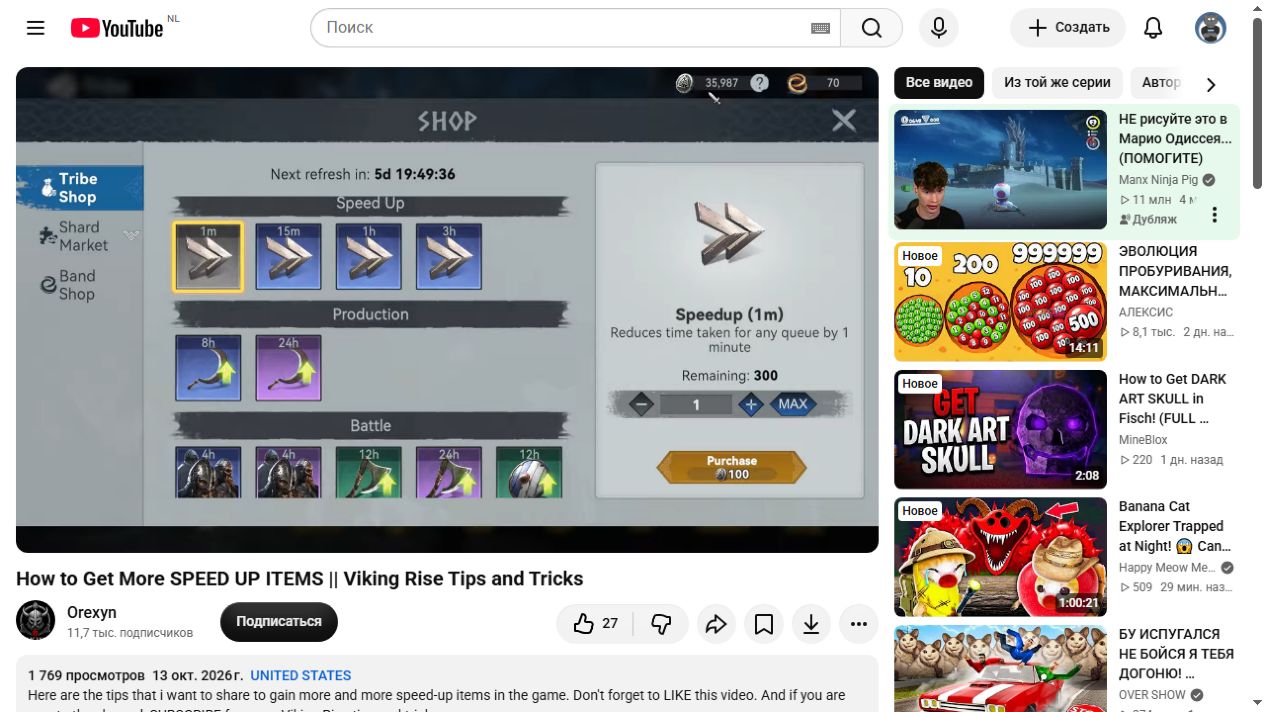
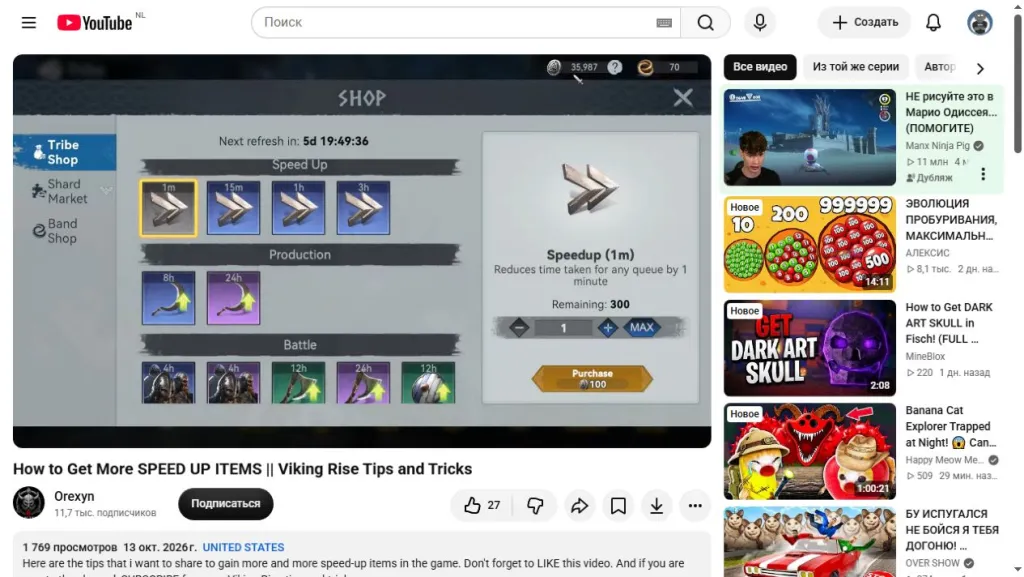
At 02:35, a different section appears: Tribe Shop. Speedup (1m) is selected. Remaining: 300 on the right means stock left. The field between minus and plus shows 1; Purchase shows a price of 100 beside the Member Credits icon.
The 100 applies to the selected quantity of 1. It is not the price of all 300 items. MAX sits next to the quantity control: decide how many you actually need before using it, then read the quantity and total in your own window. Another player’s remaining stock is not your budget.
You cannot compare a five-minute item for food with a one-minute item for credits using only 10,000 and 100. Both duration and resource differ. Convert the time you need into minutes, then calculate each currency separately. These screens do not establish that the second shop is better value. Open Tribe Shop quantity and price at full size.
Check the credit source before planning a purchase
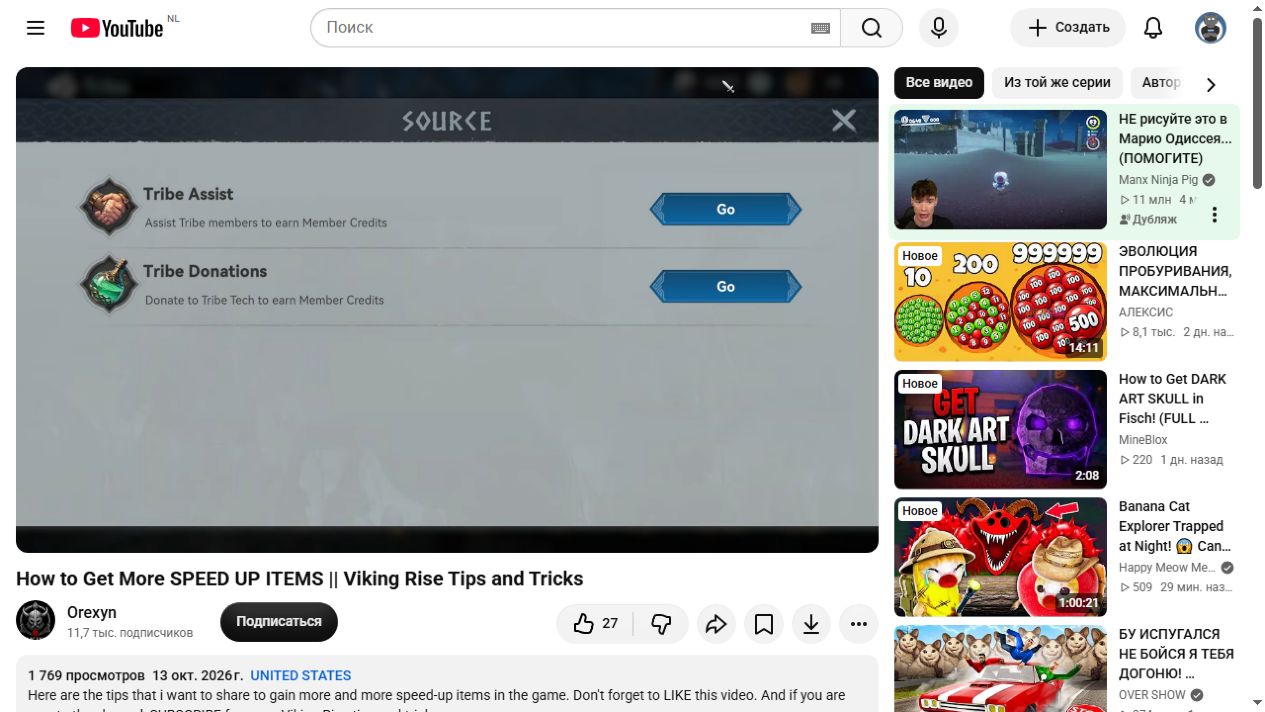
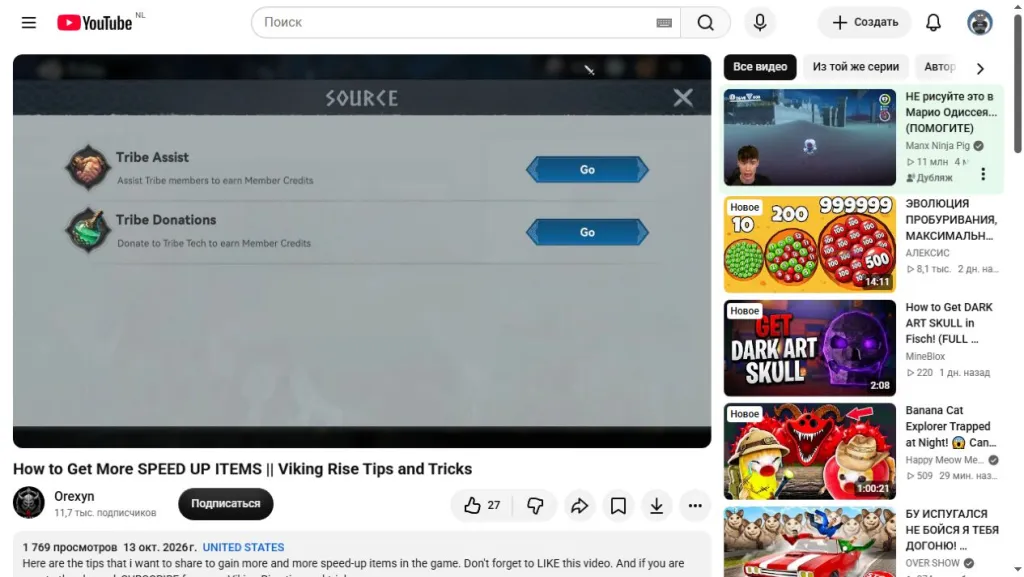
At 02:50 the Source window lists Member Credit sources: Tribe Assist, helping tribe members, and Tribe Donations, donating to Tribe Tech. Each has a Go button. These are the activities to investigate when you lack credits.
The list does not state credits per action or a daily cap. Do not plan to buy all remaining stock just from a source name. Open the relevant section on your account and read its current conditions. Open the Member Credits source list.
Keep resources for the next task
Both shops display refresh countdowns. The recording shows several days; that is not today’s deadline. Do not copy an old timer into your calendar or assume “limit” promises 50 purchases daily. Check remaining time and available quantity in the current shop before spending.
Before confirming, note the time you need, selected item count and total cost. After your planned purchase, compare the remaining currency and item stock in your bag. This separates obtaining speedups from using them and helps expose a mismatch before a large sequence of actions.
Food is also needed elsewhere. Before spending your stock on troops, read how Quick Train uses resource chests: another speedup source does not remove the resource check. Do not spend everything just because a discount percentage appears.
Prices and counters here belong to another player’s dated recording. These frames do not establish full unlock conditions, today’s stock on every server or the best use of gems. We did not make a purchase or test deductions on a game account.