

Village built, no speedups? Check its type in Viking Rise
Choose Commerce Village rather than gem mining, read the free-switch counter and avoid mistaking +110 in a village row for a supply of speedups.
Published · Updated

For speedup items, check Commerce Village, the trading type; Mining Village sends workers to gather gems. This is separate from KvK speed buffs, which change a statistic under war conditions. Here we examine production selection and what to check before switching.
Start with Manage Village, not your bag inventory
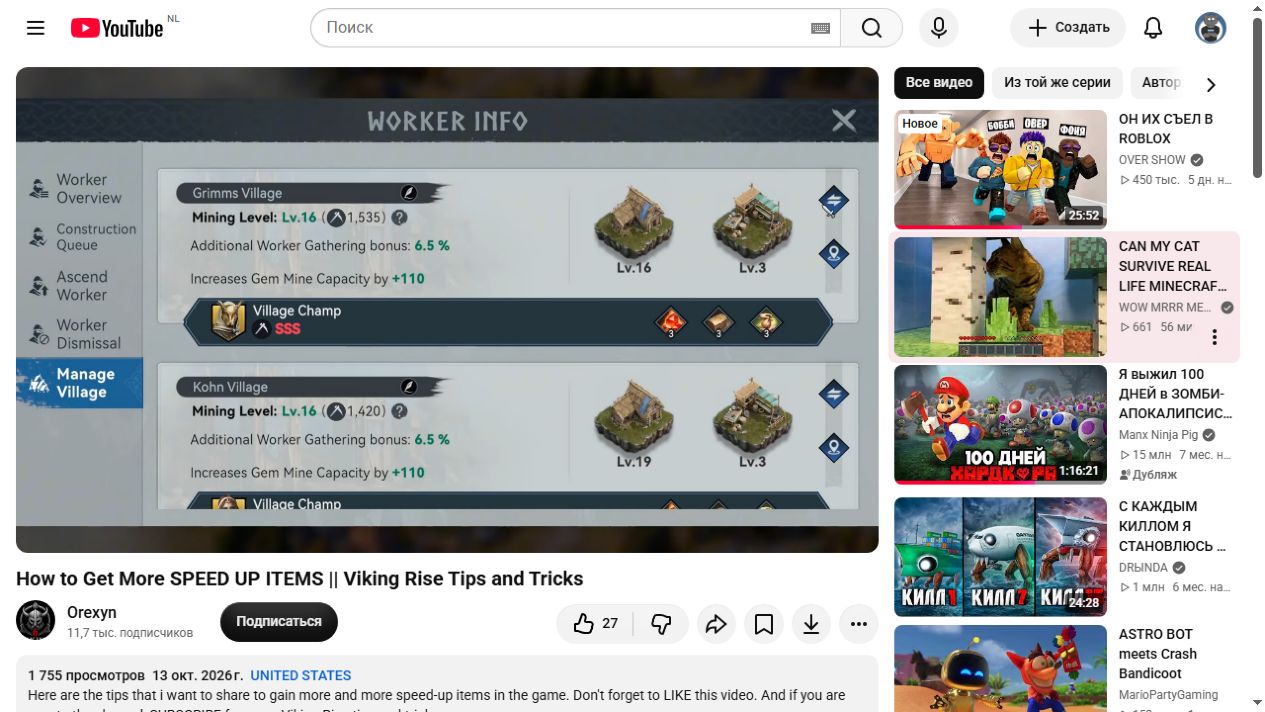
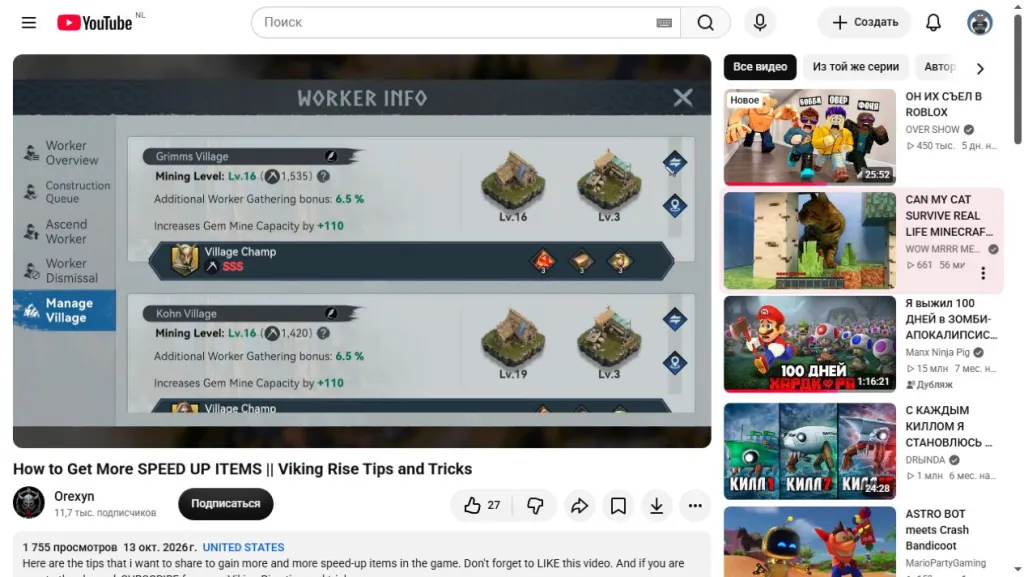
Orexyn’s recording from 13 October 2026 shows Worker Info. The left-hand tab you need is Manage Village. Every village has its own row, displaying its name, statistics and assigned Village Champ.
Grimms Village and Kohn Village show Mining Level in this frame, indicating the mining type. A button with two arrows sits to the right of the row; the next window is called Change village type. Find the correct village first so you do not change its neighbour by mistake.
Gem Mine Capacity: +110 describes gem-mine capacity. It is not 110 speedup items or 110 minutes of production. The nearby Additional Worker Gathering bonus is 6.5%. These figures describe the mining village shown; they do not establish future trading income. Open the village-management screen at full size.
Three village types produce different things
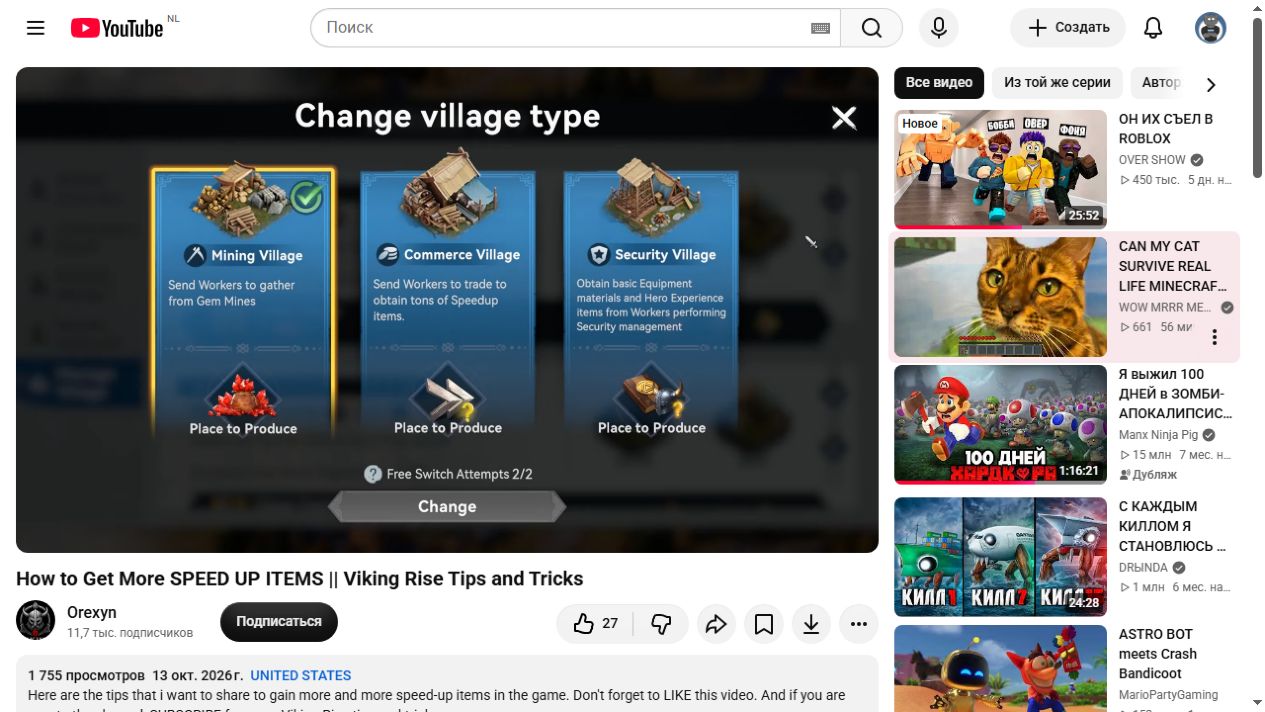
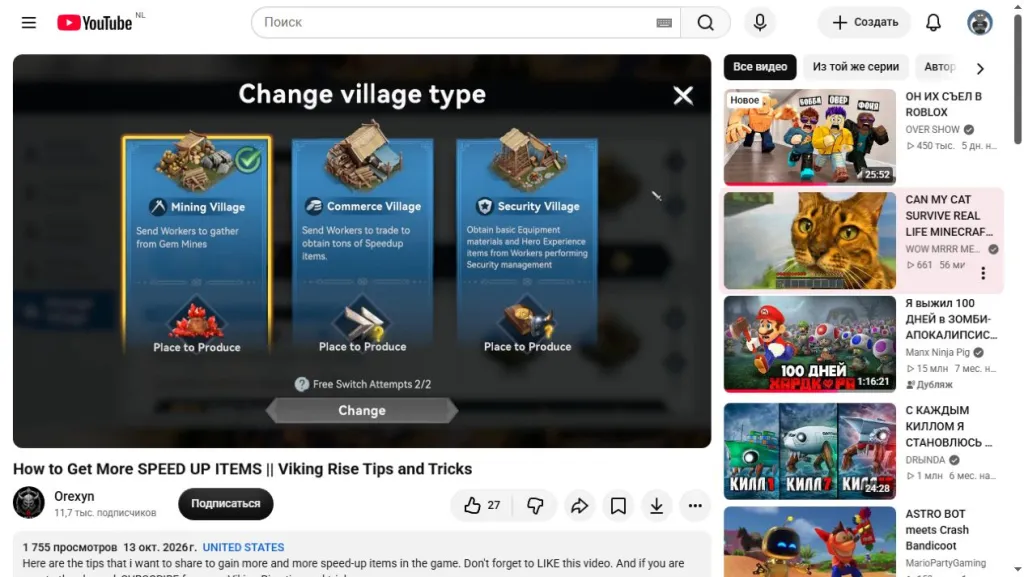
The switch window offers three purposes. Mining Village sends workers to gather gems from Gem Mines. Commerce Village sends them to trade for Speedup items. Security Village provides basic equipment materials and Hero EXP. Having an active village does not by itself promise the item you want.
Commerce is the relevant choice for accumulating speedups. Its description does not state hourly income, the duration of each item or a guaranteed daily total. The speedup icon identifies its purpose; it does not measure productivity. A plan such as “this village will finish tomorrow’s research” needs your own quantity and collection interval.
Switching changes the selected purpose, so consider the resource you give up. If gems matter now, do not switch every village just because your speedup count is empty. Decide what you want this village to accumulate. One selection row does not mean all three types operate simultaneously. Open the village types and switch counter.
Check free switches before pressing Change
The bottom shows Free Switch Attempts 2/2. That is the account state in the 13 October recording. It does not prove that every player receives exactly two switches daily: the window does not explain the refresh period, cost after exhaustion or account-specific conditions.
A frame and tick mark identify the selected type, with Change below. Before confirming, check the village name, desired purpose and your remaining free attempts. Selecting a card and completing the switch are different steps; afterwards, return to the list and inspect the actual village row.
Check the Village Champ and actual results
Review the Village Champ and their effects separately. The visible rank of a mining village’s manager does not prove they are best for commerce. Compare their ability descriptions with the new purpose; these two screens cannot identify a universally best worker.
To estimate income, record your starting stock, collection time and the next result after a known interval. Separate village production from purchases and event rewards. That gives an understandable estimate for your own source instead of applying someone else’s mining figures to speedup production.
Before spending on troops, consult our guide to automatic resource-chest use in Quick Train: speedup accumulation and resource protection are separate checks. This article explains dated game screens, not a new 23 October patch; we did not personally test switching, production or collection on a game account. Purchased items are another source: our speedup shop prices and limits guide explains how to check currency and quantity before spending.