Doomsday Radar: map refresh is not a mission deadline
One game screen shows two different countdowns. Read an archived Radar screenshot and understand why it does not prove that missions carry over to the next day.
Published · Updated
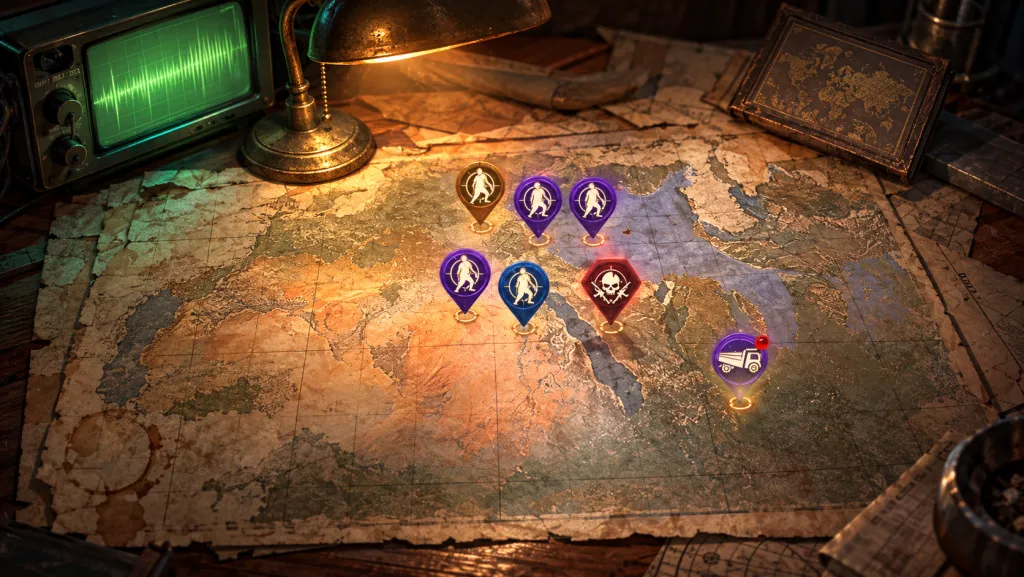
Before postponing a Radar mission in Doomsday: Last Survivors, check what the timer belongs to. Map refresh and the selected mission's end may have separate labels. The game screenshot below shows different remaining times for those two entries. It is an archived interface example, not confirmation of current mission carryover rules.
Seven hours to refresh, almost a day on the mission
The screenshot in a player's diary dated 29 October 2024 shows 07:31:51 at the upper right. The Japanese label there means time remaining until refresh.
A survivor rescue mission is open on the left. Inside its card, the separate event-end label shows 23:59:39. Almost a day belongs to the selected mission, while seven and a half hours belongs to the general refresh. Both figures appear at the same time.
The article concerns the iOS version. Neither the client build nor exact screenshot date is given. The figures help explain the labels; do not transfer them to today's Radar on your account.
Open the original screen at full size.

Does this frame prove mission carryover?
No. It shows the state before refresh. We cannot see which card remains afterward, whether the mission is replaced or how a possible limit applies. Different countdowns alone prove neither accumulated missions nor their mandatory disappearance.
That practical question appeared in a discussion on 3 January 2026: a player wanted to save missions for a completion event without losing caps. Replies differed on refresh behavior and mission types. One participant cited the in-game chatbot and themselves suggested checking its answer.
Leave everything until tomorrow therefore needs separate confirmation. Even one successfully retained card would not establish how many new missions you receive or when another event credits the action: on completion or on claiming the reward.
What to check before taking a break
Open the specific mission you intend to leave and read its deadline. Check the general refresh timer separately. If it serves another event, also compare that event's start time and crediting rule. You then have three clear conditions instead of one vague after reset.
If Stamina is scarce, choose the intended action and check its cost in the client first. Our Peggy Stamina calculation covers a separate series of eligible zombie and Hivemind attacks. It does not establish that her skill applies to every Radar mission.
Link each countdown to its label and selected object. One refresh timer cannot tell you what will happen to every mission card on the map.