Collect your alloys before smithing: Doomsday Auto Refine
Auto Refine stores its output at the Refinery. Learn when alloys become available for smithing and what to check in the oil settings, with original game screens.
Published · Updated
Refining has finished, yet you still appear to lack materials for smithing. Before starting another batch, check where the previous one is stored. Automatically collected alloys must be retrieved manually from the Refinery before they become available for forging equipment. IGG explicitly describes that final step in its Auto Refine rules.
Where Auto Refine output remains
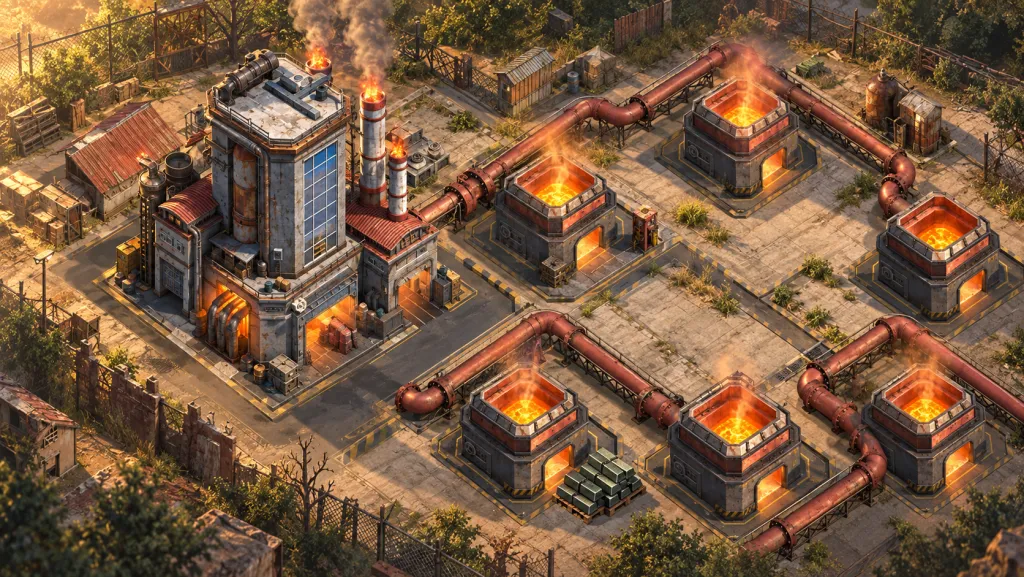
The Refinery turns ore into Fire-Forged Alloys for Squad Equipment. In the official version 1.49.0 description, IGG separates two actions: Auto Refine collects finished output into temporary Refinery storage, and the Commander retrieves it manually. Check the complete chain: refining → automatic collection → temporary storage → retrieval for smithing.
That is why batch finished and material available for smithing can describe different states. Watching only the refining timer makes the next stage easy to miss. The gap alone does not mean the alloys disappeared or that the game needs restarting.
What the game screen shows
At 1:55 in HarleyQuinn's recording, alloys are already visible above the furnaces, while an Auto collecting timer runs beneath them. This is a useful distinction: the material icon above a furnace does not confirm that you have retrieved it for smithing. The video was published on 3 October 2025; the client version is unspecified. Check the current timing and layout in your own game.
Open the collection screen at full size

Another important place is the Speed up tab in Auto Refine settings. The next frame has two oils checked: Machine Oil and High-Efficiency Machine Oil. IGG describes oil as speeding up refining, an action the automation can perform. Before starting, check which consumables are selected. Auto does not mean cost-free.
Open the oil settings at full size

IGG also limits the described Auto Refine operation to the time you are online. Do not forecast an overnight result as though automatic refining were guaranteed to continue after logout. The same update list has a separate point about collecting income when returning to the game; it cannot be extended to every Refinery action.
Checks before the next smithing attempt
1. See which stage is still running. Open the Refinery and read the label for your batch. If collection is in progress, wait for its current timer. Do not start more refining just because another window still shows insufficient alloys.
2. Retrieve the stored output manually. Check what is temporarily stored at the Refinery and collect it. Return to smithing and compare your available stock with the chosen item's requirement. This separates an uncollected batch from an actual shortage.
3. Set the next cycle for your goal. If alloys are still short, first establish how many you need, then check ore and selected oil. Do not spend speedups merely to replace material that has already been produced but not retrieved.
After smithing comes a different choice: keep the item or assess it for sale. Our Auction House equipment value guide addresses that question. Before smithing, the more useful habit is simple: check the stage, retrieve your alloys, then decide whether another batch is needed.