891 maps at once: check Doomsday's Search All confirmation
Bulk search can use your entire remaining stock. Three real screens explain separate search maps, the spending confirmation and duplicate heroes becoming fragments.
Published · Updated
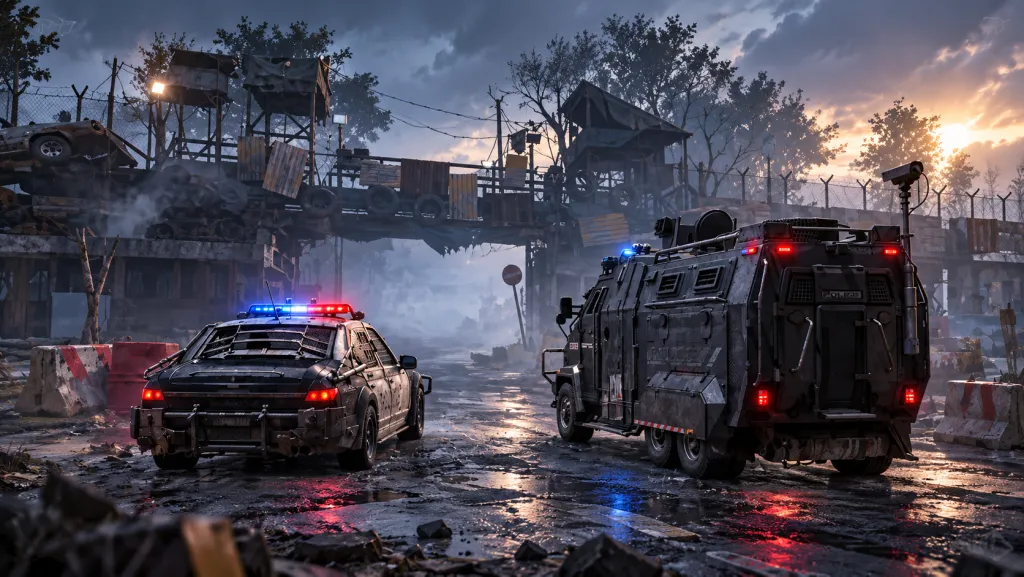
Doomsday's bulk search button can ask to use every remaining map of the selected type. Before confirming, check the batch size as well as the hero you want. Our hero level and skills guide explains why the items you receive still need to match a specific upgrade.
Distinguish the two searches first
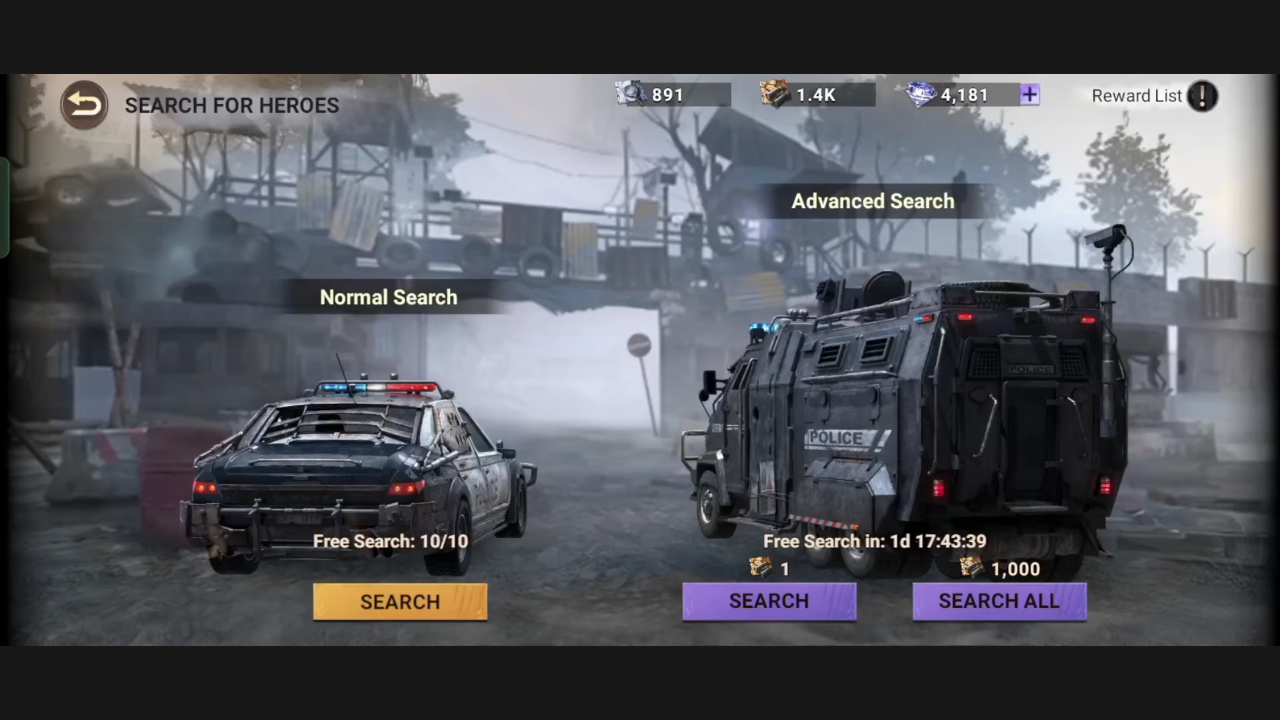
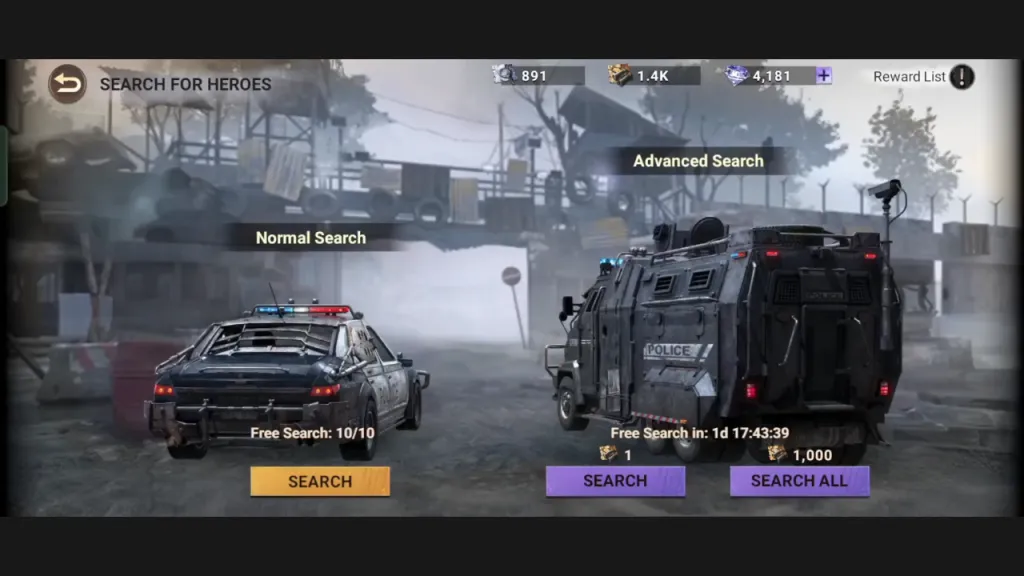
AALYA's video published on 20 October 2026 shows Normal Search on the left and Advanced Search on the right. Separate map icons at the top display 891 for Normal Search and the abbreviated 1.4K for Advanced Search. They are not one shared counter. A video title about Advanced Search does not mean every action inside it uses that mode.
A search map is a consumable for the corresponding hero search. Match the section name, item icon and number beside the button before pressing it. Do not treat the abbreviated 1.4K as an exact count of 1,400: the original screen does not reveal the last digits. Nor should you transfer one mode's cost to the neighboring mode.
Open the two search modes at full size.
891 is the spending amount, not the reward
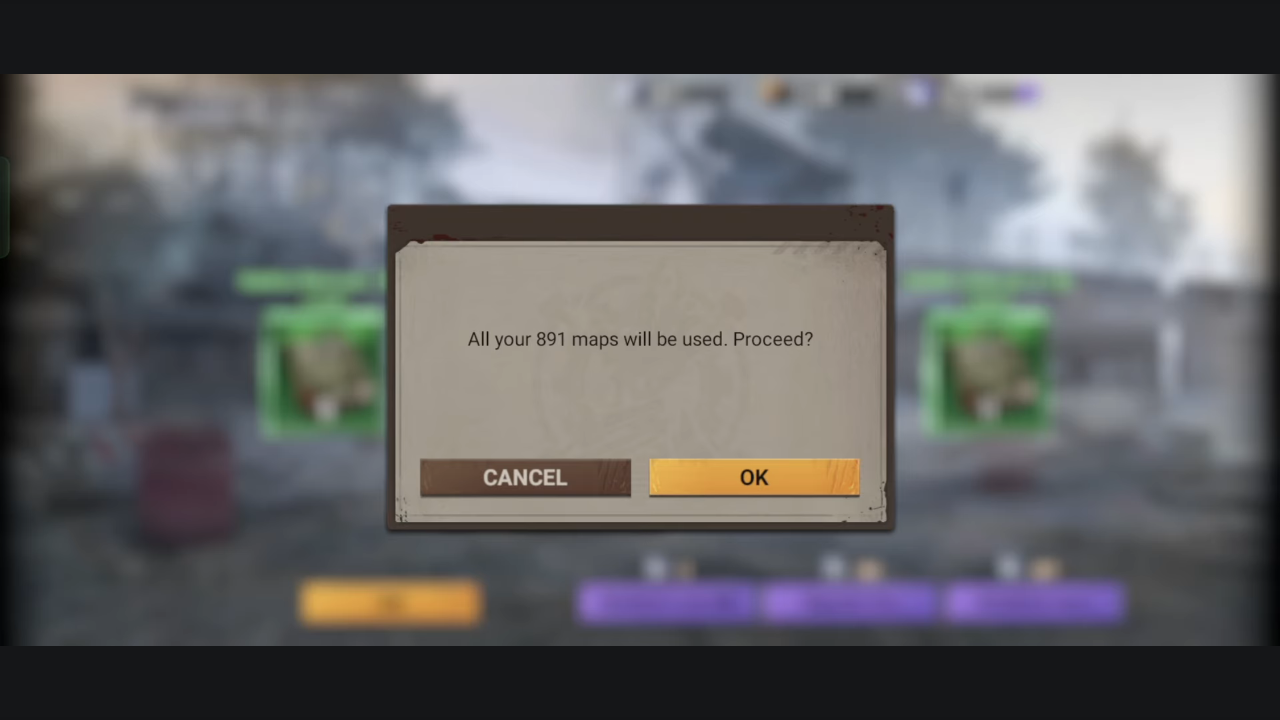
Around 00:10, a confirmation asks whether to use all 891 maps. This sequence concerns Normal Search: its starting stock is 891. The number describes the maps to be spent, not the number of new heroes or fragments you will receive.
This is the final check before agreeing to the operation shown. If you intended to spend only a small part of your stock, the confirmation amount should match that plan. If it does not, select Cancel and return to the action selection. Do not press OK just because the previous screen offered a convenient bulk search.
Open the 891-map confirmation at full size.
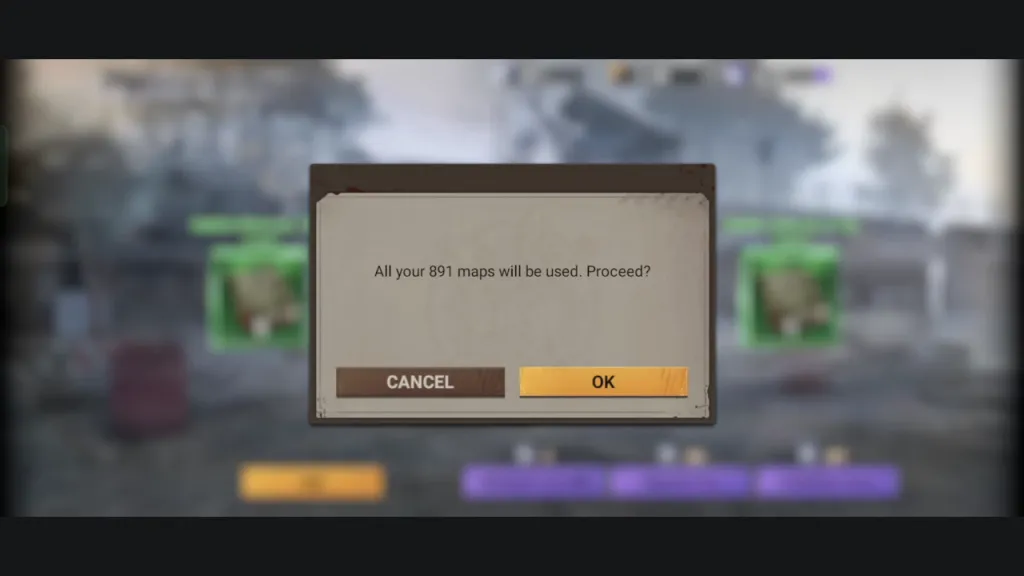
891 is this creator's stock in this particular frame. It is neither a fixed feature price nor a mandatory minimum. The video does not establish a universal batch limit for every mode and client version. Use your own confirmation window as the reference before spending.
Why the results include items
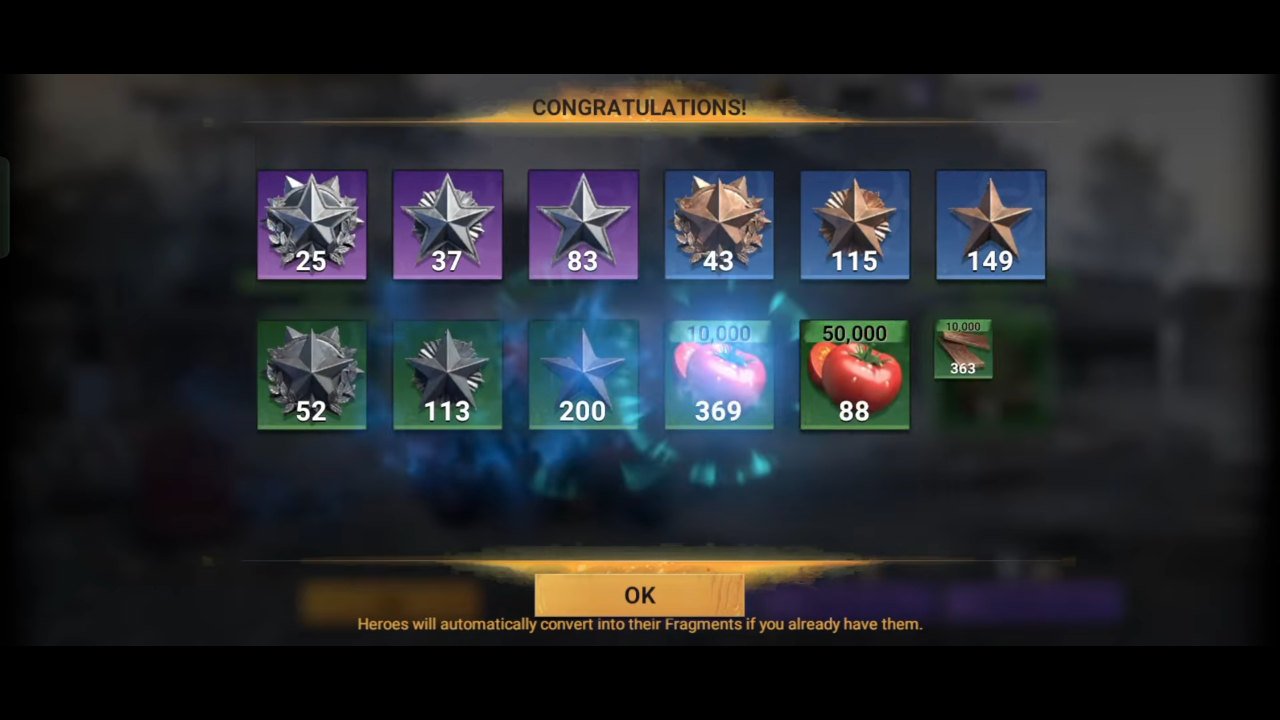
Around 00:17, the lower part of the rewards window shows star items and resource packs. A separate note at the bottom explains that a hero you already own is automatically converted into that hero's fragments. Here, duplicate means receiving an already owned hero again; this rule does not promise a second separate character.
Open the lower rewards panel and duplicate rule at full size.
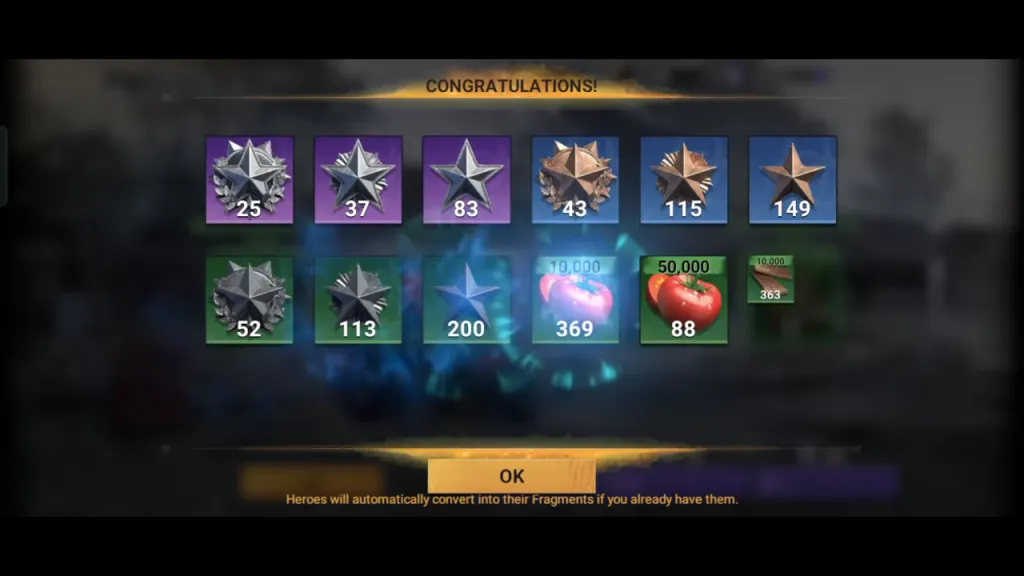
Hero fragments are items used for an applicable recruitment or development step. After searching, check whose fragments you received and whether you have enough for the intended action. Maps spent do not equal new heroes gained. A single batch also cannot establish the chance of a rare result; it does not replace a probability table.
Answer three questions before bulk search
Write down which search you are opening, how many maps you agree to spend, and which upgrade you want from the results. Compare the first answer with the section, the second with the confirmation, and the third with the relevant hero and upgrade description. If they do not line up, the bulk button is not yet serving your plan.
For a new hero, check the recruitment method first. Our Sebastian and Valeria availability guide separates announcements, recruitment and the next development step. An available now announcement does not prove the hero is in every search pool. Check Reward List in your selected section before spending.
IGG's historical App Store version notes state that the heroes available through Police Station searches may vary with player progress. This explains why another player's list cannot automatically replace yours. It is not an announcement of a new search pool; check the current pool in your own client.
These screens come from a published video, not our own client test; the exact recording date and client version are unknown. They show one spending confirmation and the duplicate rule. They do not establish the best time to spend, the odds of a desired hero or a bonus for using a large batch.